Compress any image to 1 MB while keeping it sharp
A 1 MB cap is generous — enough to keep a high-resolution photo looking crisp while still emailing or uploading it without a fuss. Drop your photo here and ImageResizerly finds the highest quality that still fits 1 MB (1024 KB) automatically, so you keep almost all the detail. Everything runs in your browser, so your originals never leave your device.
Instead of exporting, checking the size, and trying again, you set the target once and every photo lands at or below 1 MB — with a per-photo report so you can see the result before downloading.
How to compress an image to 1 MB
- Add your photos — drag and drop, browse, or paste with
Ctrl+V. JPG, PNG, WebP and iPhone HEIC are supported. - The target is set to 1 MB — that's this tool's preset (1 MB = 1024 KB); you can change it any time.
- Pick a format — JPG for the widest compatibility; WebP if you want even more quality in the same 1 MB.
- Compress and download — each photo is tuned to fit, then download a single file or the whole batch as a ZIP.
No account is needed for up to 5 photos at a time; a free account raises the batch to 20, and a paid plan goes up to 100. See the pricing page.
How target-size compression works at 1 MB
Picking a quality percentage is guesswork — the same setting produces wildly different file sizes on different photos. This tool works backwards from the file size you actually need:
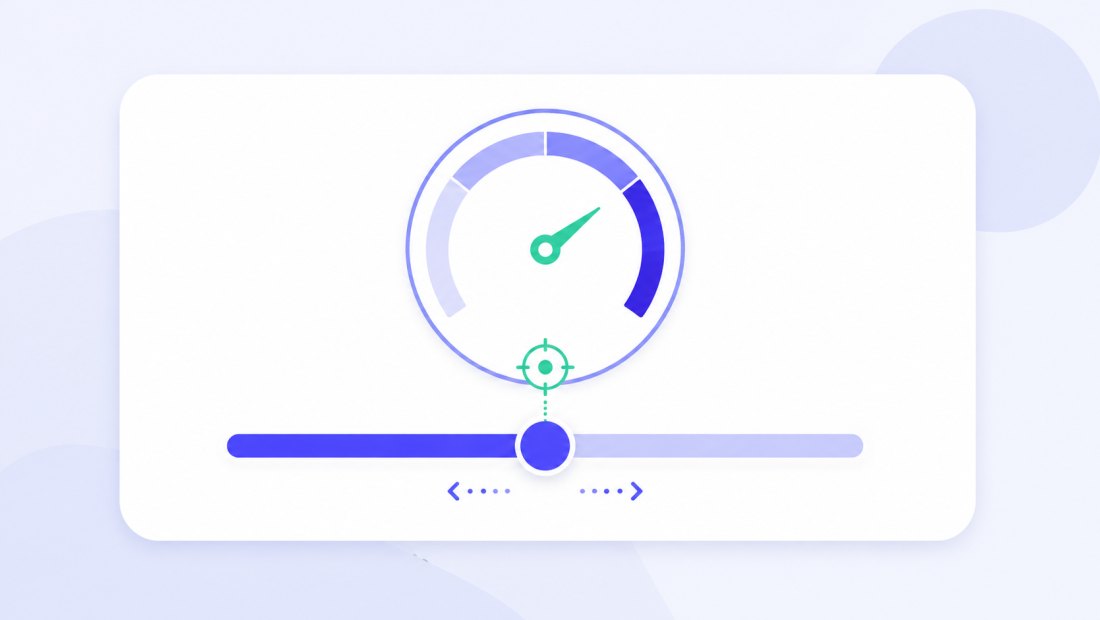
- It runs a fast binary search on JPEG/WebP quality (a handful of attempts) to find the highest quality that still fits 1 MB.
- Only if a very large photo still exceeds 1 MB at top quality does it gently reduce the dimensions and try again.
Because 1 MB is a roomy budget, most photos never reach step two — they fit at high quality with their full resolution intact. That is the real advantage of a target-size approach over a fixed quality slider: a slider set to "80%" might land one photo at 300 KB and another at 2.5 MB, while a 1 MB target guarantees every photo comes out just under the cap regardless of how busy or smooth its content is. You set the destination, not the dial, and the tool does the math.
High-resolution detail, well under 1 MB
A 1 MB target is large enough that the binary search usually settles on a high quality level. The result looks indistinguishable from the original on screen, yet weighs a fraction of a typical phone or camera export.

This makes 1 MB the sweet spot when you want a small, fast file without the visible artifacts you get at tight limits like 50 or 100 KB. Skies stay smooth instead of banding, fine text in a scanned document stays legible, and skin tones keep their gradients — the kind of detail that crushes first under aggressive compression. If your only goal is to drop under a generous ceiling rather than squeeze out every last kilobyte, 1 MB lets the tool keep quality high by default.
Perfect for 1 MB upload limits and email attachments
A 1 MB ceiling shows up everywhere once you start looking:
| Where you hit a 1 MB limit | Why 1 MB works well |
|---|---|
| Email attachments on strict mail servers | Sends instantly, no "message too large" bounce |
| Forum, wiki and CMS image uploads | Fits the common 1 MB upload cap with quality to spare |
| HR portals and ticketing systems | High-res scans and screenshots still look crisp |
| Proof prints and shareable copies | Enough detail for a clean preview print |
Because compression happens locally in your browser, your photos and documents are never uploaded to a third-party server — which matters for invoices, contracts and personal scans. A 1 MB target is also kind to whoever receives the file: it downloads fast on mobile data, opens instantly in a preview pane, and won't fill up a recipient's inbox quota the way a multi-megabyte original would. You get the convenience of a small file with none of the visible compromise.
Compress a whole batch to 1 MB
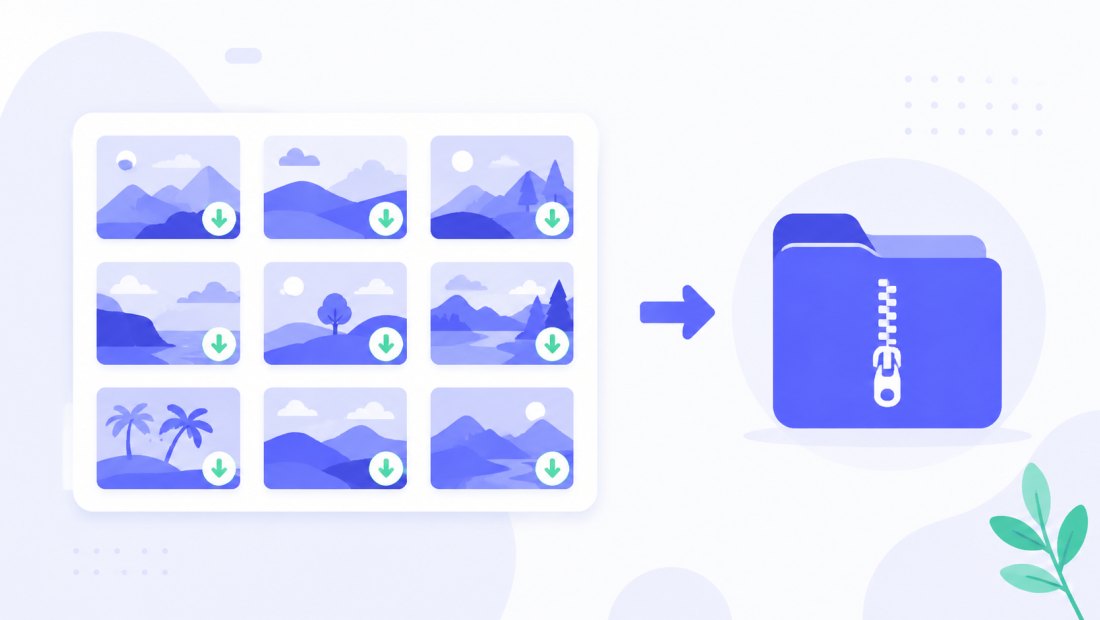
Got a folder of high-resolution photos to send or archive? Drop them all, and each one is tuned independently to land at or below 1 MB, then downloaded together as a ZIP. You can combine compression with resizing or a watermark in the same pass.
JPG or WebP for 1 MB
- JPG — universally accepted; the safe choice for email and portals. At 1 MB, JPG already holds plenty of detail for most photos.
- WebP — fits even more quality into the same 1 MB, so a WebP file can keep sharper detail or a higher resolution. Convert with JPG to WebP if the destination supports it.
If you are unsure, start with JPG — at a 1 MB budget the difference is rarely visible, and JPG opens everywhere without a second thought.
Private — nothing is uploaded
Compression runs entirely in your browser via the Canvas API:
- No upload, no wait — even a batch of large photos starts instantly.
- Private by design — full-resolution originals stay on your device.
- EXIF removed by default — location and camera data are stripped on export.
- Works offline — once the page has loaded you can disconnect.
Need a different target?
Pick the limit that matches your destination — the tool works the same way at any size:
- Compress to 500 KB — a tighter cap for faster web pages and lighter emails.
- Compress to 200 KB — comfortable quality for websites and marketplaces.
FAQ
Will my photo really be under 1 MB?
Yes. The tool verifies the final file size and keeps adjusting quality — and, only if a very large photo demands it, the dimensions — until the result fits 1 MB. The per-photo report shows the exact size before you download.
Does 1 MB compression lose much quality?
Very little. Because 1 MB (1024 KB) is a generous budget, the binary search usually lands on a high quality level, so the photo looks the same on screen while weighing far less than the original.
Why does 1 MB keep my full resolution?
A roomy 1 MB target means most photos fit at high quality without scaling down. The tool only reduces dimensions as a last resort for unusually large images, so your resolution is preserved in nearly every case.
Is 1 MB a good size for email attachments?
Yes — 1 MB sends quickly and slips under the strict size limits on many mail servers, while still keeping the photo sharp enough for the recipient to view or print a preview.
Can I compress many photos to 1 MB at once?
Yes — up to 5 at once for free, 20 with a free account, and up to 100 on a paid plan. Each photo is tuned independently to land under 1 MB, then downloaded as a ZIP.
Does compressing remove my photo's metadata?
Yes, EXIF metadata (location, camera details) is removed by default — a privacy bonus, and it helps shave a few extra kilobytes off the file.