Resize an image to 1920×1080 — the Full HD standard
1920×1080 is the Full HD resolution: a 16:9 frame that fills almost every modern screen pixel-for-pixel. It is the native size for desktop and laptop wallpapers, the resolution YouTube expects for thumbnails and frames, the canvas of a 16:9 presentation slide, and the default for TVs, digital signage and Zoom or Teams virtual backgrounds. If a photo needs to look right on a screen, 1920×1080 is the size that almost always fits. ImageResizerly resizes to it entirely in your browser — your images are never uploaded.
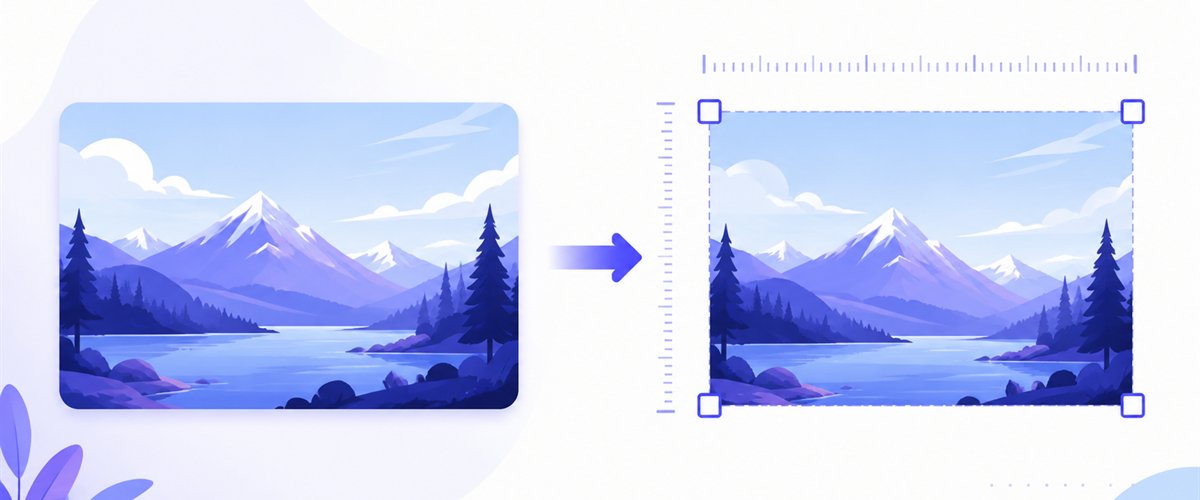
Drop one image or a whole folder, lock the size to 1920×1080, choose how it fits the frame, and download.
How to resize an image to 1920×1080
- Add your files — drag and drop, click to browse, or paste with
Ctrl+V. One image or a whole folder, including iPhone HEIC photos. - Set width 1920 and height 1080 — type the exact pixel values, or pick the 16:9 preset so the box is filled for you.
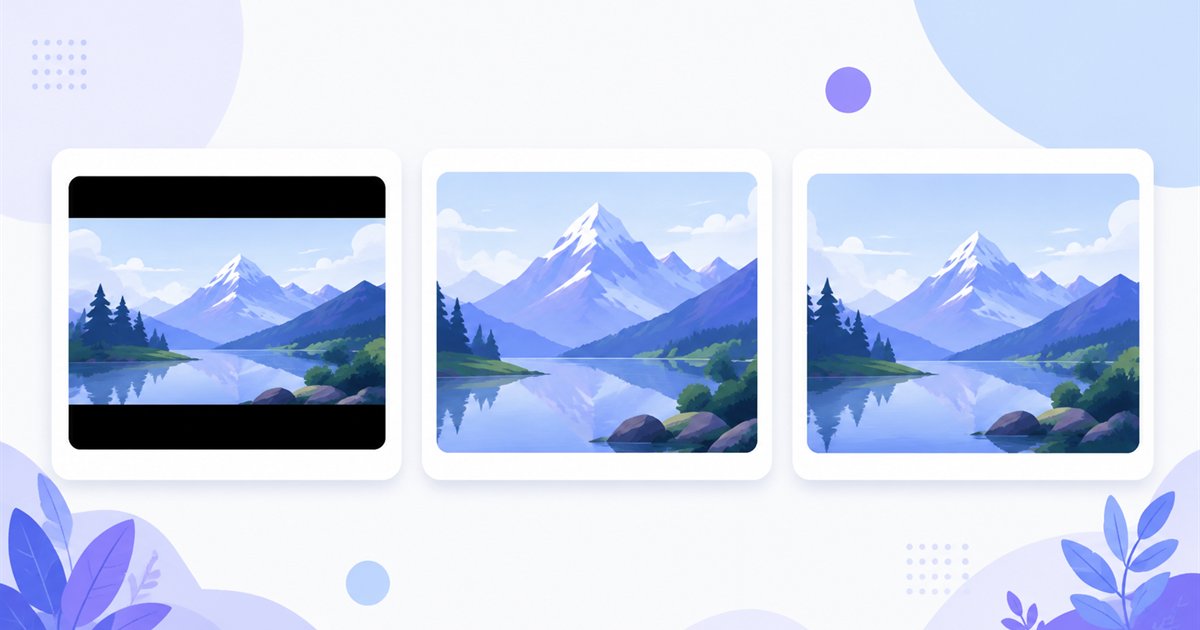
- Choose a mode — Fit to keep the whole image inside the frame, Crop to fill the full 1920×1080 with no bars, or Stretch if you accept distortion.
- Download — export a single image or the whole batch as a ZIP, with the quality you set.
Up to 5 images at a time need no account; a free account raises the batch to 20 and Premium to 100. See the pricing page.
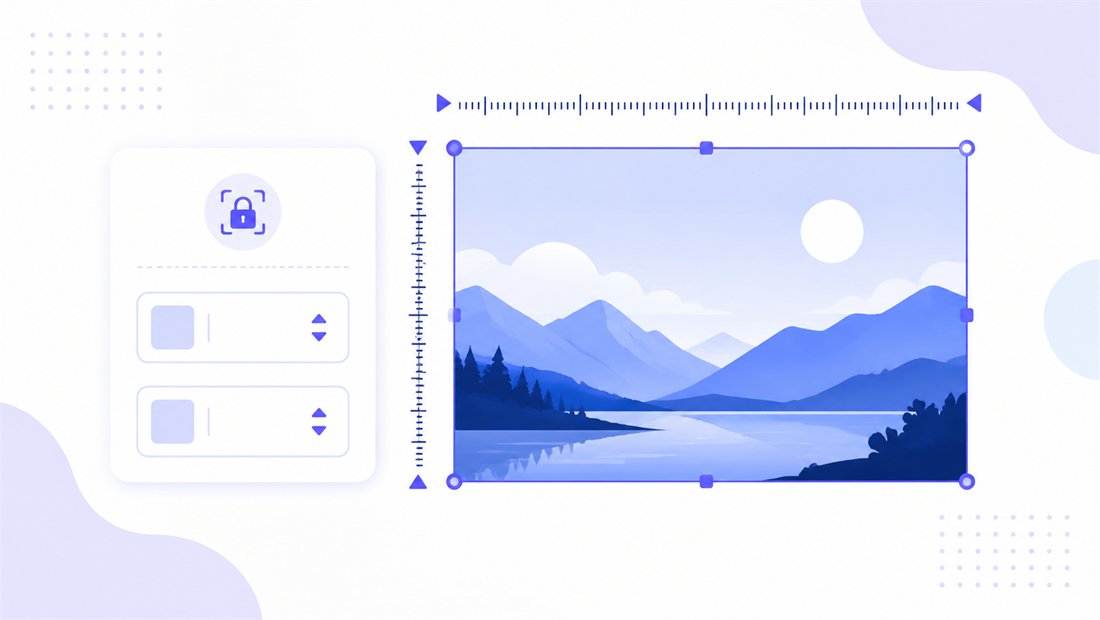
16:9 and the Fit, Crop and Stretch modes
1920×1080 is 16:9 — a wide landscape ratio. If your source already has 16:9 proportions (most phone videos and many cameras), every mode gives the same clean result. If it does not, the mode decides what happens to the leftover area:
| Mode | What it does | Best for 1920×1080 |
|---|---|---|
| Fit | Scales the whole image inside the frame, adding letterbox bars if ratios differ | Slides and signage where nothing can be cut |
| Crop | Fills the entire 1920×1080 and trims the overflow with a draggable area | Wallpapers and YouTube thumbnails that must be edge-to-edge |
| Stretch | Forces the image to 1920×1080 exactly | Only when minor distortion is acceptable |
For wallpapers and thumbnails, Crop usually wins — the picture covers the whole screen with no bars, and you drag the crop box to keep the subject centred. Enable don't enlarge so a small source is never blown up past its real resolution.
High-quality scaling to Full HD
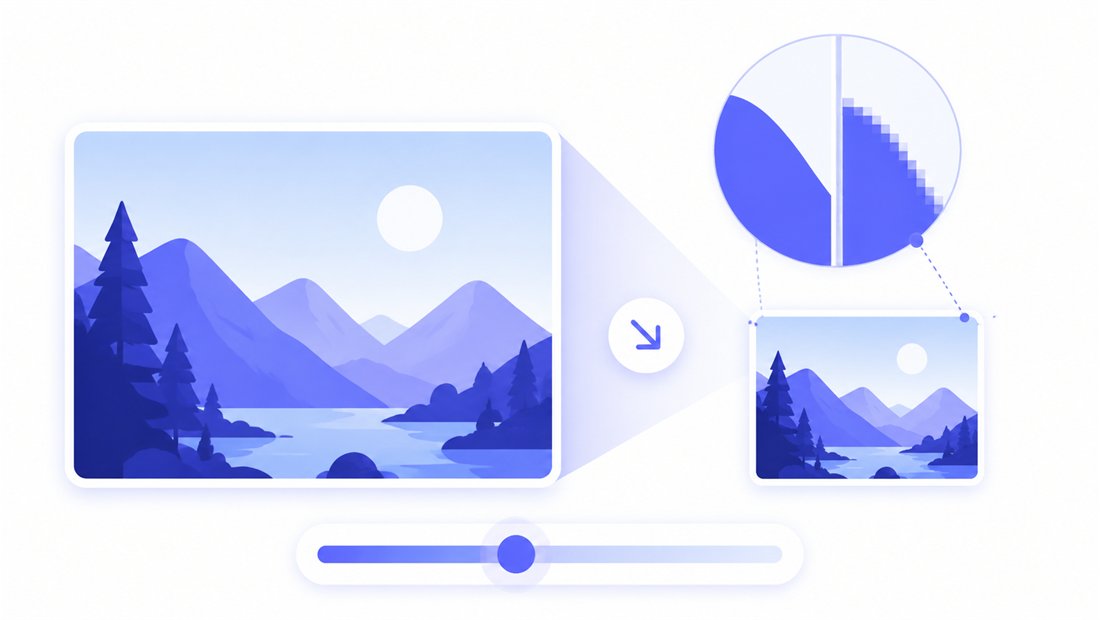
Resizing to 1920×1080 means downscaling most photos and occasionally upscaling smaller ones. ImageResizerly uses Pica / Lanczos resampling so edges stay sharp and gradients stay smooth — no jagged stair-stepping. A quality slider with a live size estimate lets you keep a wallpaper crisp or trim a web hero down to a few hundred KB. Export as JPG, PNG, WebP or AVIF: WebP or AVIF for the smallest 16:9 wallpaper, PNG when a slide needs lossless text.
Batch-resize a folder to 1920×1080
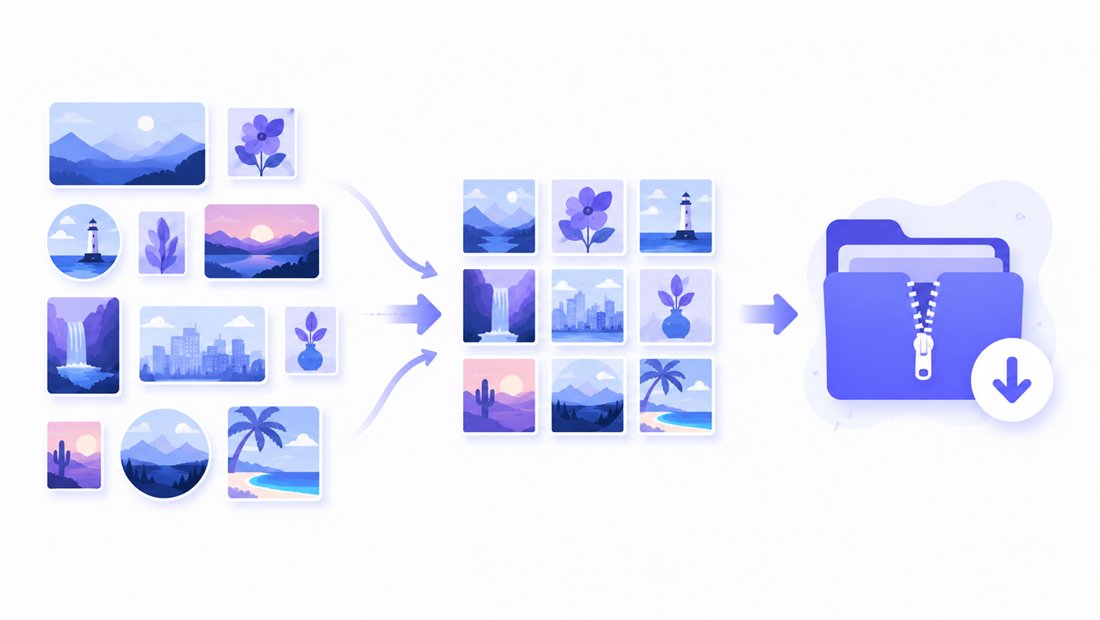
Standardising a deck of slides, a set of TV screens or a folder of wallpapers? Drop them all and each is resized to the same 1920×1080 frame independently, then downloaded together as a ZIP. Name patterns (prefix, suffix or counter) keep the output tidy — wallpaper-1920x1080-01.jpg, -02, and so on. For finer control or mixed sizes, open the bulk resizer, and use the crop tool when individual subjects need recentring.
Private — nothing is uploaded
Resizing runs entirely in your browser via the Canvas API:
- No upload, no wait — even a large batch of wallpapers starts instantly.
- Private by design — your images never reach a server.
- EXIF removed by default — location and camera data are stripped on export.
- Works offline — once the page has loaded you can disconnect.
Related tools
- Resize to 1280×720 — the lighter 16:9 HD size for faster loading and smaller thumbnails.
- Resize to 3840×2160 — 4K UHD when you need a sharper, future-proof 16:9.
- Resize to 2560×1440 — QHD, the 16:9 step between Full HD and 4K.
- Bulk resizer — normalise a whole mixed folder in one pass.
FAQ
What is 1920×1080 used for?
It is the Full HD, 16:9 standard: desktop and laptop wallpapers, YouTube thumbnails and video frames, presentation slides, TV and digital-signage screens, and Zoom or Teams virtual backgrounds. It fits almost every modern display exactly.
Will resizing to 1920×1080 lose quality?
Downscaling a larger photo to 1920×1080 looks excellent thanks to Lanczos resampling. Upscaling a small image to fill the frame can soften it, so enable "don't enlarge" if you would rather keep the real resolution than stretch it.
Fit or Crop for a wallpaper?
Crop. It fills the whole 1920×1080 screen with no letterbox bars, and you drag the crop box to keep your subject centred. Fit is better for slides where nothing may be cut off.
Can I resize many images to 1920×1080 at once?
Yes — 5 at a time for free, 20 with a free account and 100 with Premium. Each image is resized to the same Full HD frame and downloaded as one ZIP.
Are my images uploaded to a server?
No. The resize uses your browser's Canvas API, so files never leave your device — you can even work offline once the page has loaded.
Is it free?
Yes, resizing to 1920×1080 is completely free with no watermark. Accounts only raise the batch size and unlock extra AI features.