Compress any image to 200 KB
200 KB is the sweet spot for the web: photos still look crisp, yet pages load fast and email gets through. Drop an image here and ImageResizerly finds the highest quality that still fits 200 KB automatically — no slider guesswork. Everything runs in your browser, so your photos never get uploaded anywhere.
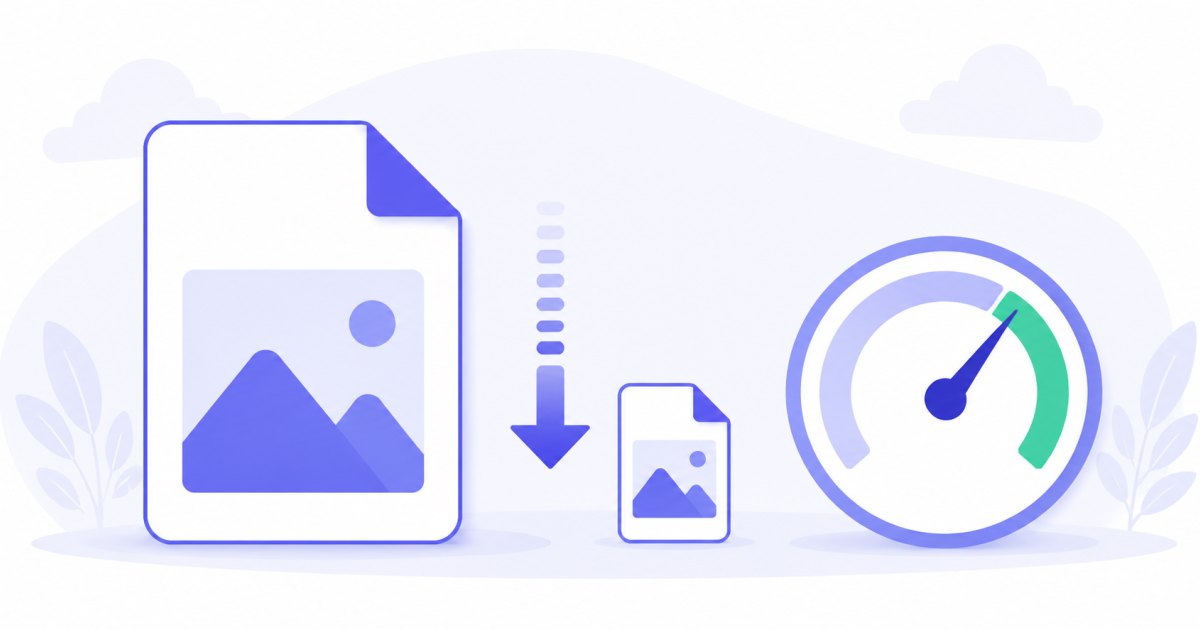
At 200 KB you don't have to sacrifice the way a photo looks. This target gives you the comfortable middle ground: plenty of detail for a hero image or a product shot, with a file small enough that visitors never wait. You set the limit once, and every photo lands at or below it — with a per-photo report so you can check the result before you download.
How to compress an image to 200 KB
- Add your photos — drag and drop, browse, or paste with
Ctrl+V. JPG, PNG, WebP and iPhone HEIC are all supported. - The target is set to 200 KB — that's this tool's preset; nudge it higher or lower whenever you like.
- Pick a format — JPG for universal compatibility, or WebP to pack even more quality into the same 200 KB.
- Compress and download — each photo is tuned to fit, then grab a single file or the whole batch as a ZIP.
No account is needed for up to 5 photos at a time; a free account raises the batch to 20. See the pricing page for the higher tiers.
Why 200 KB is the comfortable web target
Most web performance advice points at roughly this range, and for good reason. A 200 KB image is large enough to stay sharp on a retina screen but small enough to keep your page weight sensible:
| Use case | Why 200 KB works |
|---|---|
| Blog and article photos | Crisp inline images that don't slow the scroll |
| Hero and banner images | Detail where it matters, without a heavy first load |
| Marketplace and product listings | Clean, appealing shots that load on mobile data |
| Newsletter and email images | Light enough to clear inbox size limits and render fast |
| Portfolio galleries | Many images per page that still feel instant |
Below 200 KB you start to see compression artifacts on detailed scenes; far above it, load time and email deliverability suffer. 200 KB is the balance point where a photo looks great and still loads fast.
How target-size compression works
Picking a quality percentage by hand is guesswork — the same setting can produce a 90 KB file from one photo and a 600 KB file from another. This tool works backwards from the size you actually want:

- It runs a fast binary search on JPEG/WebP quality — a handful of attempts — to find the highest quality that still fits 200 KB.
- Only if quality alone can't reach the target does it reduce the dimensions and try again. At a roomy 200 KB budget this rarely happens, so your images usually keep their full resolution.
That order is deliberate: tuning quality first preserves far more detail than shrinking the image straight away.
Same photo, far lighter file
Because 200 KB leaves plenty of headroom, the compressed photo looks essentially identical to the original at normal viewing size — it simply weighs a fraction as much. That's the whole point of this target: your visitors see a sharp image, your server sends a small file.

A typical 4–8 MB phone photo drops to 200 KB without any visible loss at web sizes. Multiply that across a gallery and your page goes from megabytes to a few hundred kilobytes.
Faster pages, happier email
Image weight is usually the single biggest factor in how fast a page feels. Trimming every photo to 200 KB has knock-on benefits:
- Better Core Web Vitals — lighter images improve Largest Contentful Paint, which search engines reward.
- Lower bounce on mobile — visitors on a phone connection don't abandon a slow gallery.
- Email that arrives — many providers flag or clip oversized messages; 200 KB images keep newsletters under the limit.
- Cheaper bandwidth — smaller files mean less CDN and hosting traffic.

Compress a whole gallery to 200 KB
Building a page full of images? Drop the entire folder and each photo is tuned independently to land at or below 200 KB, then downloaded together as a ZIP. You can combine compression with resizing or a watermark in the same pass — handy for prepping a product catalogue or a blog's image library in one go.

JPG or WebP for 200 KB
- JPG — accepted everywhere, the safe default for any CMS, marketplace or email client. At 200 KB a JPG already looks excellent.
- WebP — fits noticeably more detail into 200 KB, so a WebP at this size often looks sharper than the equivalent JPG. Ideal for your own website if it serves WebP. Convert with JPG to WebP.
For modern sites, WebP at 200 KB is the quality-per-kilobyte winner; for maximum compatibility, stick with JPG.
Private — nothing is uploaded
Compression runs entirely in your browser via the Canvas API:
- No upload, no wait — even a full gallery starts processing instantly.
- Private by design — your photos stay on your device.
- EXIF removed by default — location and camera data are stripped on export, which also shaves a few kilobytes.
- Works offline — once the page has loaded you can disconnect.
Need a different target?
Pick the limit that matches your destination — the tool behaves the same way at any size:
- Compress to 100 KB — tighter web and CMS limits.
- Compress to 50 KB — strict upload caps on forms and portals.
FAQ
Why choose 200 KB instead of a smaller target?
200 KB is the comfortable balance for the web: small enough to load fast, large enough that photos stay sharp without visible artifacts. Smaller targets like 50 or 100 KB are for strict upload caps, where you trade a little quality to meet the limit.
Will my images keep their full resolution at 200 KB?
Almost always. With a roomy 200 KB budget the tool usually hits the target by adjusting quality alone, so dimensions are left untouched. It only scales an image down if quality can't get it under the limit — uncommon at this size.
Is 200 KB good for website hero images?
Yes. A hero or banner at 200 KB stays crisp on large and retina screens while keeping your first paint fast. For very large full-width backgrounds you can raise the target slightly, but 200 KB is a strong default.
JPG or WebP for a 200 KB web image?
WebP fits more detail into 200 KB and is the better choice if your site serves it. JPG is the universal fallback and still looks great at this size — use it when you need maximum compatibility.
Can I compress a whole gallery to 200 KB at once?
Yes — up to 5 photos at a time for free, 20 with a free account. Each image is tuned independently to land at or under 200 KB, then bundled into a single ZIP.
Does compressing change how the photo looks?
At 200 KB, not in any way you'll notice at normal viewing size. The tool keeps as much quality as the budget allows, so the result looks like the original — just much lighter.
Does the tool remove my photo's metadata?
Yes, EXIF metadata such as location and camera details is removed by default — a privacy bonus that also trims a little extra weight from each file.