Convert JPG to WebP in your browser
Want a faster website without losing image quality? Convert JPG to WebP and your photos get 25–35% smaller at the same visual quality — lighter pages, faster loads, and better Core Web Vitals. ImageResizerly does it 100% in your browser, so nothing is uploaded to a server and your originals never leave your device.
WebP is the modern web format every current browser understands. If you publish images online — a blog, a shop, a portfolio — converting JPG to WebP is one of the easiest wins you can get, and you can do the whole batch at once.
Why convert JPG to WebP
JPG has been the web's default photo format for decades, but it's no longer the most efficient. WebP uses smarter compression, so for the same picture and the same perceived quality it produces a much smaller file.
| What you get | JPG (baseline) | WebP |
|---|---|---|
| Typical file size | 100% | 65–75% (25–35% smaller) |
| Compression | Older, lossy only | Modern, lossy + lossless |
| Transparency | No | Yes |
| Browser support | Universal | All modern browsers |
| Best for | Email, print, legacy | Websites, apps, fast pages |
Smaller files mean less data to download, which directly improves loading speed and Largest Contentful Paint — two things Google measures and rewards. On a page with a dozen photos, that 25–35% saving compounds into hundreds of kilobytes a visitor no longer has to wait for, especially on mobile connections.
How to convert JPG to WebP
- Add your images — drag and drop, browse, or paste with
Ctrl+V. JPG, PNG and iPhone HEIC are all accepted. - Choose WebP as the output — that's this tool's preset.
- Tune the quality slider — drag it and watch the estimated file size update live, so you can balance sharpness against weight before exporting.
- Convert and download — grab a single WebP file, or the whole batch as a ZIP.
No account is needed for up to 5 images at a time; a free account raises the batch to 20, and a paid plan goes to 100. See the pricing page.
The quality slider with a live size estimate
The biggest question when converting JPG to WebP is "how much can I compress before it looks bad?" Instead of exporting and checking, you see the answer as you drag.
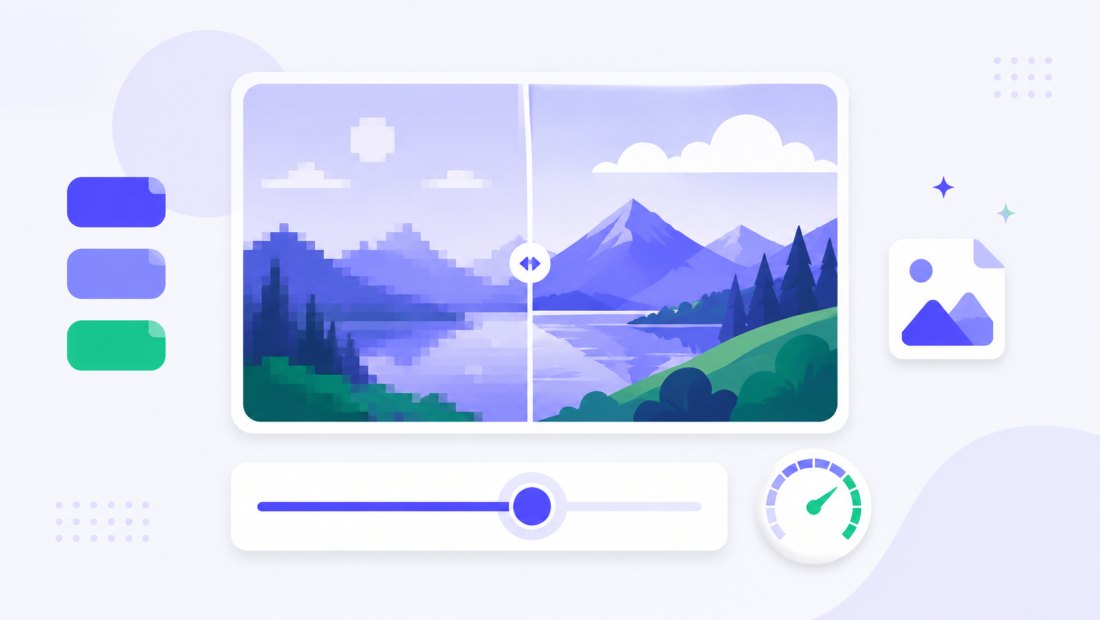
- Around 80% quality is the usual sweet spot for web photos — visually identical to most eyes, dramatically lighter.
- Higher quality keeps every detail for hero images and photography.
- Lower quality squeezes thumbnails and background images down hard.
Because the estimate is live, you stop guessing and start choosing — and the same setting applies to the whole batch, so you tune once and convert everything consistently.
Works in every modern browser
A common worry is "will WebP actually open for my visitors?" Today the answer is yes — every current browser renders WebP, on desktop and mobile alike.

| Browser | WebP support |
|---|---|
| Chrome / Edge | Yes |
| Firefox | Yes |
| Safari (desktop & iOS) | Yes |
| Android browsers | Yes |
The only places to keep plain JPG are email attachments and print workflows, where older software may still expect JPG. For anything that lives on the web, WebP is the better default.
One format in, many out
This tool isn't limited to a single direction. The same converter handles the formats you actually use day to day, so you can standardize an entire mixed folder in one pass.
- JPG to WebP — shrink photos for the web (this tool).
- PNG to WebP — keep transparency while cutting weight.
- HEIC to WebP — turn iPhone photos into a web-ready format.
Going the other way? Use WebP to JPG when you need a file for email or an older app that doesn't speak WebP.
Convert a whole batch to WebP at once
Optimizing one image is fine; optimizing a hundred is where this pays off. Drop a folder, and each picture is converted to WebP independently, then downloaded together as a single ZIP.
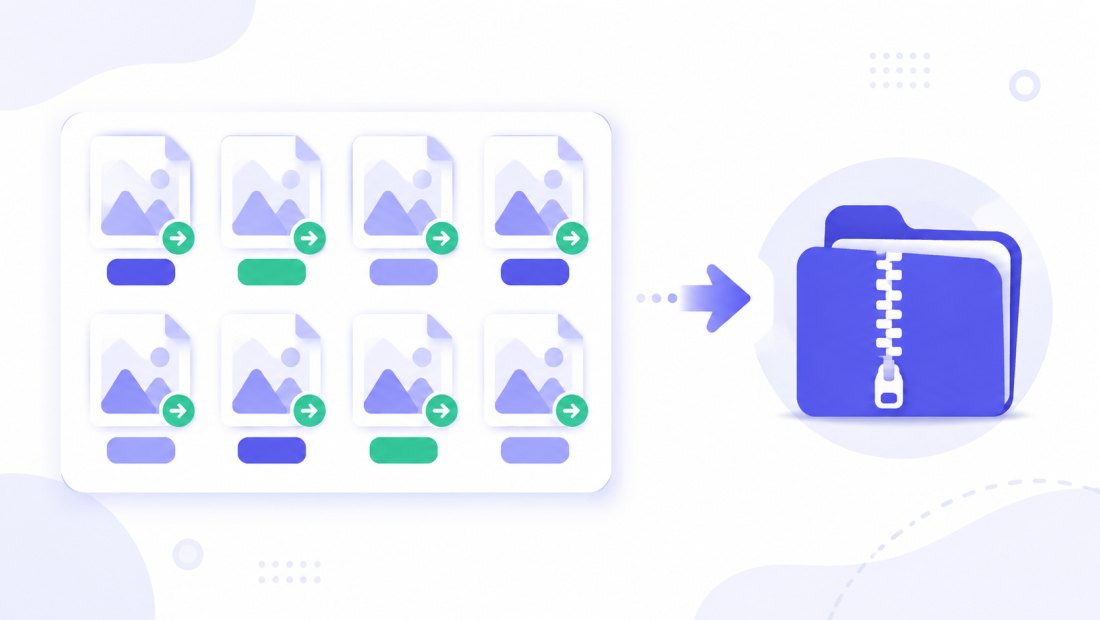
You can combine conversion with resizing in the same pass — cap the longest edge at 1920 px and you remove the two biggest causes of slow pages (oversized dimensions and a heavy format) at the same time. If you also need a hard weight limit, follow up with compress to 100 KB.
Faster pages and better Core Web Vitals
Image weight is usually the single largest part of a web page. Cutting it 25–35% with WebP has knock-on effects:
- Faster Largest Contentful Paint — the main image loads sooner.
- Less bandwidth — cheaper hosting and happier mobile visitors.
- Better rankings signal — Google factors page speed into search.
- Lower bounce — visitors don't wait around for heavy images.
Convert at the source instead of relying on a plugin to do it on every request, and your server does less work too — no extra processing on every page view, and a smaller cache footprint.
Private — nothing is uploaded
Conversion runs entirely in your browser via the Canvas API:
- No upload, no wait — even a batch starts instantly.
- Private by design — your originals stay on your device.
- EXIF removed by default — location and camera data are stripped on export.
- Works offline — once the page has loaded you can disconnect.
FAQ
How much smaller is WebP than JPG?
Typically 25–35% smaller at the same visual quality, sometimes more on photos with lots of detail. The exact saving depends on the image and the quality slider — and you can see the estimated size live before you export.
Will WebP open for all my website visitors?
Yes. Every modern browser — Chrome, Edge, Firefox, Safari on desktop and iOS, and Android browsers — supports WebP. The only place to keep JPG is email or print, where older software may still expect it.
Does converting JPG to WebP lose quality?
WebP is a lossy format like JPG, but it preserves more quality per kilobyte. At around 80% quality the result looks identical to most viewers while weighing far less. Use the live preview to pick the right balance.
Can I convert many JPGs to WebP at once?
Yes — up to 5 at a time for free, 20 with a free account, and 100 on a paid plan. Each image is converted independently and downloaded together as a ZIP.
Should I ever keep JPG instead of WebP?
Yes — for email attachments and print, where some older tools still expect JPG. If you have WebP files that need to go that route, convert them back with WebP to JPG.
Can I resize while converting to WebP?
Yes. Combine conversion with resizing in the same pass — capping the longest edge at 1920 px is ideal for the web and compounds the file-size saving.
Is my image uploaded to a server?
No. Conversion happens locally in your browser, so your photos never leave your device — safer and faster than online converters that upload your files.