Resize and crop photos to the exact Instagram size
Instagram re-compresses and crops anything that does not match its dimensions — often straight through a face. Upload at the right size and your photos stay sharp and framed the way you intended. ImageResizerly sets the exact Instagram dimensions in one click, gives every photo its own crop frame, and exports the whole set as a ZIP — all in your browser, with nothing uploaded to a server.
Instagram image sizes
Pick a preset to lock the right ratio, or type the size directly. These are the current Instagram dimensions:
| Format | Size (px) | Ratio |
|---|---|---|
| Square post | 1080 × 1080 | 1:1 |
| Portrait post | 1080 × 1350 | 4:5 |
| Landscape post | 1080 × 566 | 1.91:1 |
| Story / Reel | 1080 × 1920 | 9:16 |
| Profile picture | 320 × 320 | 1:1 (shown as a circle) |
| Carousel | 1080 × 1080 or 1080 × 1350 | keep one ratio |
Feed posts: square, portrait or landscape
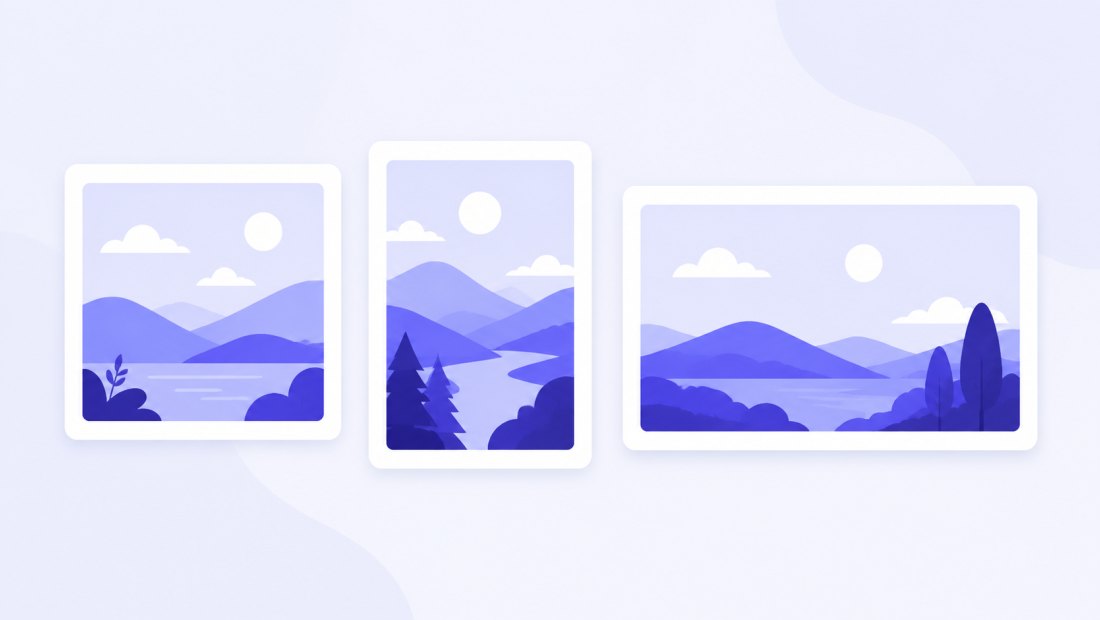
Portrait 1080 × 1350 (4:5) takes up the most vertical space in the feed and usually gets the most attention. Square 1080 × 1080 is the safe classic. Landscape 1080 × 566 suits wide scenery. Whatever you choose, uploading at 1080 px wide avoids Instagram's own resizing.
Stories and Reels
Stories and Reels are full-screen vertical: 1080 × 1920 px (9:16). Keep important content away from the very top and bottom, where the interface overlays sit.
Profile picture
The profile photo is displayed as a small circle, so use a centred 1080 × 1080 square (stored at 320 × 320) and keep the subject in the middle.
How to resize a photo for Instagram
- Add your photos — drag and drop, browse, or paste with
Ctrl+V. JPG, PNG, WebP, GIF, BMP and iPhone HEIC are supported. - Pick an Instagram preset — square, portrait, landscape or story; every crop frame locks to the correct ratio.
- Adjust the framing — drag each crop frame, or let smart auto-crop centre the subject for you.
- Export — download a single image or the whole batch as a ZIP, ready to post.
No account is needed for up to 5 photos at a time; a free account raises the batch to 20 and Premium to 100. See the pricing page.
Why your Instagram photos look blurry — and how to fix it
The usual cause is uploading an image whose dimensions do not match Instagram's, forcing the app to resize and re-compress it. The fix is simple: export at the exact target size (for example 1080 × 1350) so Instagram does not have to touch it. A few more tips:
- Stay at 1080 px wide — bigger is not better; Instagram downscales anything larger.
- Export as JPG at high quality (around 85–90%) or WebP.
- Avoid resizing the same photo multiple times — each pass loses quality.
Crop for Instagram without cutting off heads
Instagram's auto-crop often chops the top of a head or the edge of a product. Here, every photo gets its own crop frame, so you decide exactly what stays in shot. Smart auto-crop detects the subject — a face, the focal point — and centres the frame, and you can drag any frame to fine-tune.
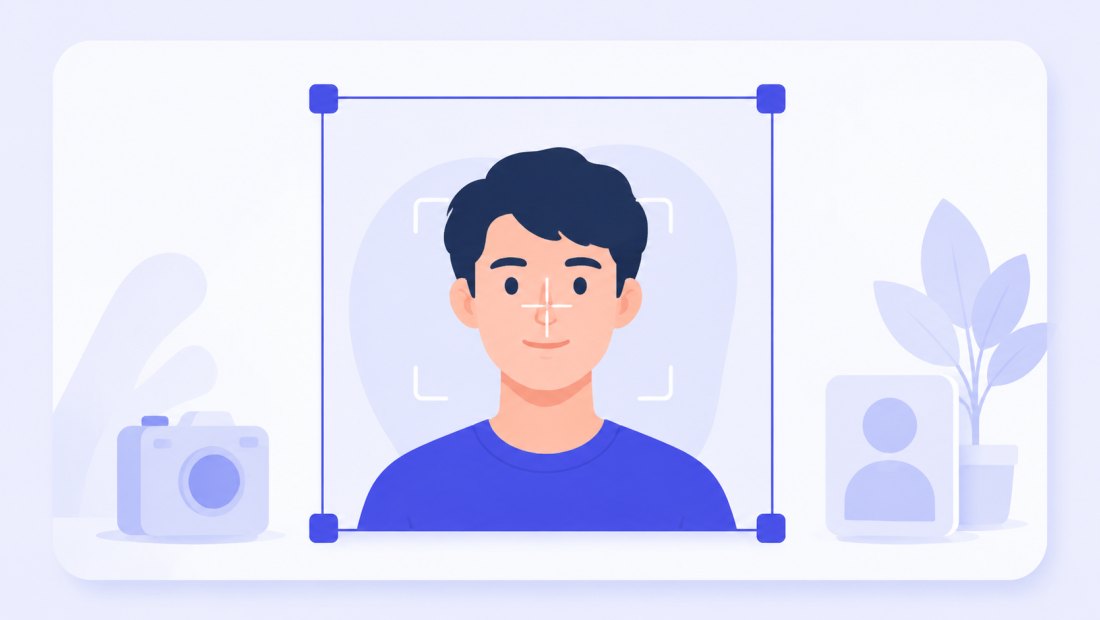
Use the dedicated crop tool when you want full manual control over each shot.
Prepare a whole carousel at once
A carousel looks best when every slide shares the same ratio. Drop all the slides, lock one preset (1080 × 1080 or 1080 × 1350), frame each one, and export the set as a single ZIP — ready to upload in order.
Pair this with the bulk resizer for other sizes, or compress to 100 KB if you also need small files.
Not just Instagram
The same presets cover every major platform — switch the target and the crop frames update instantly:
| Platform | Common size | Ratio |
|---|---|---|
| Facebook cover | 820 × 312 | ~2.6:1 |
| YouTube thumbnail | 1280 × 720 | 16:9 |
| X / Twitter post | 1600 × 900 | 16:9 |
| LinkedIn banner | 1584 × 396 | 4:1 |
| Pinterest pin | 1000 × 1500 | 2:3 |
| TikTok video cover | 1080 × 1920 | 9:16 |
Resize for Instagram privately — nothing is uploaded
Everything runs in your browser via the Canvas API:
- No upload, no wait — even a full carousel is ready instantly.
- Private by design — your photos stay on your device.
- EXIF removed by default — location and camera data are stripped on export.
- Works offline — once the page has loaded you can disconnect and keep working.
FAQ
What is the best image size for an Instagram post?
1080 × 1080 for square posts, 1080 × 1350 for portrait (it takes the most space in the feed) and 1080 × 566 for landscape. Stories and Reels use 1080 × 1920.
Why do my Instagram photos look blurry?
Usually because Instagram re-compressed an image with the wrong dimensions. Uploading at the exact target size (for example 1080 × 1350) avoids the extra resize and keeps photos sharp.
What size is an Instagram story?
1080 × 1920 px, a 9:16 vertical ratio that fills the whole screen. Keep key content away from the top and bottom where the interface sits.
Can I prepare a whole carousel at once?
Yes — drop up to 5 photos for free (20 with a free account), lock the same ratio on all of them, adjust each crop frame and download the whole set in one ZIP.
How do I stop Instagram cropping off heads?
Frame each photo yourself before uploading. Every thumbnail has its own crop frame, and smart auto-crop centres the subject so faces stay safely inside the cut.
Are my photos uploaded to a server?
No. All resizing and cropping use your browser's Canvas API, so files never leave your device — you can even work offline after the page loads.
What is the best Instagram profile picture size?
Upload a centred 1080 × 1080 square (Instagram stores it at 320 × 320 and displays it as a circle). Keep the subject in the middle so the circular crop does not cut it.