Convert AVIF to JPG — open your images anywhere
AVIF is one of the best modern image formats: tiny files, sharp detail and wide colour. The catch is compatibility — plenty of older browsers, desktop apps, office suites and print labs still cannot open an .avif file. Converting AVIF to JPG fixes that instantly, turning a cutting-edge file into one that every device, program and upload form already understands. ImageResizerly does it entirely in your browser — your images are never uploaded.
Drop one image or a whole folder, set the quality, and download a single JPG or the whole batch as a ZIP.
How to convert AVIF to JPG
- Add your AVIF files — drag and drop, click to browse, or paste with
Ctrl+V. Single images or a whole folder at once. - JPG is the target format — the tool decodes each AVIF and re-encodes it as a standard JPG.
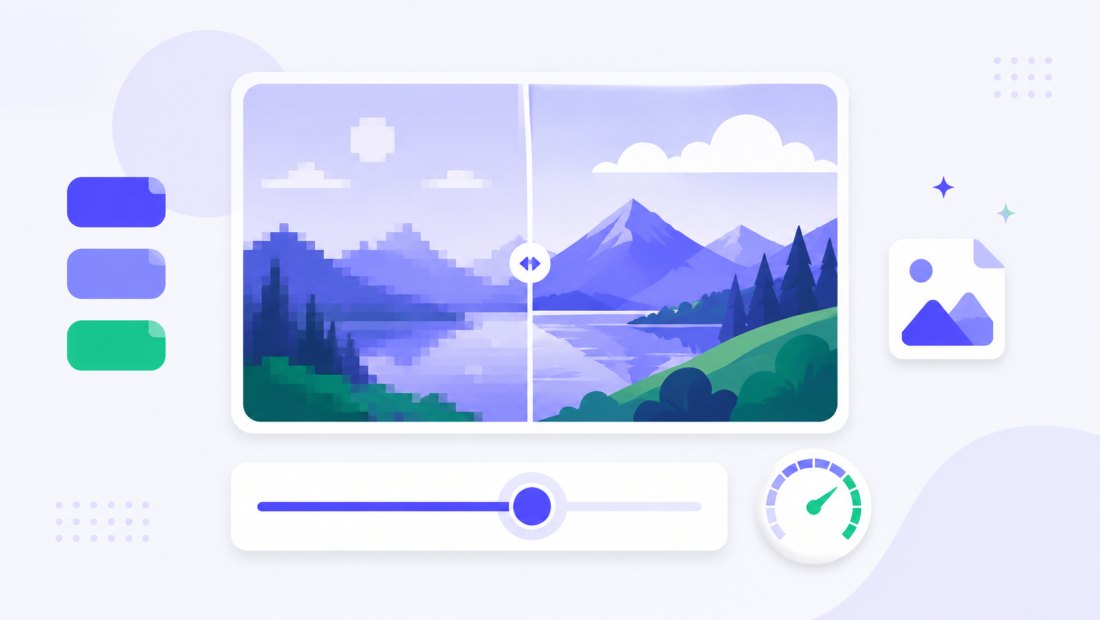
- Set the quality — the slider (85–95% is ideal) balances file size against fidelity, with a live size estimate.
- Convert and download — get one JPG or the whole batch as a ZIP. Resize or compress in the same pass if you like.
No account is needed for up to 5 images at a time; a free account raises the batch to 20 and Premium to 100. See the pricing page.
AVIF vs JPG: a great format meets a universal one
AVIF is technically superior, but JPG wins on sheer reach. They suit different moments:
| AVIF | JPG | |
|---|---|---|
| Compression | Excellent (AV1-based) | Good |
| File size | Smallest | Larger |
| Transparency | Yes | No (flattened) |
| Wide colour / HDR | Yes | No |
| Universal support | No (newer apps only) | Yes (everywhere) |
If you are publishing to a modern website, AVIF is ideal — and you can go the other way with JPG to AVIF. But the moment you need to email a file, drop it into a document, send it to a printer or open it on an older device, JPG to JPG-level compatibility is exactly what you want.
How the conversion works in your browser
Your browser decodes the AVIF image (modern browsers support AVIF natively), draws it onto a canvas, and re-encodes the pixels as a JPG. Because JPG cannot store an alpha channel, any transparency is flattened onto a solid white background — the standard, safe choice — so the result looks clean instead of black. If you need to keep transparency, convert to WebP or PNG instead.
It opens everywhere
A JPG opens on every device, operating system and app — old Windows laptops, email clients, office software, printing labs and any website upload field that rejects .avif. Converting once removes the friction of a format that something in the chain might not yet accept.
Convert a whole batch of AVIF files at once
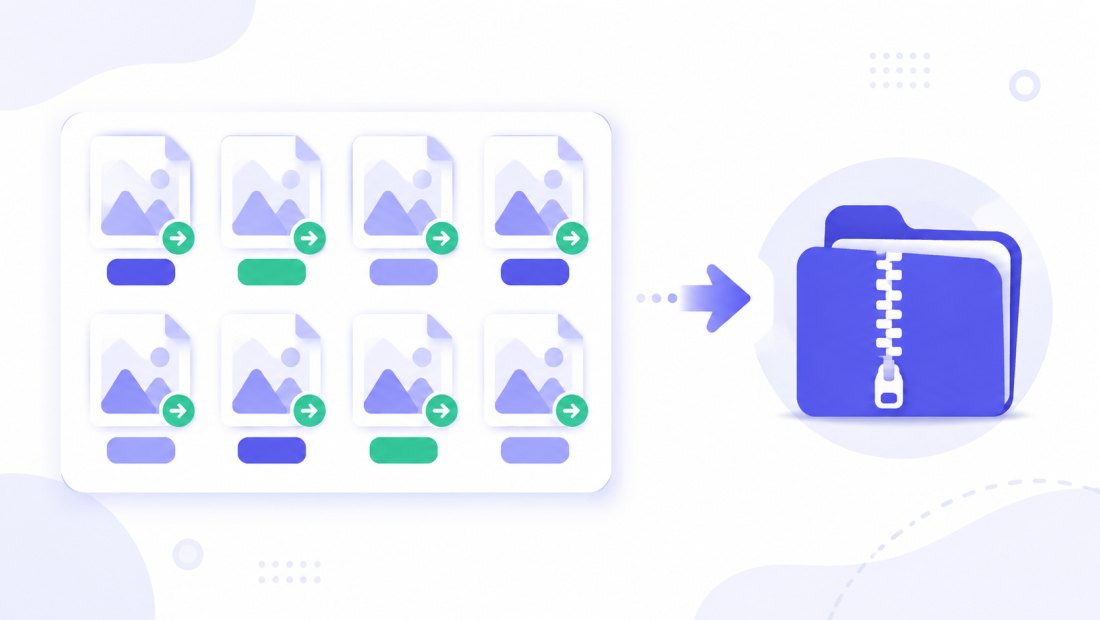
Downloaded a folder of AVIF images that nothing on your machine will open? Drop them all and each is decoded and re-encoded to JPG independently, then downloaded together as a ZIP. Combine the conversion with resizing (cap everything at 1920 px) in the same pass to get web-ready, universal files in one click.
When you actually need a JPG instead of AVIF
AVIF earns its place on modern websites, but real-world workflows still revolve around JPG. A few situations where converting makes life easier:
- Sending a file to someone — email clients, chat apps and shared drives preview a JPG inline; many show an AVIF as a broken or undownloadable attachment.
- Documents and presentations — older versions of Word, PowerPoint, Google Docs and design tools refuse to place an
.avif, while a JPG drops straight in. - Print and photo labs — most ordering systems and kiosks accept JPG and reject AVIF, so converting is the difference between printing today and not at all.
- Uploading to forms — job portals, marketplaces and government sites often whitelist
jpg/jpegonly. A JPG sails through; an AVIF gets rejected. - Opening on an old device — a colleague's ageing laptop or an older phone may simply show nothing for an AVIF. JPG always opens.
Keep the original AVIF too
Converting does not touch your source files. The original AVIF images stay exactly where they are on your device, so you keep the small, modern versions for the web and gain a portable JPG copy for everything else — the best of both worlds with no risk.
Private — nothing is uploaded
Conversion runs entirely in your browser via the Canvas API:
- No upload, no wait — even a large batch starts instantly.
- Private by design — your images never reach a server.
- EXIF removed by default — location and camera data are stripped on export.
- Works offline — once the page has loaded you can disconnect.
Related converters
- JPG to AVIF — go the other way to shrink files for a modern website.
- WebP to JPG — another modern format converted to universal JPG.
- PNG to JPG and the bulk resizer — more ways to reach a portable, web-ready JPG.
FAQ
Why convert AVIF to JPG?
AVIF is a superb modern format, but many older browsers, desktop apps, office suites and print services still cannot open it. Converting to JPG produces a file that every device and upload form accepts, with no waiting and no quality drop you can see.
Will converting AVIF to JPG lose quality?
JPG is lossy, so keep the quality slider at 85–95% for a result that looks identical to the AVIF. The original AVIF stays untouched on your device, so you can always re-export at a different quality.
What happens to transparency?
JPG does not support transparency, so any transparent areas in the AVIF are flattened onto a solid white background. If you must keep transparency, convert to WebP or PNG instead.
Can I convert many AVIF files at once?
Yes — 5 at a time for free, 20 with a free account and 100 with Premium. Each AVIF is decoded and re-encoded to JPG, and you download them all as one ZIP.
Are my images uploaded to a server?
No. The conversion uses your browser's Canvas API, so files never leave your device — you can even work offline after the page loads.
My browser can't open AVIF at all — can I still convert?
Conversion relies on your browser being able to decode AVIF, which all current versions of Chrome, Edge, Firefox and Safari do. If your browser is very old, simply update it (or open the page in a modern one) and the conversion will work.
Is it free?
Yes, converting AVIF to JPG is completely free with no watermark. Optional accounts only raise the batch size and unlock AI features.