Resize Image to 1080×1080 — a crisp high-quality square
1080×1080 is the 1:1 square at a resolution high enough to look sharp almost anywhere: profile pictures and avatars that stay clean when zoomed, square product photos on a marketplace listing, album and playlist covers, and HQ thumbnails. A square forces the eye onto the subject, and 1080 px on a side is enough resolution that the result never looks soft on a retina display. ImageResizerly turns any photo into a clean 1080×1080 square in your browser — nothing is uploaded.
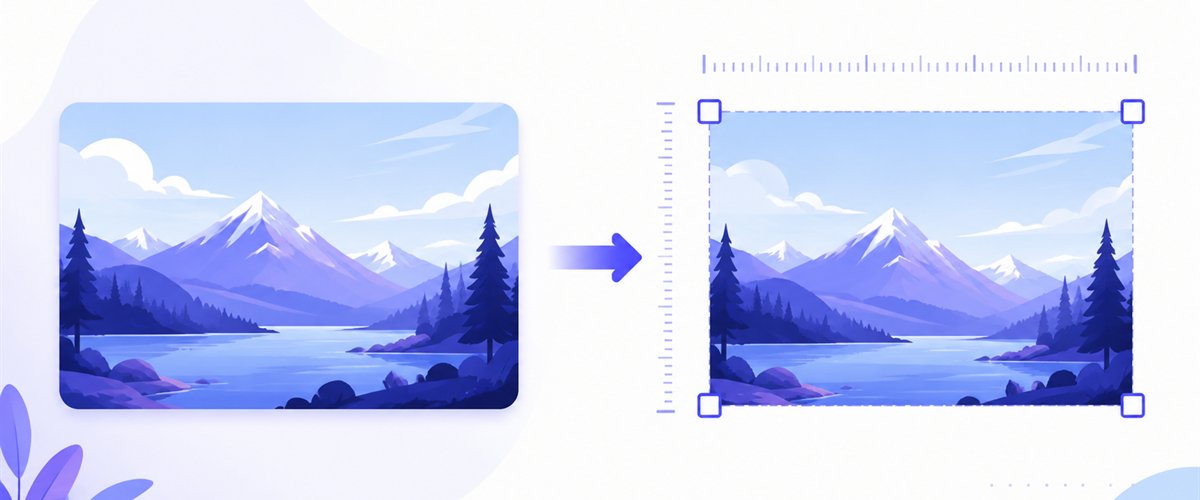
Drop one image or a whole folder, decide how it fills the square, and download instantly.
How to resize an image to 1080×1080
- Add your files — drag and drop, click to browse, or paste with
Ctrl+V. One image or a folder, including iPhone HEIC photos. - Set width 1080 and height 1080 — type the numbers or pick the 1080×1080 preset; the canvas locks to a perfect square.
- Choose Fit, Crop or Stretch — most photos aren't square, so pick how they fill the frame (more below), and tick don't enlarge to protect small sources.
- Download — save the square, or grab a whole batch as a ZIP.
No account is needed for up to 5 images at a time; a free account raises the batch to 20 and Premium to 100. See the pricing page.
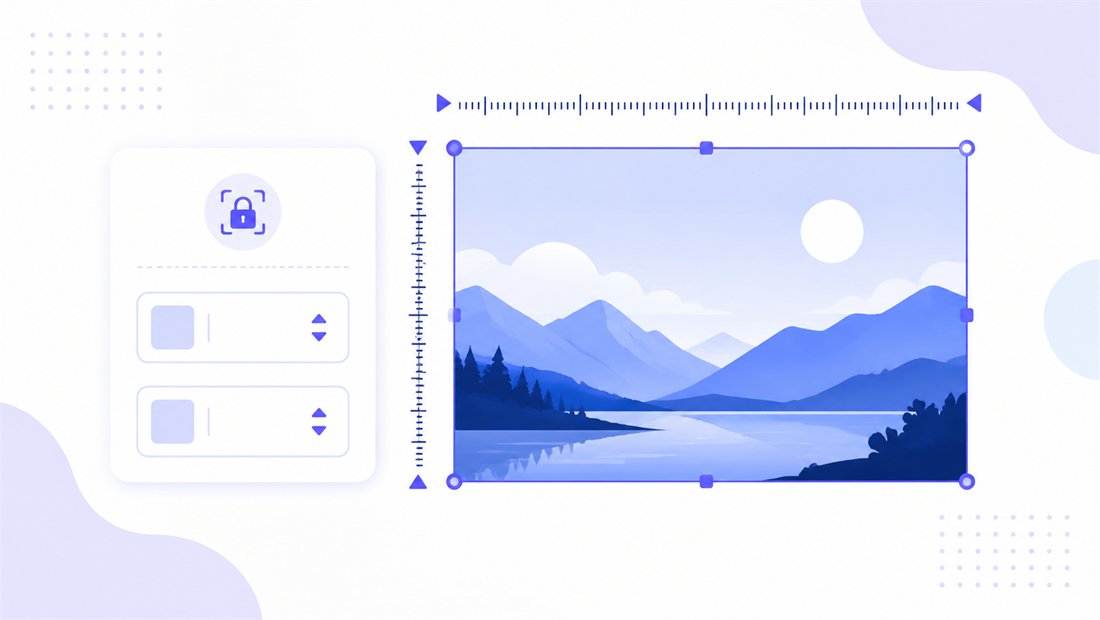
Making a rectangle into a perfect square
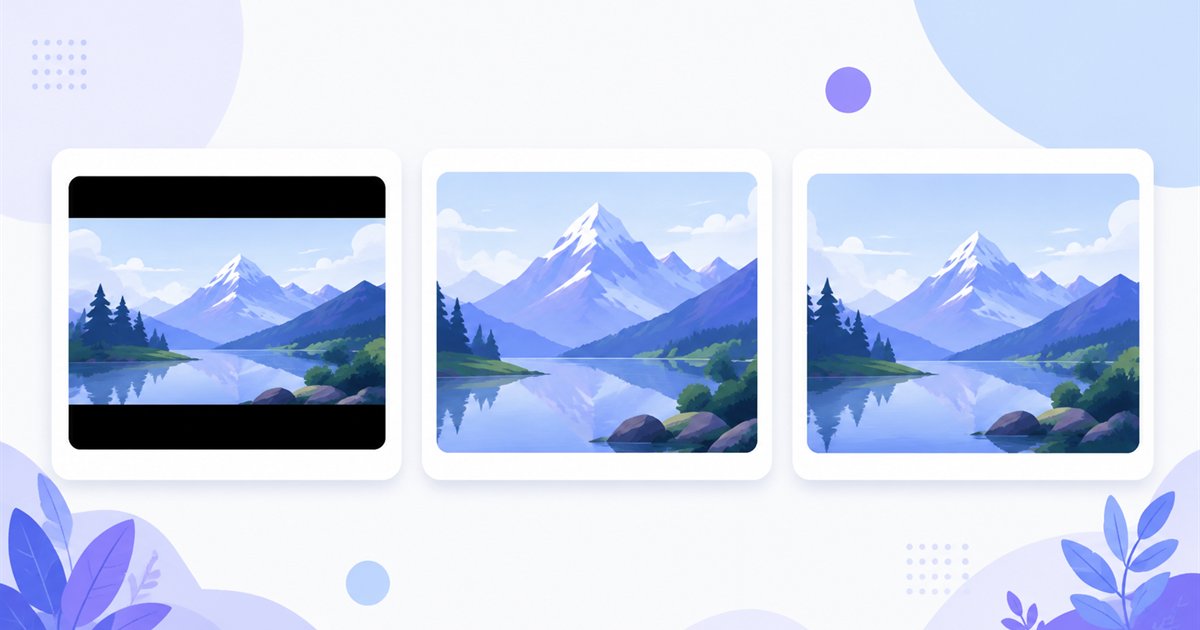
Cameras and phones shoot rectangles — 4:3, 3:2 or 16:9 — so turning a photo into a 1:1 square always means deciding what to do with the extra width or height. That choice is the whole game here, and don't enlarge keeps a small avatar source from being blown up into a blurry square.
| Mode | What it does | Best for 1080×1080 |
|---|---|---|
| Fit | Scales the whole image inside the square, adds matte bars | Keeping a full logo or graphic visible with no cropping |
| Crop | Fills the square and trims overflow (drag the area per thumbnail) | A tight profile picture or product shot centred on the subject |
| Stretch | Forces an exact 1080×1080, may distort | Rarely — only when slight distortion is fine |
For an avatar or a product photo, Crop is usually right: drag the box so the face or product sits dead-centre and the edges trim away cleanly. If the image is a logo or flat graphic you don't want touched, choose Fit. For freehand control over the square, the standalone crop tool lets you draw any region. Posting to social platforms with their own exact specs? The dedicated social media tool maps presets and safe areas for you.
Sharp, lightweight 1080×1080 output
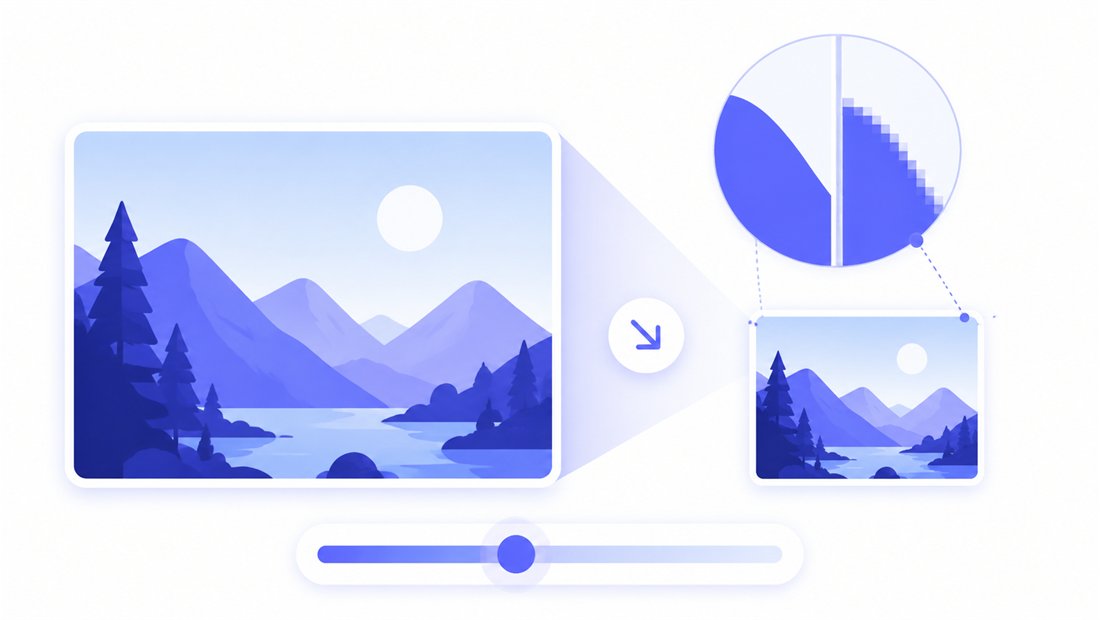
A square avatar or cover is often displayed small but can be zoomed at any moment, so a clean downscale matters. ImageResizerly uses high-quality Lanczos resampling (via Pica) so faces, text and product edges stay crisp with no stair-stepping. Export as JPG, PNG, WebP or AVIF — PNG or WebP keeps a logo's transparency, JPG around 90% is ideal for photographic squares — and a quality slider with a live size estimate keeps the file light enough for fast upload without visible artefacts.
Square up a whole set at once
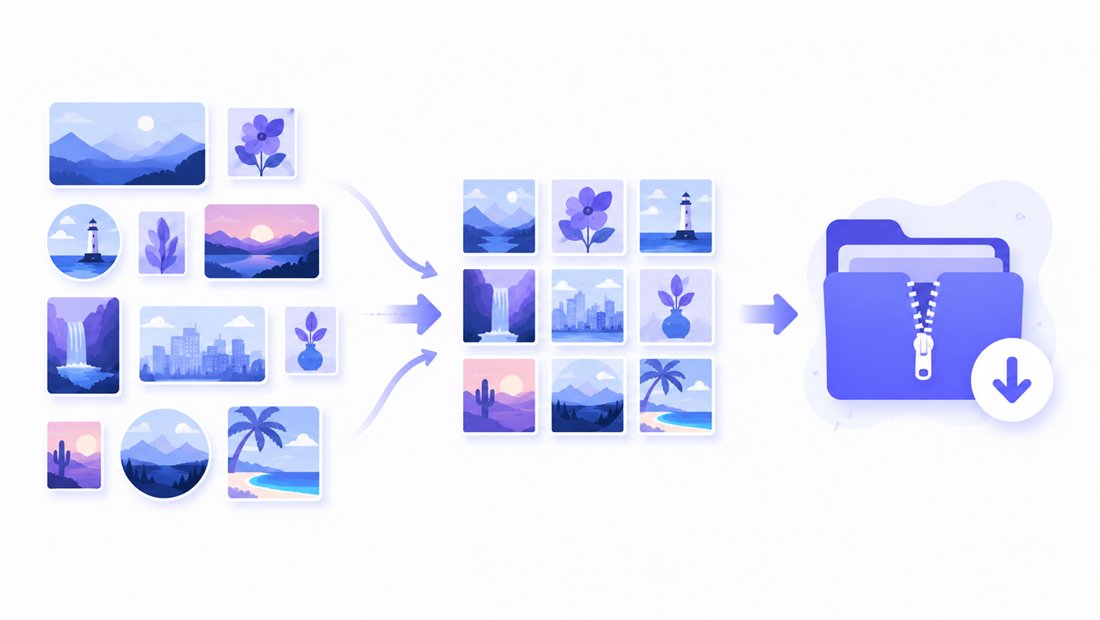
Building a product catalogue where every listing image must be the same square, or refreshing a team's avatars in one go? Drop them all and each is resized to 1080×1080 independently, then downloaded as a ZIP. Name patterns (a square- prefix plus an auto counter) keep the set ordered, and you can apply the same crop intent across the batch — ideal for a consistent grid. The bulk resizer is built for exactly this.
Private — nothing is uploaded
Resizing runs entirely in your browser via the Canvas API:
- No upload, no wait — even a large batch starts instantly.
- Private by design — your images never reach a server.
- EXIF removed by default — location and camera data are stripped on export.
- Works offline — once the page has loaded you can disconnect.
Related tools
- Resize to 1000×1000 — the e-commerce square that many marketplaces require.
- Resize to 600×600 — a lighter square for smaller avatars and thumbnails.
- Social media tool — exact presets and safe areas for social platforms.
- Crop tool — draw any square region freehand instead of a fixed frame.
FAQ
Why resize an image to 1080×1080?
1080×1080 is a 1:1 square at a resolution high enough to look sharp when zoomed — ideal for profile pictures and avatars, square marketplace product photos, and album or playlist covers. The square framing puts all the focus on your subject.
What aspect ratio is 1080×1080?
It is a perfect 1:1 square. Because cameras shoot rectangles, you will usually Crop to centre the subject or accept matte bars with Fit when squaring a photo.
Will resizing to 1080×1080 lose quality?
Downscaling a larger photo to 1080×1080 looks excellent thanks to Lanczos resampling. Tick don't enlarge so a small source isn't upscaled into a blurry square.
Can I make many squares at once?
Yes — 5 at a time for free, 20 with a free account and 100 with Premium. Each image is squared to 1080×1080 and downloaded as a single ZIP — perfect for a consistent product grid.
Are my images uploaded to a server?
No. Everything runs in your browser via the Canvas API, so your files never leave your device — you can even work offline after the page loads.
Is it free?
Yes, resizing to 1080×1080 is completely free with no watermark. Optional accounts only raise the batch size and unlock extra features.