Remove the background from any photo with one click
Cutting out a background by hand is fiddly and slow. ImageResizerly uses an AI segmentation model to separate the subject from its background in seconds and hands you a clean transparent PNG — no manual selection, no erasing. It handles product shots, portraits, logos and documents alike, and the result drops straight into the same pipeline you use for cropping, resizing and ZIP download.
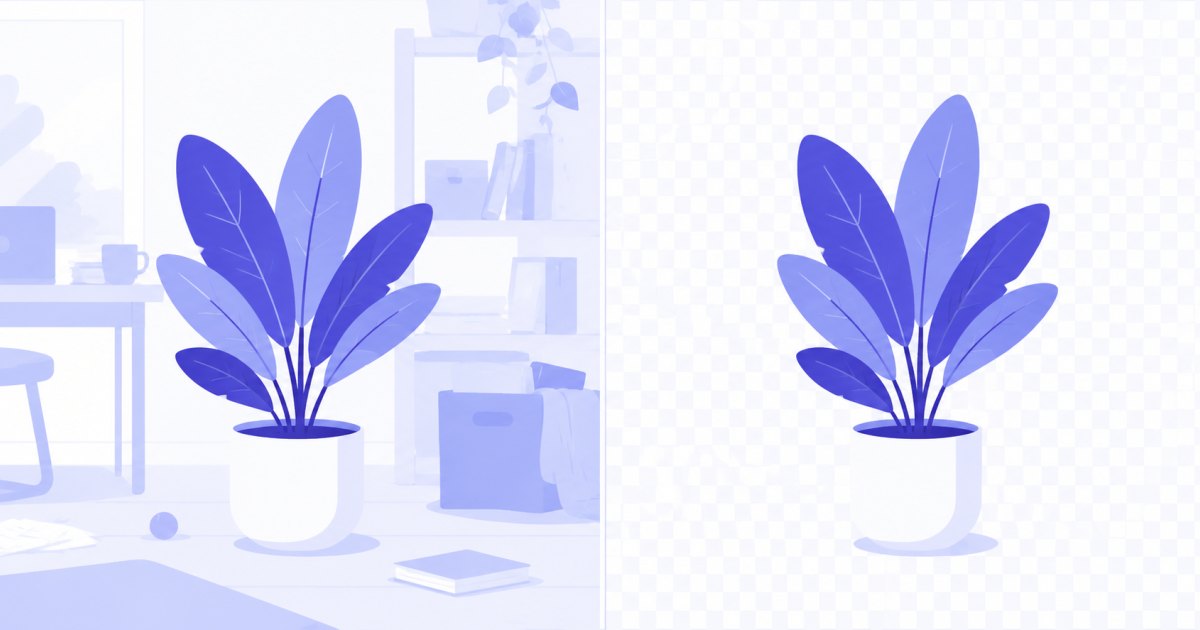
Background removal is an AI feature, so it uses credits (everything else on the site is free and runs in your browser). New accounts get 3 trial credits plus free daily AI operations, so you can try it before buying anything.
How to remove a background
- Add your photo — drag and drop, browse, or paste with
Ctrl+V. JPG, PNG, WebP and iPhone HEIC are supported. - Open the ✨ AI menu on the thumbnail (or the AI button above the grid for several photos).
- Choose “Remove background” — the image is processed and comes back as a transparent PNG, replacing the original in your batch.
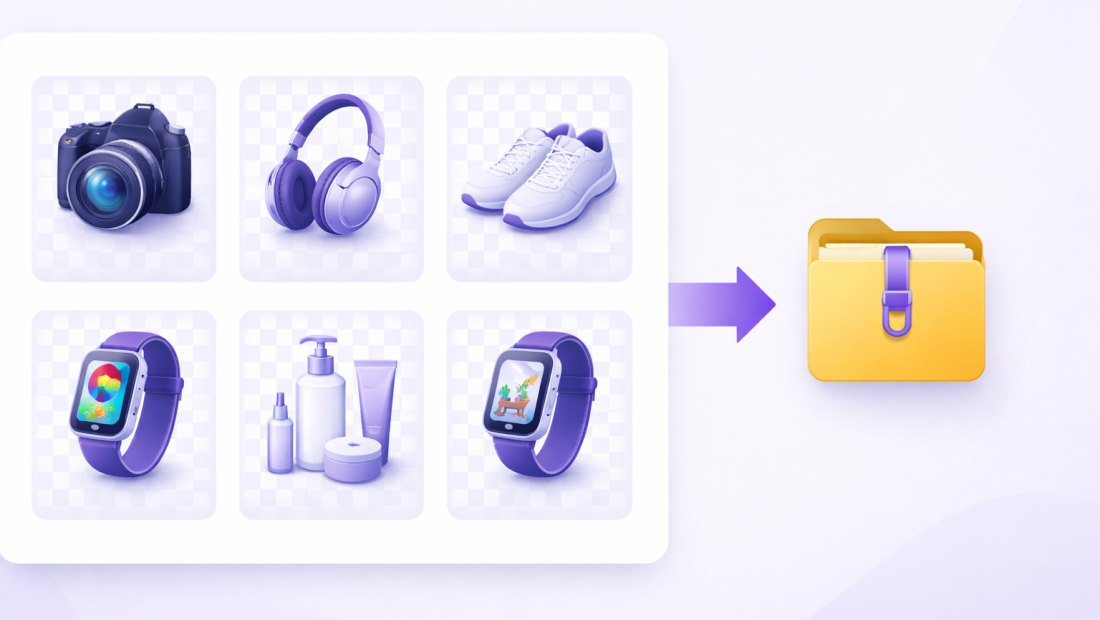
- Finish and download — crop, resize, add a new background colour, watermark or compress, then download a single PNG or the whole batch as a ZIP.
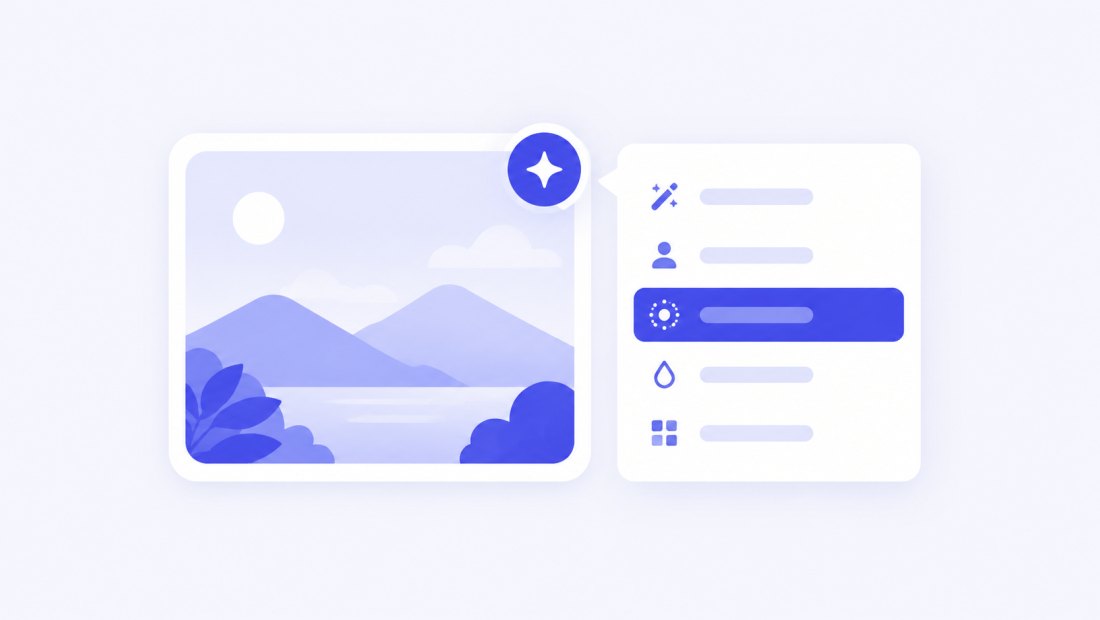
You need a free account to use AI features. See credits and packs on the pricing page.
What you can do after removing the background
Because the cutout stays in your batch as a normal image, you can keep working on it right away:
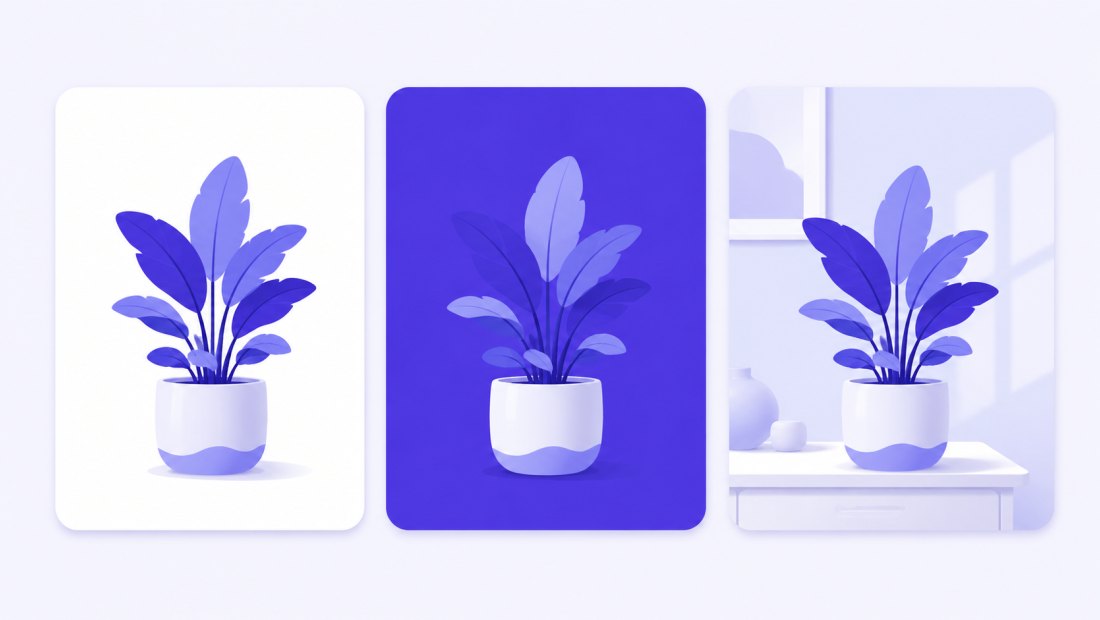
- Put it on white — perfect for marketplace and catalogue photos.
- Swap in a solid colour or gradient using the tool's fill/background options.
- Crop and resize to an exact size — e.g. a square product crop or a 1920 px web image.
- Add a watermark or compress to 100 KB in the same pass.
- Download a transparent PNG, or flatten onto a background and export JPG/WebP.
AI that handles hair, fur and tricky edges
Manual selection falls apart on fine detail. The segmentation model is trained to follow hair, fur, fabric and semi-transparent edges, keeping a natural outline instead of a hard, cut-out look.

It works just as well on hard-edged subjects like bottles, boxes and gadgets, where it produces crisp, clean borders.
Credits and pricing
Background removal costs 1 credit per image. Everything you do afterwards (crop, resize, watermark, compress, ZIP) is free and local.
| What you get | |
|---|---|
| New account | 3 trial credits |
| Every day (registered) | 2 free AI operations |
| One background removal | 1 credit |
| Credit packs | from $4.99 for 100 credits |
| Pack credits | never expire |
Packs scale up (500 and 2000 credits) for high-volume work, and a Premium plan includes a monthly credit allowance. Full details on the pricing page.
Great for
- Online sellers — clean white-background product photos for Allegro, Etsy, Amazon or Shopify.
- Branding and design — isolate logos and objects for mockups and banners.
- Portraits and team pages — consistent headshots on a single background.
- Anyone — make a profile picture, sticker or cut-out for a collage.
Batch background removal
Need a whole set done? Open the AI menu above the grid and the batch is processed in a queue, a couple of images at a time. Because each removal costs a credit, you get a confirmation showing the total cost and your balance before anything runs — so there are no surprises.
Your privacy
Background removal is the one feature that needs a server, and we keep it tight:
- Only the image you send for AI leaves your browser — it passes through our server to the AI provider and is never stored.
- Everything else stays local — cropping, resizing, watermarking and compression run 100% in your browser.
- EXIF is stripped from exports by default.
For text extraction without a server at all, see the free in-browser image to text (OCR) tool.
FAQ
How much does background removal cost?
1 credit per image. New accounts get 3 free trial credits, and registered users also get 2 free AI operations every day. Credit packs start at $4.99 for 100 credits, and pack credits never expire.
What file do I get back?
A PNG with a transparent background at the original resolution. It stays in your batch, so you can crop, resize, watermark or convert it like any other photo before downloading.
Can I put the subject on a white or coloured background?
Yes. The cutout is a transparent PNG, so you can flatten it onto white, a solid colour or a gradient using the fill/background options, then export as JPG or WebP.
Does it work on hair and fur?
Yes — the AI model is trained on fine detail, so it follows hair strands, fur and soft edges far better than manual selection, while still giving crisp borders on hard-edged objects.
Can I remove the background from many photos at once?
Yes. Use the AI menu above the grid; the batch runs in a queue and you confirm the total credit cost before it starts.
Are my photos private?
Only the specific image you send for AI processing leaves your browser — it passes through our server to the provider and is never stored. Everything else (resize, crop, compression) runs entirely on your device.