Compress an image to 500 KB without losing the detail
500 KB is the size that web professionals reach for when a photo has to look genuinely good — not a tiny thumbnail squeezed into a form, but a large, detailed image for a hero banner, a portfolio piece or a product listing. ImageResizerly finds the highest quality that still fits 500 KB for you, so the picture keeps its sharpness while the page stays fast.
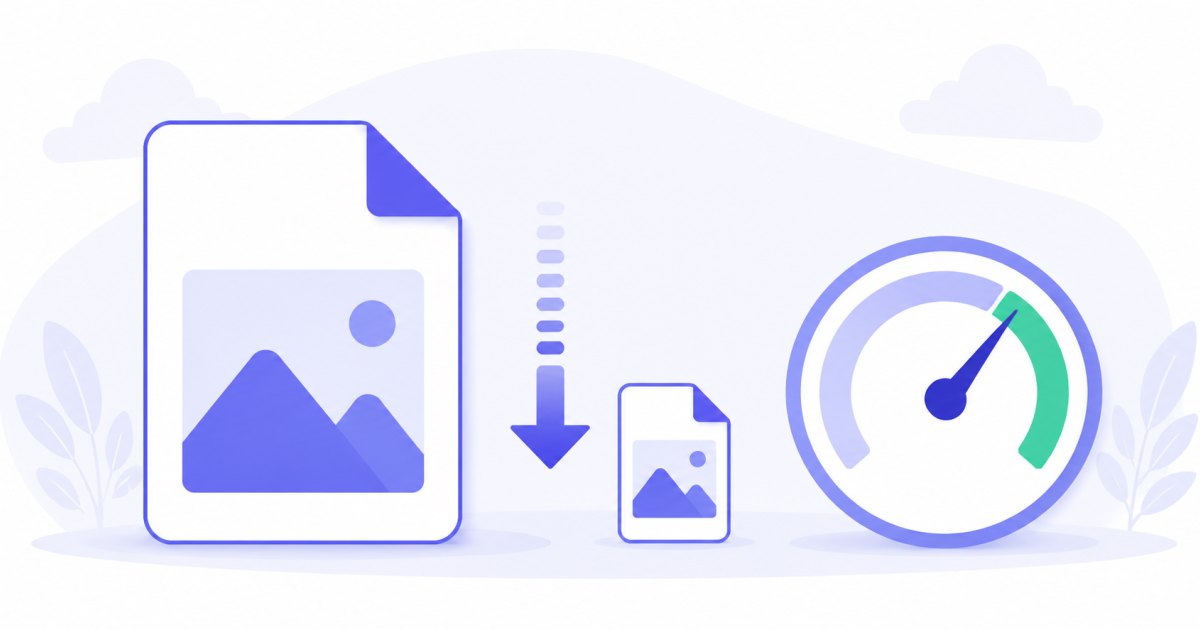
Instead of exporting, checking the weight and re-exporting, you set the target once and every photo lands at or below 500 KB — with a per-photo report so you can confirm the quality before downloading. Everything runs locally, so even unpublished client work and product shots never leave your device.
How to compress an image to 500 KB
- Add your photos — drag and drop, browse, or paste with
Ctrl+V. JPG, PNG, WebP and iPhone HEIC are all supported. - The target is set to 500 KB — this tool's preset; you can raise or lower it any time.
- Pick a format — JPG for the widest compatibility, WebP to pack even more detail into the same 500 KB.
- Compress and download — each photo is tuned to fit, then download a single file or the whole batch as a ZIP.
No account is needed for up to 5 photos at a time; a free account raises the batch to 20, and a paid plan to 100. See the pricing page.
How target-size compression keeps quality high
Choosing a fixed quality percentage is guesswork — the same 80% setting can produce a 300 KB file from one photo and a 1.5 MB file from another. This tool works backwards from the size you actually want, which is exactly why it shines at a generous limit like 500 KB:
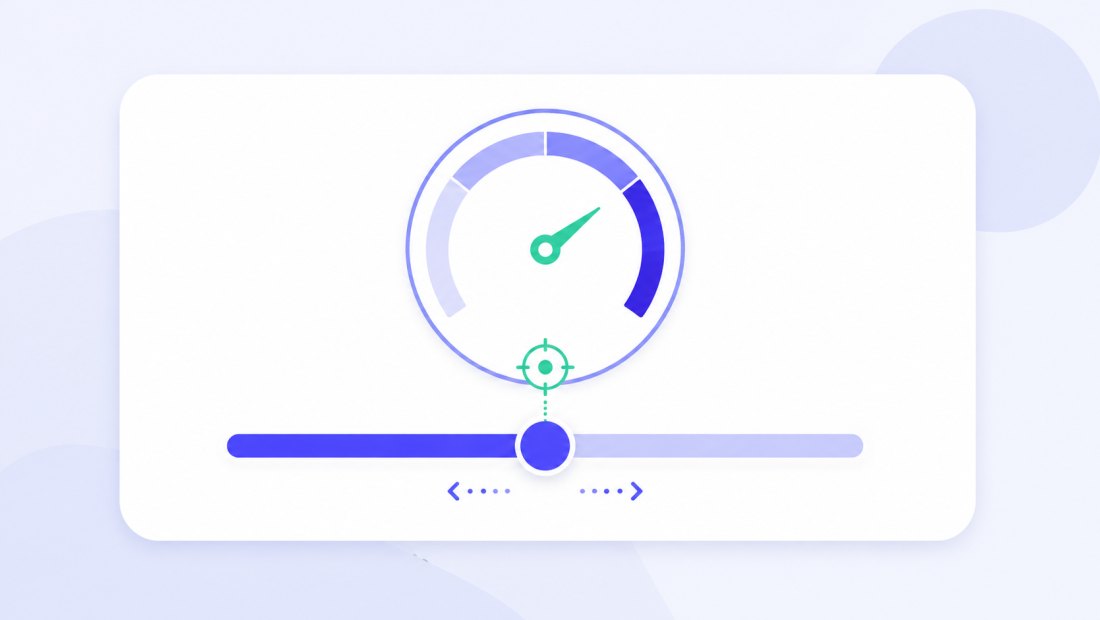
- It runs a fast binary search on JPEG/WebP quality (a handful of attempts) to find the highest quality that still fits 500 KB.
- Only if the original is enormous and even top quality won't fit does it gently reduce the dimensions — and at 500 KB that's rarely needed for typical web photos.
Because 500 KB is a comfortable budget, the search almost always settles on a high quality value — far better than the aggressive compression a 50 KB or 100 KB target forces. You get a photo that looks great at full screen, not just at thumbnail size.
Great quality, still fast loading
500 KB is a deliberate balance. It is large enough to preserve textures, gradients and fine edges — skin tones, fabric, foliage, product surfaces — yet small enough that the image still loads quickly on a typical connection.
| Use case | Why 500 KB fits | Typical alternative |
|---|---|---|
| Website hero / banner | Sharp on large screens, still loads fast | 1 MB+ raw export feels heavy |
| Portfolio gallery | Keeps detail viewers zoom in on | Full-res files bloat the page |
| Marketplace product photo | Crisp enough to sell, within upload caps | Originals often exceed limits |
| Blog / article feature image | Looks professional, good Core Web Vitals | Unoptimised photos hurt speed |

Perfect for web photos, portfolios and product shots
This target was built for images that need to look excellent while still being web-friendly:
- Hero images and banners that fill the screen on desktop without slowing the first paint.
- Portfolio and gallery photos where viewers look closely and detail matters.
- High-quality product photos for marketplaces and shops that cap uploads but reward sharp imagery.
- Blog and editorial feature images that need to look polished and still score well on page-speed tests.
Because compression happens locally in your browser, unreleased designs, client photos and product shots are never uploaded to a server — safer and faster than the typical online compressor.

Compress a whole gallery to 500 KB at once
Got a folder of portfolio shots or a full product catalogue to prepare? Drop them all and each one is tuned independently to land at or below 500 KB, then downloaded together as a single ZIP. You can combine compression with resizing — for example to a fixed width — or add a watermark in the same pass.
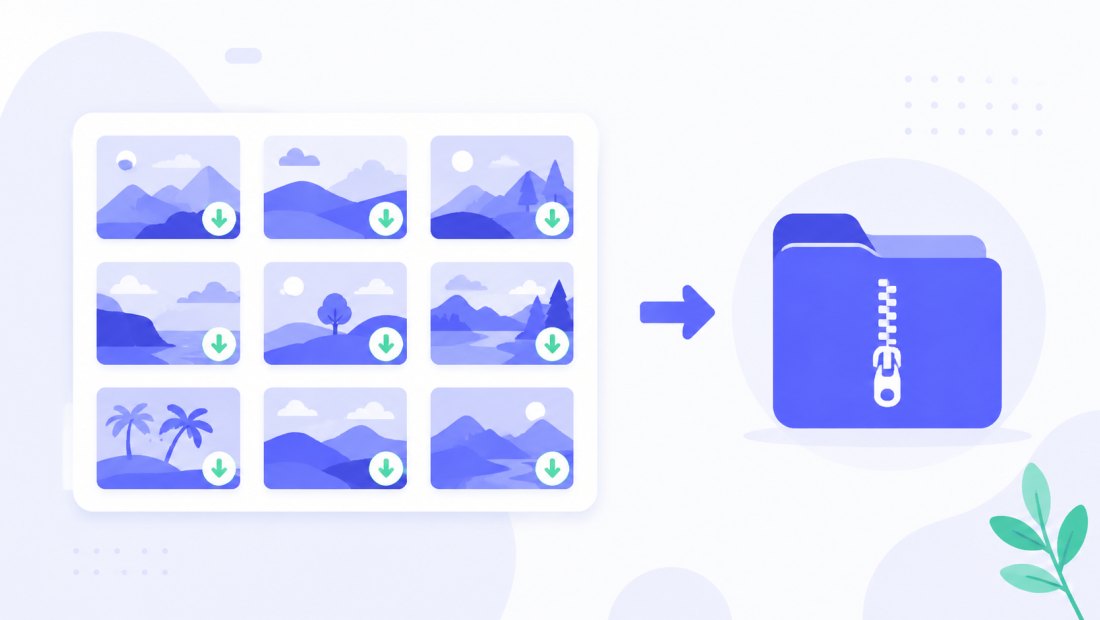
- Free: up to 5 photos per batch, no account.
- Free account: up to 20 photos per batch.
- Paid plan: up to 100 photos per batch — ideal for full catalogues.
JPG or WebP for a 500 KB target
- JPG — universally accepted; the safe choice for marketplaces, CMS uploads and email. At 500 KB, JPG already delivers excellent quality for most photos.
- WebP — fits noticeably more detail into the same 500 KB, so it's the better pick for your own website where you control the format.
For very large source images, WebP at 500 KB can look close to the original even when JPG would start showing artefacts.
Private — nothing is uploaded
Compression runs entirely in your browser via the Canvas API:
- No upload, no wait — even a large gallery starts processing instantly.
- Private by design — unpublished and client work stays on your device.
- EXIF removed by default — location and camera data are stripped on export, saving a little weight too.
- Works offline — once the page has loaded you can disconnect.
Need a different target?
Pick the limit that matches your destination — the tool works the same way at any size:
- Compress to 200 KB — leaner files for fast-loading content pages.
- Compress to 1 MB — maximum quality for large prints and detailed displays.
FAQ
Will my photo really be under 500 KB?
Yes. The tool verifies the final file size and keeps adjusting quality until the result fits 500 KB — and, only if a very large original demands it, reduces dimensions too. The per-photo report shows the exact size before you download.
Does compressing to 500 KB reduce quality much?
Usually very little. 500 KB is a generous budget, so the binary search almost always lands on a high quality setting. At normal and even full-screen viewing the result looks the same as the original for most photos.
Why is 500 KB a good size for websites?
It balances detail and speed. The image stays sharp on large screens and zoomed-in galleries, yet loads fast enough to keep good page-speed and Core Web Vitals scores — something a 1 MB+ raw export can't promise.
Should I use JPG or WebP for 500 KB?
JPG for maximum compatibility — marketplaces, CMS, email. WebP when you control the site, because it packs more detail into the same 500 KB. For very large originals, WebP holds up better.
Can I compress a whole gallery to 500 KB at once?
Yes — up to 5 photos at once for free, 20 with a free account, and 100 on a paid plan. Each photo is tuned independently to fit the target, then downloaded together as a ZIP.
Will the tool shrink my image's dimensions?
Only if the original is so large that even top quality won't fit 500 KB — uncommon for typical web photos. When that happens it scales down gently, which preserves far more quality than crushing the quality alone.
Does compressing remove my photo's metadata?
Yes, EXIF metadata (location, camera details) is removed by default — a privacy bonus that also shaves a few extra kilobytes off the file.