Upscale an image 4x with AI — four times bigger, detail rebuilt
When you scale a small picture up the normal way, the browser just stretches the pixels you already have, so the result looks soft and blocky. A 4x AI upscale is different: it makes the image four times wider and four times taller — that is sixteen times more pixels — and a neural network (Replicate's Real-ESRGAN) rebuilds edges, textures and fine detail instead of smearing them. A 500 × 500 thumbnail becomes a crisp 2000 × 2000 image you can actually use.
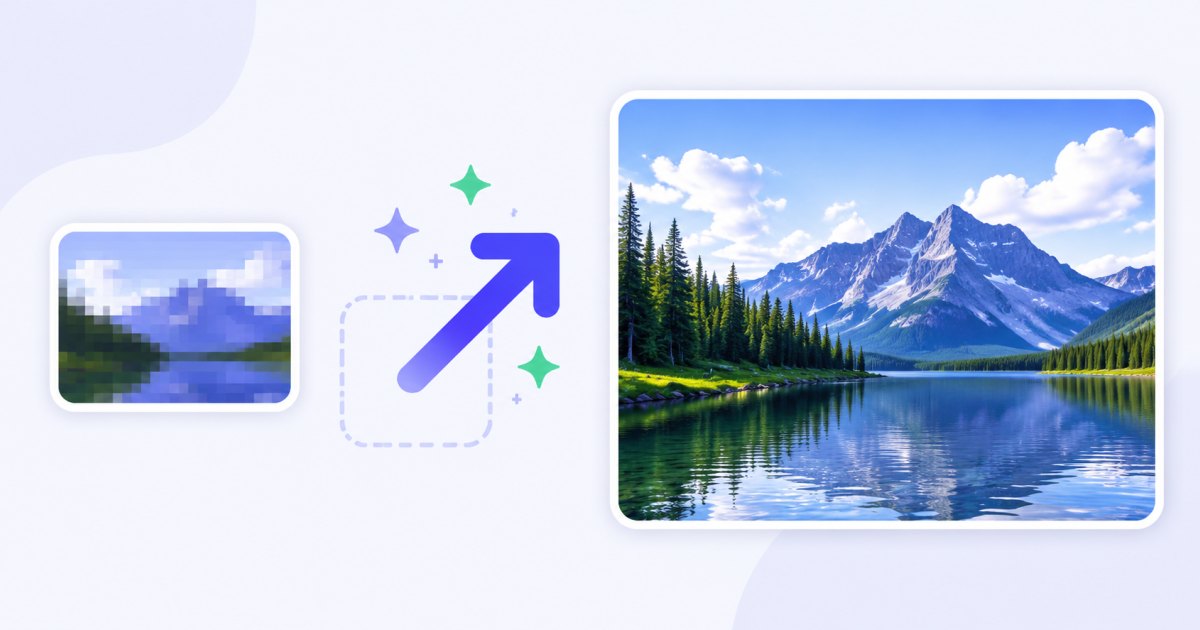
Upscaling is an AI feature, so it uses credits (everything else on the site is free and runs in your browser). New accounts get 3 trial credits plus 2 free AI operations a day, so you can try a 4x upscale before buying anything.
How to upscale an image 4x
- Add your image — drag and drop, browse, or paste with
Ctrl+V. JPG, PNG, WebP and iPhone HEIC are supported. Start with a small image for 4x. - Open the ✨ AI menu on the thumbnail (or the AI button above the grid for several images).
- Choose "Upscale 4x" — the picture is sent to the AI model, enlarged four times, and the result replaces the original in your batch.
- Finish and download — crop, resize down to an exact target, watermark or compress, then download one image or the whole batch as a ZIP.

You need a free account to use AI features. See credits and packs on the pricing page.
4x vs 2x: which one should you pick?
Both modes use the same AI image upscaler engine, but they solve different problems:
| Upscale 2x | Upscale 4x | |
|---|---|---|
| Dimensions | 2× wider, 2× taller | 4× wider, 4× taller |
| Total pixels | 4× more | 16× more |
| Cost | 2 credits | 3 credits |
| Best for | A light quality lift, mild enlargement | Turning a small image into a large, usable one |
| Max input size | Larger inputs OK | Input must be small (see below) |
Use 2x when the image is already a decent size and you just want a cleaner, sharper version — a gentle improvement. Use 4x when you are starting from something genuinely small — a thumbnail, an avatar, an old web graphic — and need a big jump in resolution. As a rule of thumb: small → large, go 4x; already-medium → just crisper, go 2x.
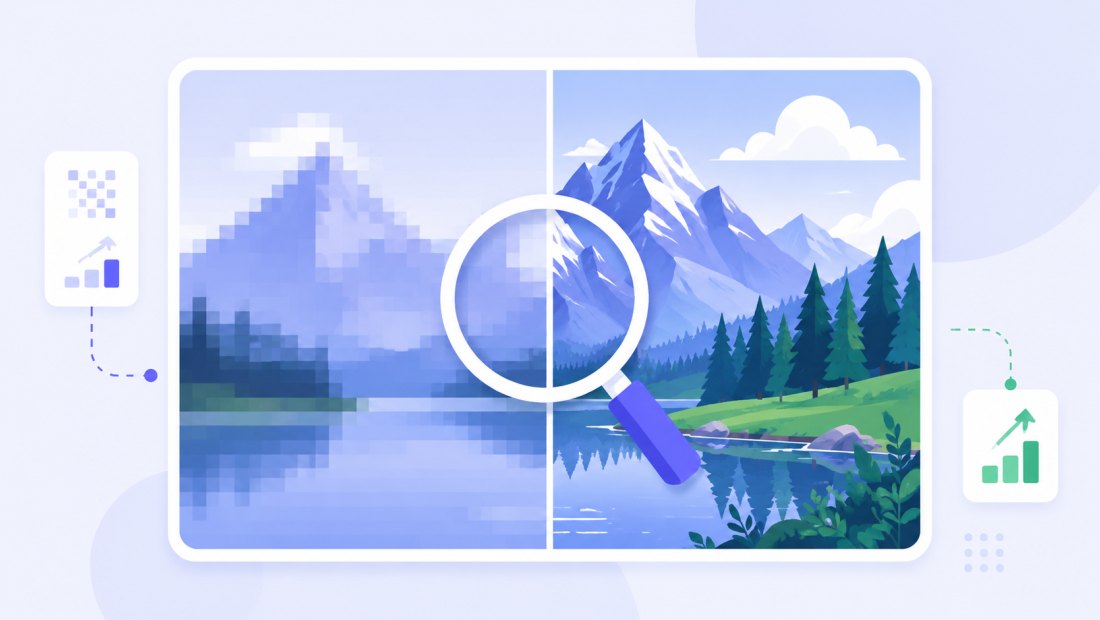
Honest limits: input size and cost at 4x
A 4x upscale produces a huge output — a 1000 × 1000 input becomes 4000 × 4000, which is 16 megapixels. Pushing very large inputs through 4x can exhaust memory on the model and fail, so we cap the input size for 4x: the smaller your source, the safer and faster 4x is. If your image is already large, 2x is the right choice, or resize it down first and then upscale.
- 4x costs 3 credits per image; 2x costs 2 credits — the cost reflects the extra work of generating 16× the pixels.
- Input must be reasonably small for 4x. If a file is too big, the tool will suggest 2x instead.
- The result replaces the source in your batch, so the enlarged image flows straight into the rest of the pipeline.
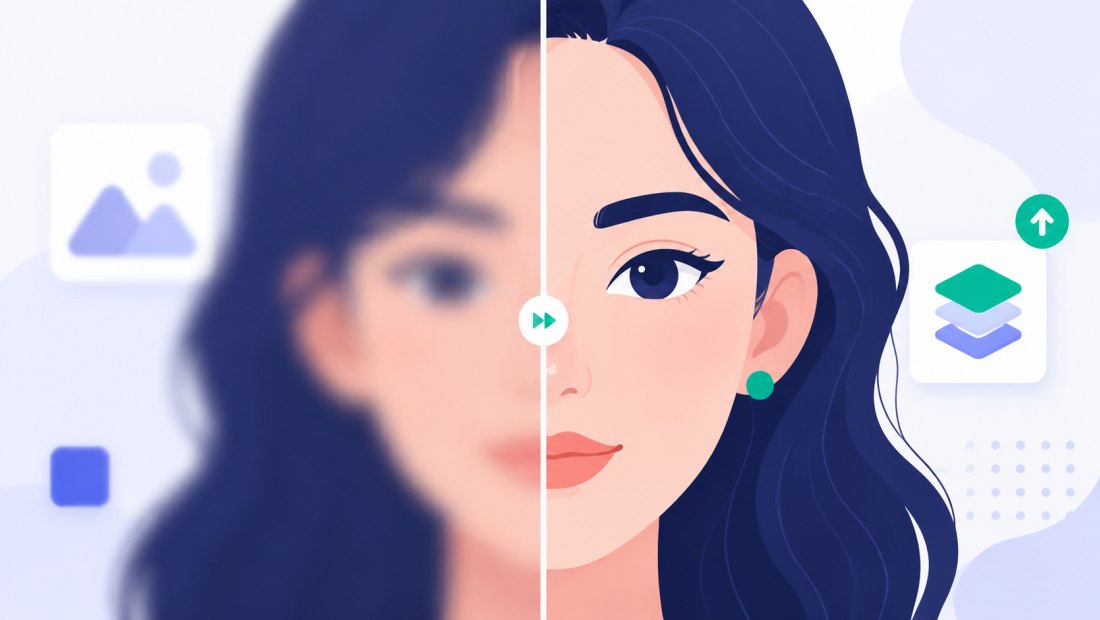
What you can do after a 4x upscale
Because the enlarged image stays in your batch as a normal picture, you can keep working immediately:
- Crop and resize to an exact target — e.g. a square product crop or a 1920 px web image — now that you have the pixels to spare.
- Print it — a 4x version often crosses the resolution threshold that small originals never reach.
- Remove the background for a clean product cutout, now at usable size.
- Add a watermark or compress to 100 KB in the same pass.
- Enlarge by other amounts with the general enlarge image tool when you need a custom factor.
Credits and pricing
A 4x upscale costs 3 credits per image; a 2x upscale costs 2 credits. Everything you do afterwards (crop, resize, watermark, compress, ZIP) is free and local.
| What you get | |
|---|---|
| New account | 3 trial credits |
| Every day (registered) | 2 free AI operations |
| One 4x upscale | 3 credits |
| One 2x upscale | 2 credits |
| Credit packs | from $4.99 for 100 credits |
| Pack credits | never expire |
Packs scale up (500 and 2000 credits) for high-volume work, and a Premium plan includes a monthly credit allowance. Full details on the pricing page.
Great for
- Online sellers — turn a tiny supplier thumbnail into a usable product photo.
- Old photos and scans — bring small, low-resolution shots up to a printable size.
- Logos and web graphics — rescue an asset you only have at small size.
- Avatars and profile pictures — enlarge a small portrait without the blur.
Upscale a batch 4x at once
Have several small images to enlarge? Open the AI menu above the grid and the batch is processed in a queue, a couple of images at a time. Because each 4x upscale costs 3 credits, you get a confirmation showing the total cost and your balance before anything runs — so there are no surprises.
Your privacy
Upscaling is one of the few features that needs a server, and we keep it tight:
- Only the image you send for AI leaves your browser — it passes through our server to the AI provider and is never stored.
- Everything else stays local — cropping, resizing, watermarking and compression run 100% in your browser.
- EXIF is stripped from exports by default.
FAQ
What does "upscale 4x" actually mean?
It enlarges the image to four times its width and four times its height — so a 500 × 500 picture becomes 2000 × 2000. That is sixteen times the number of pixels, and the AI rebuilds detail instead of just stretching what was there.
When should I use 4x instead of 2x?
Use 4x when you start from a genuinely small image and need a big jump in size. Use 2x when the image is already a reasonable size and you only want a cleaner, sharper version. Small → large, go 4x; a light lift, go 2x.
How much does a 4x upscale cost?
3 credits per image (2x costs 2 credits). New accounts get 3 trial credits and 2 free AI operations every day. Credit packs start at $4.99 for 100 credits and never expire.
Why is there a size limit on the input for 4x?
A 4x upscale produces sixteen times the pixels, so a large input would create an enormous output that can run out of memory and fail. Keeping the input small makes 4x fast and reliable — if your image is already big, use 2x or resize it down first.
What file do I get back?
An enlarged version of your image at four times the dimensions. It replaces the original in your batch, so you can crop, resize, watermark or convert it like any other photo before downloading.
Can I upscale many images 4x at once?
Yes. Use the AI menu above the grid; the batch runs in a queue and you confirm the total credit cost (3 credits each at 4x) before it starts.
Are my images private?
Only the specific image you send for AI upscaling leaves your browser — it passes through our server to the provider and is never stored. Everything else (resize, crop, compression) runs entirely on your device.