Resize an image to 1366×768 for the most common laptop screen
1366×768 (WXGA) is, year after year, one of the most widespread screen resolutions in the world — the native size of countless budget laptops, school Chromebooks, netbooks and older notebooks. A wallpaper that isn't sized for 1366×768 ends up stretched, cropped awkwardly or surrounded by bars on exactly these machines. Sizing your image to this resolution means it fills the most common viewport edge to edge, looking crisp on the screens most people actually use. ImageResizerly does it entirely in your browser — your images are never uploaded.
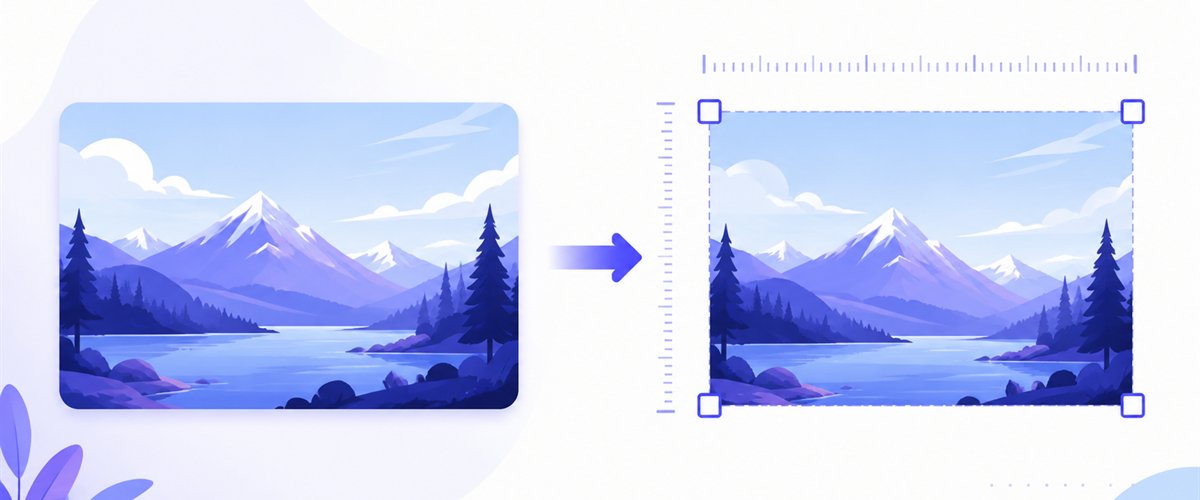
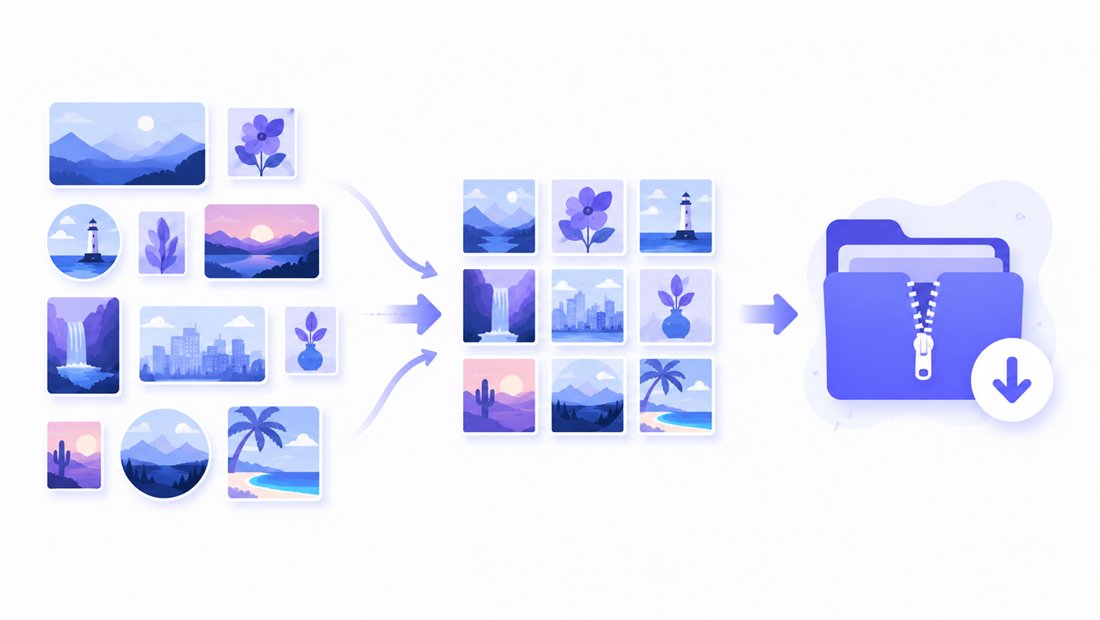
Drop one image or a folder, set the dimensions to 1366×768, choose how it fills the frame, and download.
How to resize an image to 1366×768
- Add your images — drag and drop, click to browse, or paste with
Ctrl+V. Single photos or a whole folder; HEIC files from an iPhone read directly. - Set width 1366 and height 768 — type the exact pixel values into the width and height fields.
- Choose a mode — Fit to keep the whole image visible, Crop to fill the laptop screen completely, or Stretch for an exact pixel match. Turn on don't enlarge so a smaller source isn't blown up.
- Download — get one 1366×768 image or the whole batch as a ZIP.
No account is needed for up to 5 images at a time; a free account raises the batch to 20 and Premium to 100. See the pricing page.
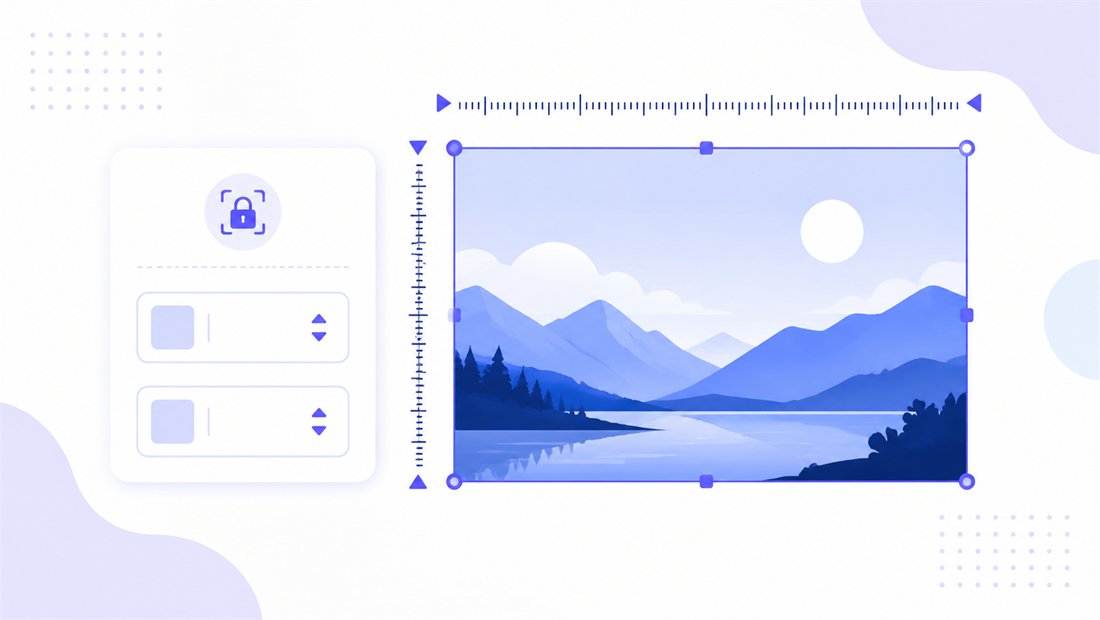
Roughly 16:9 — and why the fill mode matters here
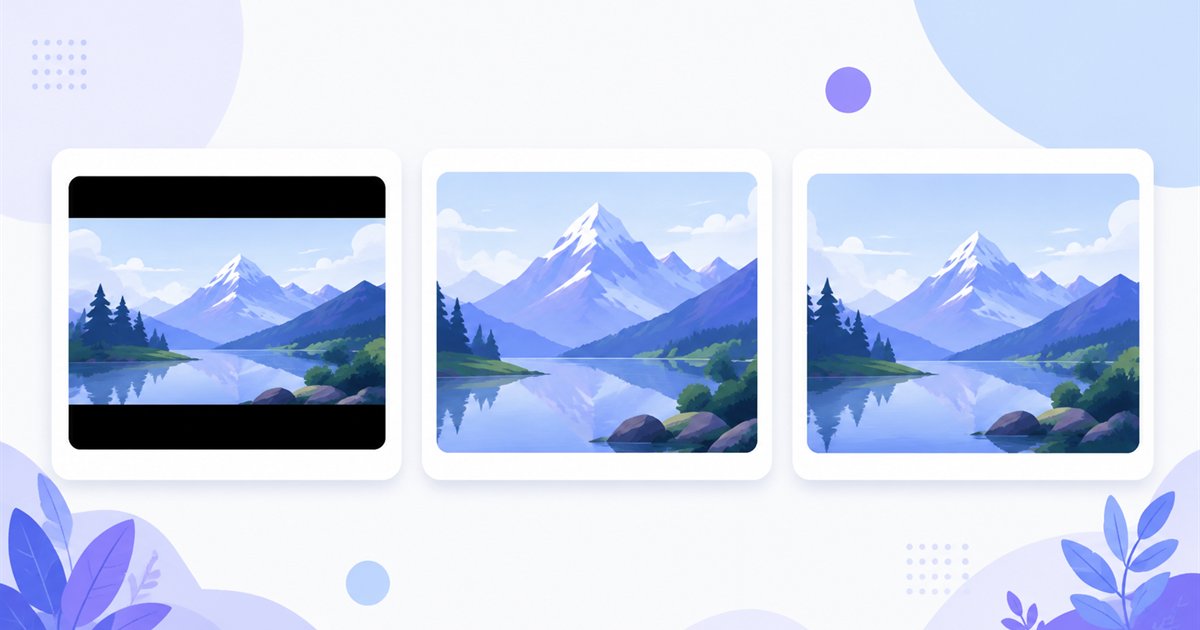
1366×768 is approximately 16:9 (it's actually about 16:9.0, a touch off the exact ratio that 1280×720 or 1920×1080 use). That small quirk is exactly why the mode you pick matters: a photo cropped for true 16:9 may show a hairline bar or a sliver of crop on a 1366×768 screen. Here is how each mode handles it:
| Mode | What it does | Best for |
|---|---|---|
| Fit | Scales the whole image inside 1366×768, may add thin bars | Keeping every detail of a photo or graphic |
| Crop | Fills the entire laptop screen, trimming the overflow (drag the crop box per thumbnail) | Wallpapers that must cover the WXGA display |
| Stretch | Forces the image to 1366×768 exactly | Matching the odd ratio precisely when minor distortion is fine |
For a wallpaper on a budget laptop, Crop gives the cleanest full-screen fill. Keep don't enlarge on when starting from an already-small image — 1366×768 is low enough that upscaling shows quickly.
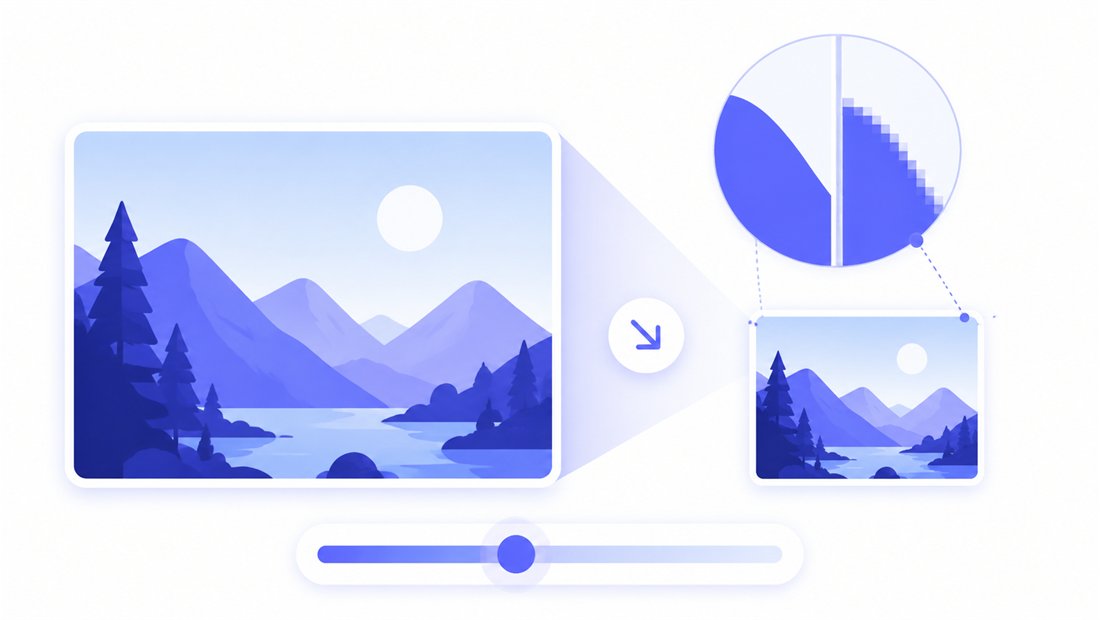
Crisp results even at a modest resolution
At 1366×768 every pixel counts, so the scaling has to be clean. ImageResizerly uses Lanczos resampling (via Pica) rather than the browser default, so a large photo shrunk to this size keeps sharp edges instead of a jagged staircase — important when there's no extra resolution to hide softness. The quality slider shows a live size estimate, handy when an older laptop has limited storage, and you can export as JPG, PNG, WebP or AVIF. JPG at 85–90% keeps wallpapers small and sharp; WebP shrinks them further if the device's browser supports it.
Resize a folder of images to 1366×768 at once
Preparing wallpapers for a lab of identical school laptops, or normalising a set of slides for an old projector that runs at WXGA? Drop the whole folder and every image is scaled to 1366×768 independently, then returned as a single ZIP. Use the naming patterns (prefix, suffix or a counter) to keep them tidy, like laptop-wall-01, laptop-wall-02. To also produce other common screen sizes from the same source, reach for the bulk resizer, or crop a portrait shot to landscape first.
Private — nothing is uploaded
Resizing runs entirely in your browser via the Canvas API:
- No upload, no wait — even a folder starts processing instantly.
- Private by design — your images never reach a server.
- EXIF removed by default — location and camera data are stripped on export.
- Works offline — once the page has loaded you can disconnect, handy on a flaky laptop connection.
Related tools
- Resize to 1920×1080 — the Full HD wallpaper size for newer laptops.
- Resize to 1600×900 — a slightly larger 16:9 step up from WXGA.
- Bulk resizer — output several screen sizes from one folder.
- Crop — fix the aspect ratio before scaling to 1366×768.
FAQ
What is 1366×768 used for?
1366×768 (WXGA) is the native resolution of a huge number of budget and older laptops, netbooks and Chromebooks. Sizing a wallpaper to it means the image fills the most common laptop viewport exactly, without stretching or bars.
Why is 1366×768 not exactly 16:9?
The exact 16:9 width for 768 pixels would be 1365.33, so manufacturers rounded to 1366. That's why a true-16:9 image can show a hairline bar or tiny crop here — pick Crop to fill the screen or Fit to keep everything visible.
Will resizing to 1366×768 lose quality?
Downscaling a larger photo to 1366×768 with Lanczos resampling looks crisp. Because the resolution is modest, avoid enlarging a small source — turn on "don't enlarge" so it isn't upscaled into a soft result.
Can I resize many images to 1366×768 at once?
Yes — 5 at a time for free, 20 with a free account and 100 with Premium. Each image is scaled to 1366×768 and you download them all as one ZIP, with optional name patterns.
Are my images uploaded to a server?
No. Everything runs in your browser via the Canvas API, so files never leave your device — you can even work offline after the page loads.
Is it free?
Yes, resizing to 1366×768 is completely free with no watermark. Optional accounts only raise the batch size and unlock AI features.