Convert WebP to AVIF — the next-generation step down in file size
WebP already beats JPG and PNG on size, but AVIF is a newer generation again. Built on the AV1 video codec, AVIF typically produces smaller files than WebP at the same visual quality, with sharper detail at low bitrates and fewer compression artifacts. Converting WebP to AVIF squeezes out the last bit of weight for the fastest possible pages. ImageResizerly does it entirely in your browser — your images are never uploaded.
Drop one image or a whole folder, set the quality, and download a single AVIF or the whole batch as a ZIP.
How to convert WebP to AVIF
- Add your WebP files — drag and drop, click to browse, or paste with
Ctrl+V. Single images or a whole folder at once. - AVIF is the target format — this tool re-encodes every WebP as a next-generation AVIF.
- Set the quality — the slider lets you balance file size against fidelity, with a live size estimate so you can see the saving.
- Convert and download — get one AVIF or the whole batch as a ZIP. Resize or compress in the same pass if you like.
No account is needed for up to 5 images at a time; a free account raises the batch to 20 and Premium to 100. See the pricing page.
A note on browser support for encoding
Honest heads-up: AVIF encoding depends on your browser. ImageResizerly uses your browser's own Canvas engine to write the AVIF, and not every browser can encode AVIF yet. The tool uses feature detection — the AVIF output option appears only when your browser is actually able to encode it. Recent Chrome, Edge and Firefox handle it well; some older or niche browsers do not.
If the AVIF option does not show up, switch to an up-to-date browser, or stay on WebP. For the widest possible compatibility across old devices and email clients, keep a WebP or JPG copy too — AVIF is the optimization layer, not the universal fallback.
WebP vs AVIF: when to step up
Both are modern, both support transparency — but AVIF is a generation ahead on compression:
| WebP | AVIF | |
|---|---|---|
| Generation | Modern (2010) | Next-gen (2019) |
| Based on | VP8/VP9 | AV1 video codec |
| File size at equal quality | Small | Usually smaller |
| Transparency | Yes | Yes |
| Low-bitrate quality | Good | Better, fewer artifacts |
| Browser support | Very wide | Wide and growing |
If page speed and bandwidth are the priority and your audience uses modern browsers, AVIF is the stronger choice. If you need to reach the broadest range of old devices, keep WebP as a fallback or go the other way with AVIF to JPG.
Transparency is preserved
Unlike a JPG conversion, you lose nothing here: both WebP and AVIF support an alpha channel, so transparent areas in your WebP stay transparent in the AVIF. Logos, icons and cut-out product shots keep their clean edges with no white box behind them — and still come out smaller.
Maximum optimization for fast pages
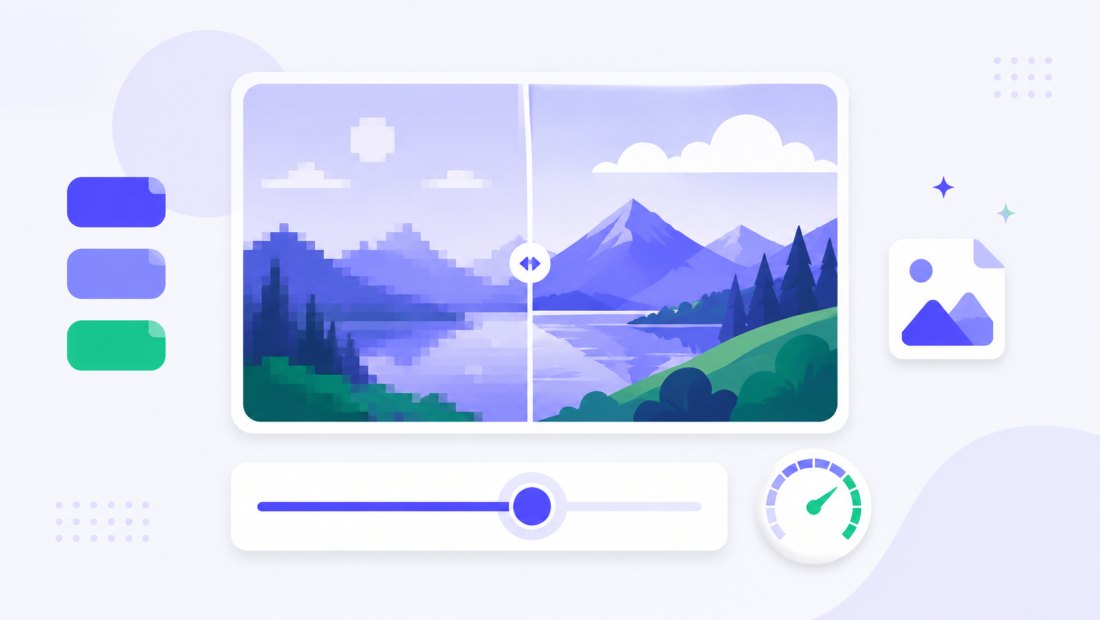
AVIF's edge is real-world page weight. Re-encoding a folder of WebP hero images and thumbnails to AVIF can shave a meaningful slice off total page size, which speeds up loading and helps Core Web Vitals. Pair the conversion with bulk resizing — cap everything at 1920 px first, then encode to AVIF — for the leanest assets your modern visitors can use.
For sites that serve a mixed audience, the smart pattern is to ship AVIF as the primary source and let the browser fall back to WebP or JPG automatically. You generate the AVIF set here, keep your existing WebP as the fallback, and modern browsers quietly pull the smaller file while older ones still get a working image. The slider matters here too: nudging quality down a few points on AVIF often costs almost nothing visually while cutting another chunk of weight, and the live size estimate lets you find that sweet spot before you download anything.
Convert a whole batch of WebP files at once
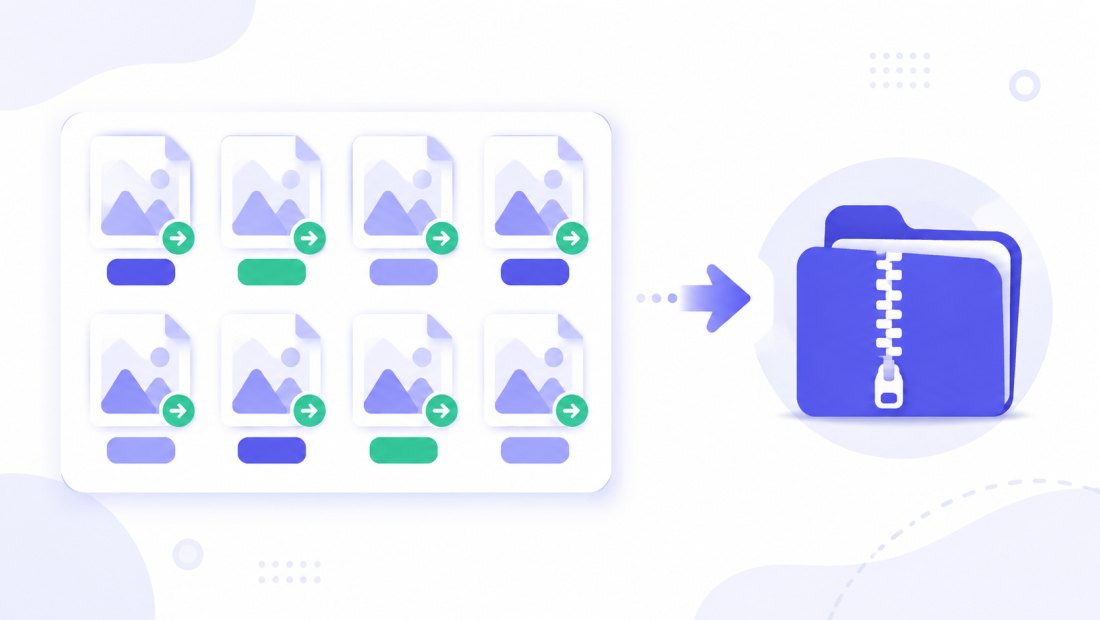
Have a folder of WebP exports to slim down further? Drop them all and each is re-encoded to AVIF independently, then downloaded together as a ZIP. Combine the conversion with resizing in the same pass to ship a complete, optimized set in one step.
Private — nothing is uploaded
Conversion runs entirely in your browser via the Canvas API:
- No upload, no wait — even a large batch starts instantly.
- Private by design — your images never reach a server.
- EXIF removed by default — location and camera data are stripped on export.
- Works offline — once the page has loaded you can disconnect.
Because everything happens locally, there is no file-size cap imposed by an upload limit and no queue to wait in — the only constraint is the per-batch image count, which the free and Premium tiers raise.
Related converters
- AVIF to JPG — go the other way for universal compatibility.
- JPG to AVIF — start from a JPG instead of WebP.
- PNG to WebP — a smaller, widely supported format with transparency.
- bulk resizer — cap dimensions before encoding to AVIF.
FAQ
Why convert WebP to AVIF?
AVIF is a newer generation than WebP and usually produces smaller files at the same visual quality. Converting WebP to AVIF squeezes out extra weight for faster pages, which is ideal when your audience uses modern browsers.
Is AVIF really smaller than WebP?
In most cases, yes. AVIF is built on the AV1 codec and compresses more efficiently, especially at low bitrates with fewer artifacts. The exact saving depends on the image, so use the live size estimate to compare.
Why is the AVIF option sometimes missing?
AVIF encoding depends on your browser. The tool uses feature detection and only shows the AVIF output option when your browser can actually encode it. Recent Chrome, Edge and Firefox work; some older browsers do not — switch browsers or keep WebP.
Does converting keep transparency?
Yes. Both WebP and AVIF support an alpha channel, so transparent areas in your WebP stay transparent in the AVIF — no white box added.
Can I convert many WebP files at once?
Yes — 5 at a time for free, 20 with a free account and 100 with Premium. Each WebP is re-encoded to AVIF and you download them all as one ZIP.
Are my images uploaded to a server?
No. The conversion uses your browser's Canvas API, so files never leave your device — you can even work offline after the page loads.
Is it free?
Yes, converting WebP to AVIF is completely free with no watermark. Optional accounts only raise the batch size and unlock AI features.