Resize Image to 1000×1000 — the e-commerce square
1000×1000 is the 1:1 square that online marketplaces ask for by name. Amazon, eBay, Etsy and many storefronts require at least 1000 px on the long side so their listings can offer hover-zoom, and a square keeps every product framed identically in a catalogue grid. The round number also makes it the go-to for offer photos, product sheets and print catalogues where a clean 1000-pixel master is easy to scale down. ImageResizerly resizes any product photo to 1000×1000 in your browser — your shots are never uploaded.
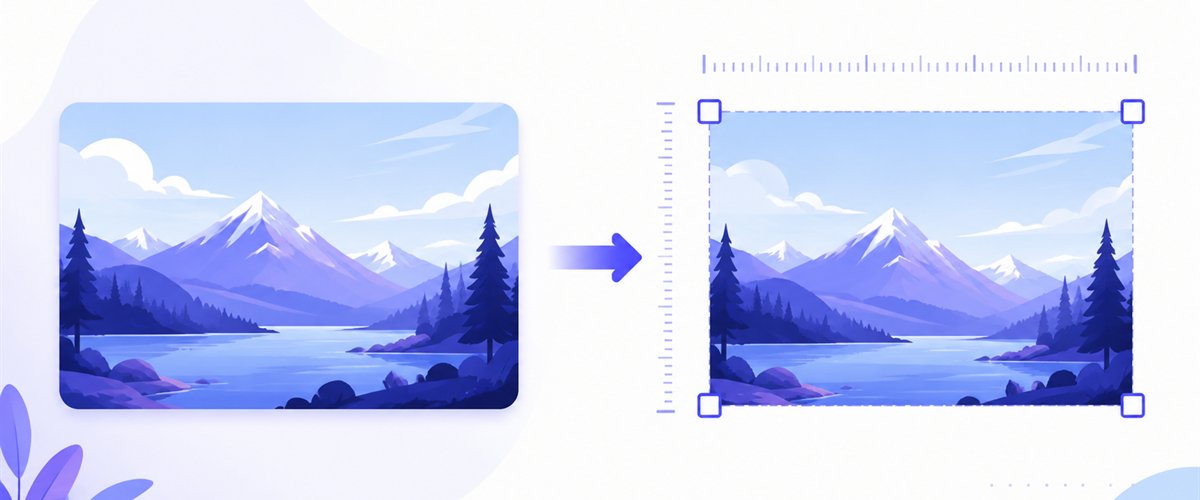
Drop one product shot or a whole catalogue folder, choose how it fills the square, and download instantly.
How to resize an image to 1000×1000
- Add your files — drag and drop, click to browse, or paste with
Ctrl+V. One photo or a whole product folder, including iPhone HEIC shots. - Set width 1000 and height 1000 — type the numbers or pick the 1000×1000 preset; the canvas locks to the exact square.
- Choose Fit, Crop or Stretch — decide how each non-square photo fills the frame (more below), and tick don't enlarge so a small source is never blown up past the marketplace minimum into blur.
- Download — save the listing image, or grab a whole batch as a ZIP.
No account is needed for up to 5 images at a time; a free account raises the batch to 20 and Premium to 100. See the pricing page.

Filling the square the marketplace wants
Marketplaces don't just want 1000 px — many want the product centred on a clean square with a little breathing room. Since your camera shoots a rectangle, the fill mode decides how the product lands in the frame, and don't enlarge stops a small original from being scaled up past 1000 px into a soft, unsellable image.
| Mode | What it does | Best for 1000×1000 |
|---|---|---|
| Fit | Scales the whole photo inside the square, adds matte (often white) bars | Showing the entire product with clean margins, the catalogue look |
| Crop | Fills the square and trims overflow (drag the area per thumbnail) | A tight, edge-to-edge product shot centred for zoom |
| Stretch | Forces an exact 1000×1000, may distort | Avoid for products — distortion misrepresents the item |
For most listings, Fit onto a white background gives the clean, margin-around-the-product look marketplaces favour, while Crop suits a tight zoom-ready shot — drag the box to centre the item. Need a freehand region or to straighten a shot first? The standalone crop tool handles any shape before you square it.

Sharp 1000×1000 that survives zoom
A listing image is the one place a buyer zooms in on stitching, labels and texture, so the downscale has to stay sharp. ImageResizerly uses high-quality Lanczos resampling (via Pica) so fine product detail — fabric weave, fine print, metal edges — stays crisp with no stair-stepping when the shopper magnifies it. Export as JPG, PNG, WebP or AVIF; JPG around 90% is the safe marketplace default, PNG keeps a packshot's clean transparent or flat background, and a quality slider with a live size estimate keeps each file within upload limits without visible artefacts.

Standardise a whole catalogue at once
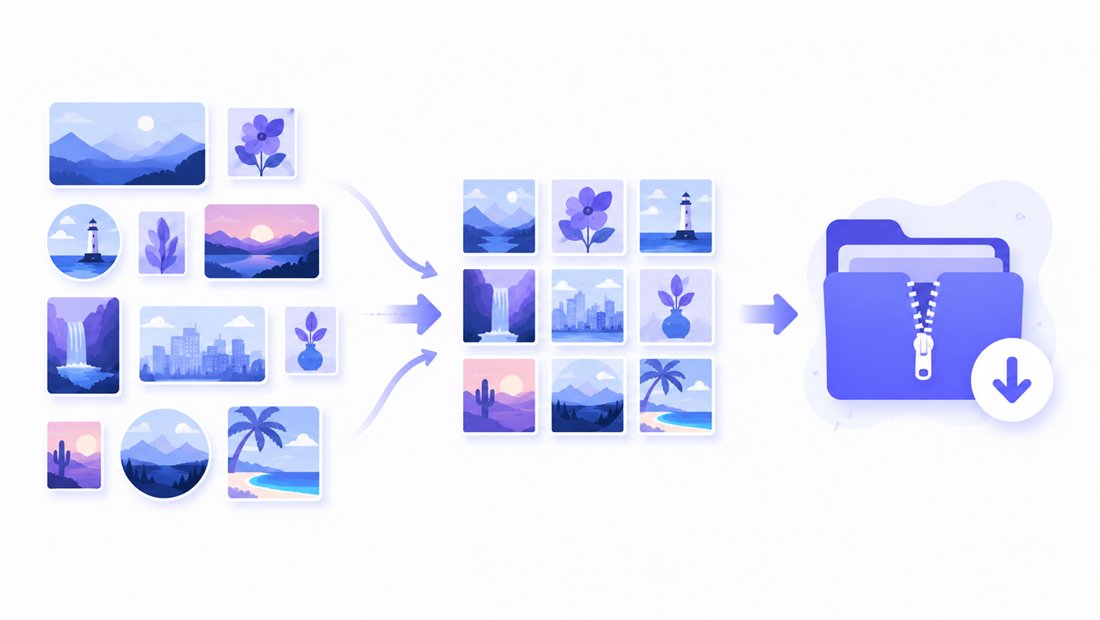
A product catalogue only looks professional when every image is the same 1000×1000 square. Drop your whole shoot and each photo is resized to 1000×1000 independently, then downloaded as a ZIP. Name patterns (an SKU- prefix plus an auto counter) keep filenames matched to your inventory, and you can apply the same crop intent across the batch so the grid stays consistent. The bulk resizer is purpose-built for standardising a catalogue to one size.
Private — nothing is uploaded
Resizing runs entirely in your browser via the Canvas API:
- No upload, no wait — even a large catalogue starts instantly.
- Private by design — your product shots never reach a server.
- EXIF removed by default — location and camera data are stripped on export.
- Works offline — once the page has loaded you can disconnect.
Related tools
- Resize to 1080×1080 — a higher-resolution square for HQ covers and avatars.
- Resize to 600×600 — a lighter square for thumbnails and grid previews.
- Bulk resizer — standardise an entire catalogue to one size at once.
- Crop tool — straighten or draw any region before squaring a shot.
FAQ
Why resize an image to 1000×1000?
Many marketplaces — Amazon, eBay, Etsy and others — require product images at least 1000 px on a side so listings can offer hover-zoom. A 1000×1000 square meets that minimum and keeps every product framed identically across a catalogue grid, print sheet or offer page.
What aspect ratio is 1000×1000?
It is a perfect 1:1 square. Because cameras shoot rectangles, you will use Fit (product centred on a white square) for the catalogue look, or Crop for a tight zoom-ready shot.
Will resizing to 1000×1000 lose quality?
Downscaling a larger photo to 1000×1000 stays sharp thanks to Lanczos resampling, and detail survives buyer zoom. Tick don't enlarge so a small original isn't upscaled past 1000 px into a soft image.
Can I resize a whole catalogue at once?
Yes — 5 at a time for free, 20 with a free account and 100 with Premium. Every product photo is resized to 1000×1000 and downloaded as a single ZIP, keeping your grid consistent.
Are my images uploaded to a server?
No. Everything runs in your browser via the Canvas API, so your product shots never leave your device — you can even work offline after the page loads.
Is it free?
Yes, resizing to 1000×1000 is completely free with no watermark. Optional accounts only raise the batch size and unlock extra features.