Resize Image to 1280×1024 — the classic 5:4 SXGA size
1280×1024 is the native resolution of the classic 5:4 SXGA desktop monitor — the 17" and 19" panels that still sit on millions of office desks and older workstations. To fill one of those screens edge to edge, your image has to match that exact pixel grid, and 5:4 is an unusual shape: slightly taller than the 4:3 displays it replaced and noticeably squarer than today's widescreens. ImageResizerly resizes any photo to 1280×1024 for a wallpaper that fits a 5:4 display perfectly, and it does the whole job in your browser — your picture is never uploaded.
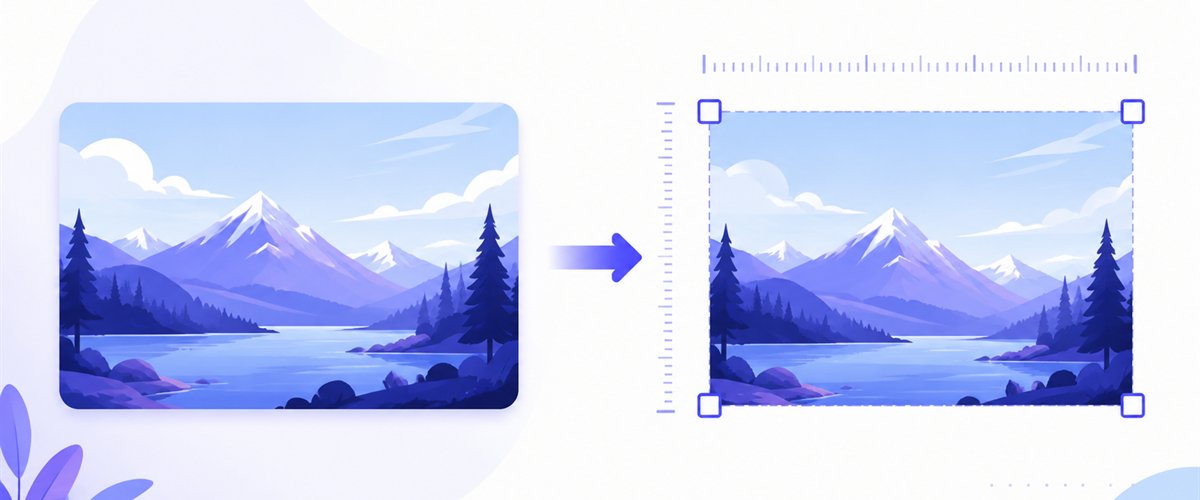
Drop one wallpaper candidate or a whole folder, pick how it should fill the 5:4 frame, and download instantly.
How to resize an image to 1280×1024
- Add your files — drag and drop, click to browse, or paste with
Ctrl+V. One image or a whole folder, including iPhone HEIC photos. - Set width 1280 and height 1024 — type the numbers or pick the 1280×1024 preset; the target frame locks to the 5:4 SXGA grid.
- Choose Fit, Crop or Stretch — decide how a non-5:4 photo should fill the frame (more on this below), and tick don't enlarge so small images are never blown up.
- Download — save the wallpaper, or grab a whole batch as a ZIP.
No account is needed for up to 5 images at a time; a free account raises the batch to 20 and Premium to 100. See the pricing page.
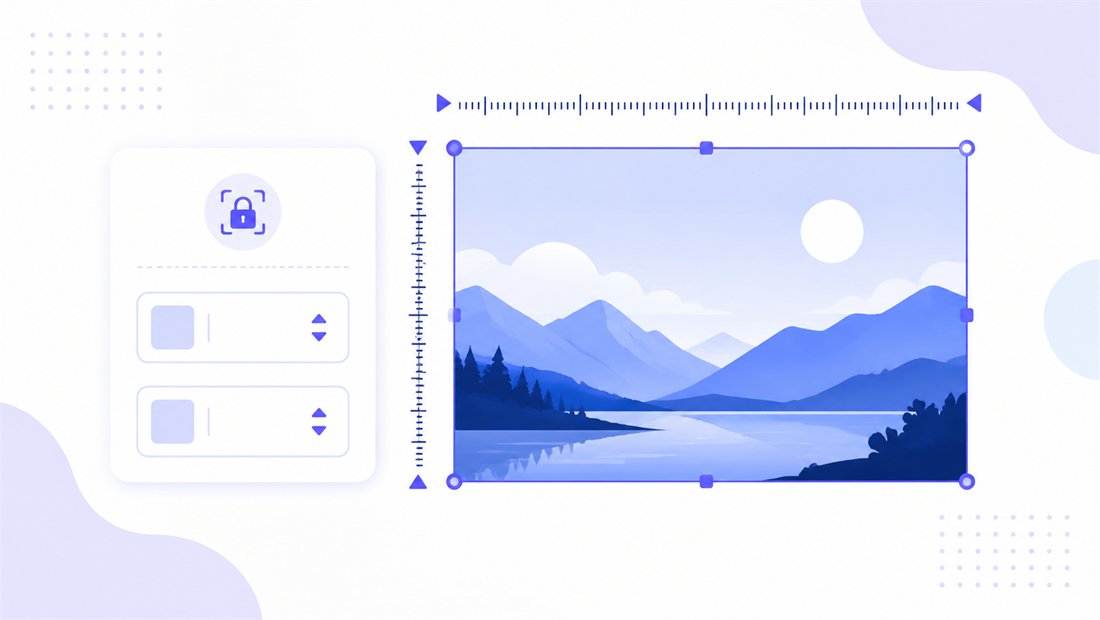
Fitting a wide photo into a 5:4 frame
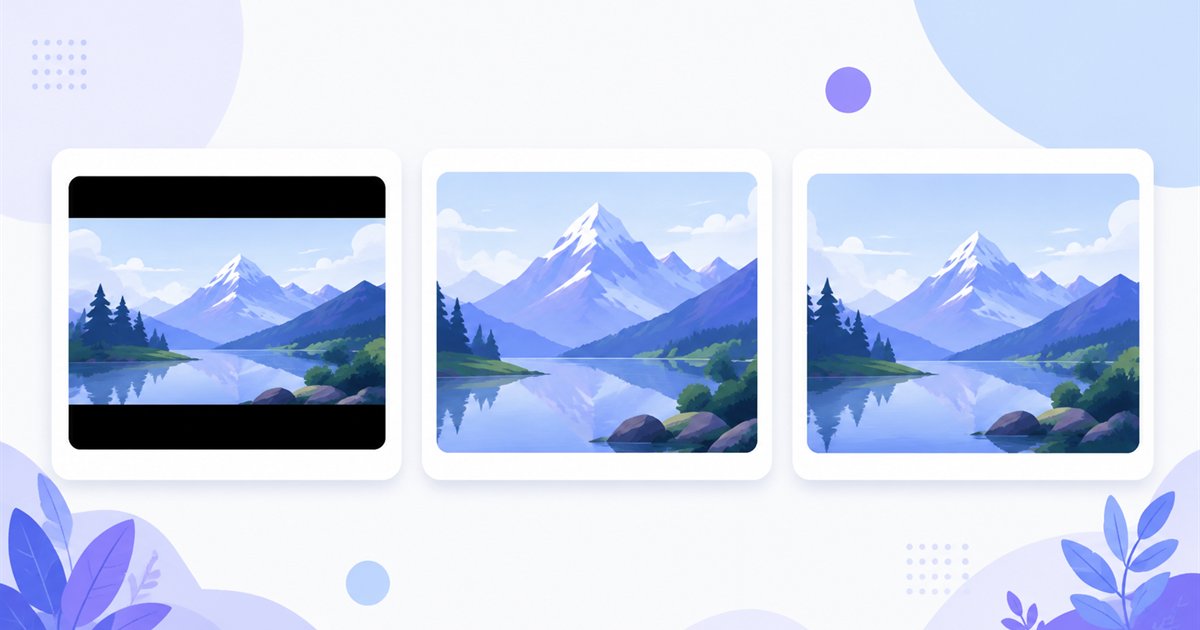
Most modern cameras and phones shoot 4:3 or 16:9, so almost nothing you own is natively 5:4. That gap is exactly why the fill mode matters here — a 16:9 panorama and a 5:4 monitor are very different shapes. Three modes cover every case, and don't enlarge keeps a small source from being scaled up into a soft, blocky wallpaper.
| Mode | What it does | Best for 1280×1024 |
|---|---|---|
| Fit | Scales the whole image inside the frame, adds matte bars | Keeping an entire wide photo visible, with side bars |
| Crop | Fills the frame and trims the overflow (drag the area on each thumbnail) | Filling a 5:4 screen edge to edge from a wider photo |
| Stretch | Forces the image to 1280×1024 exactly, may distort | Only when slight distortion is acceptable |
For a desktop background that covers the whole 5:4 panel, Crop is almost always right: drag the crop box to keep the subject centred and the trimmed strips vanish off-screen. If you would rather see the full frame, choose Fit. Need a free shape instead of a fixed background? The standalone crop tool lets you draw any region.
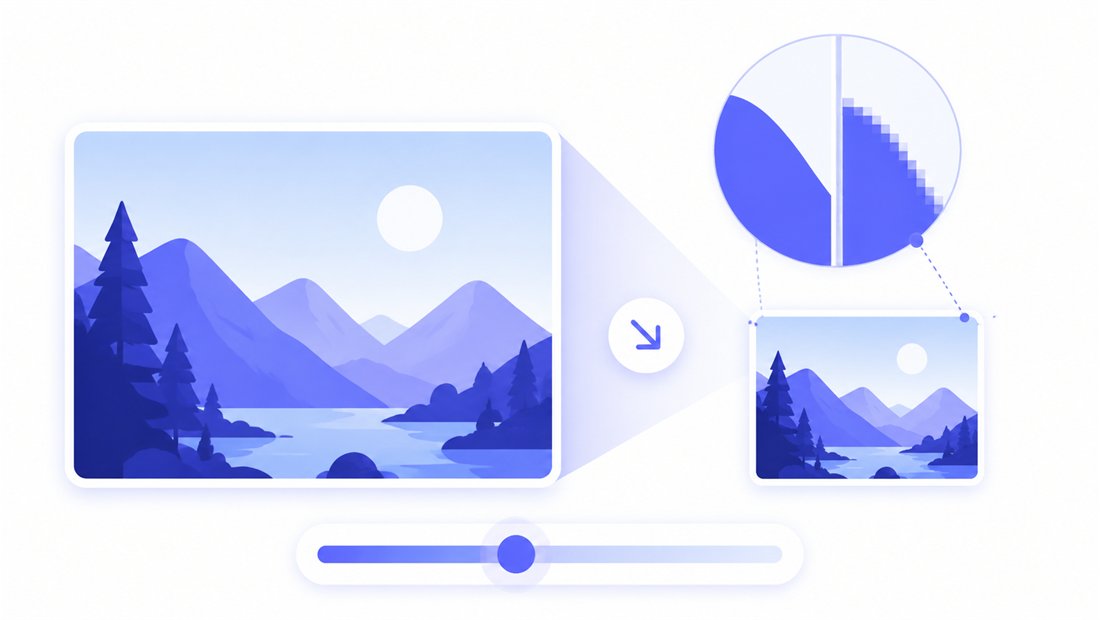
Sharp output at 1280×1024
Downscaling a 12- or 24-megapixel photo to 1280×1024 throws away most of its pixels, and a naive resize leaves jagged, aliased edges. ImageResizerly uses high-quality Lanczos resampling (via Pica) so fine detail — text on signage, foliage, brick textures — stays crisp and stair-stepping never appears, which matters because a wallpaper is viewed full-screen up close. Export as JPG, PNG, WebP or AVIF; a quality slider with a live size estimate lets you keep a wallpaper light without visible artefacts. JPG around 90% is ideal for photographic backgrounds; PNG suits flat or text-heavy designs.
Resize a whole set of monitors at once
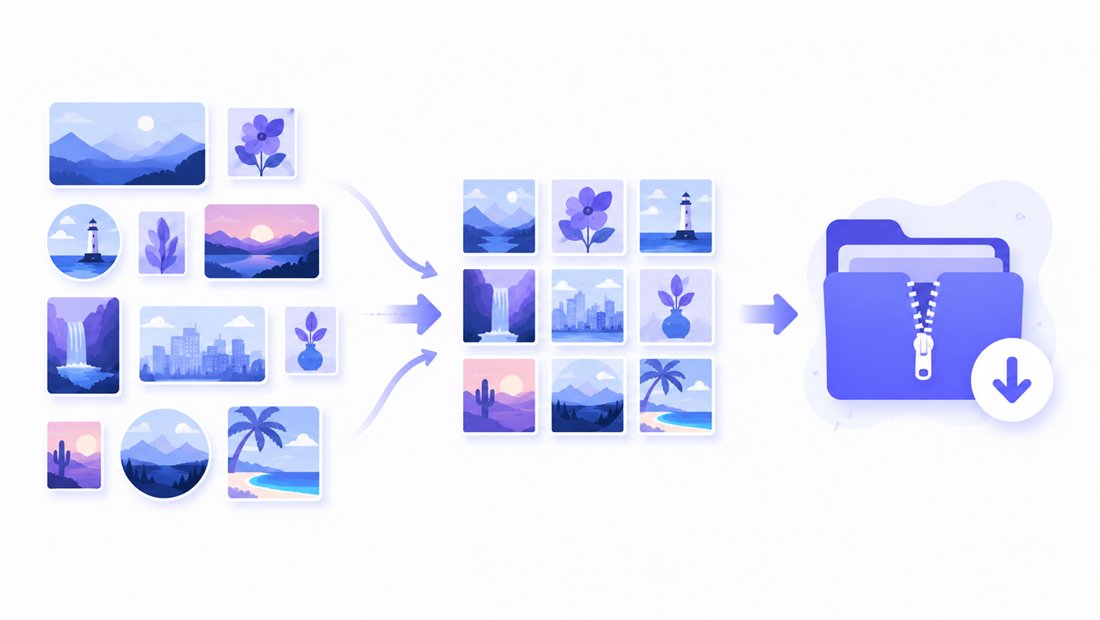
Outfitting a room of identical 5:4 workstations, or building a rotating wallpaper pack? Drop every candidate at once and each is resized to 1280×1024 independently, then downloaded together as a ZIP. Name patterns (a wallpaper- prefix plus an auto counter) keep the set tidy, and you can apply the same crop intent across the batch. The bulk resizer is built exactly for standardising many images to one size.
Private — nothing is uploaded
Resizing runs entirely in your browser via the Canvas API:
- No upload, no wait — even a large batch starts instantly.
- Private by design — your images never reach a server.
- EXIF removed by default — location and camera data are stripped on export.
- Works offline — once the page has loaded you can disconnect.
Related tools
- Resize to 1024×768 — the classic 4:3 sibling for older 4:3 displays.
- Resize to 1280×720 — the 16:9 widescreen size for modern monitors.
- Bulk resizer — standardise many images to one size at once.
- Crop tool — draw any region freehand instead of a fixed frame.
FAQ
Why would I resize an image to 1280×1024?
1280×1024 is the native resolution of classic 5:4 SXGA monitors — the 17"–19" panels common on older workstations and office desks. Matching that exact size gives a desktop wallpaper that fills the screen perfectly without bars or blur.
What aspect ratio is 1280×1024?
It is 5:4 — slightly taller than 4:3 and much squarer than 16:9 widescreen. Because most photos are 4:3 or 16:9, you will usually use Crop or accept matte bars when fitting them to 1280×1024.
Will resizing to 1280×1024 reduce quality?
Downscaling a large photo to 1280×1024 looks excellent thanks to Lanczos resampling. Tick don't enlarge to avoid upscaling a smaller image, which would soften it.
Can I resize many images to 1280×1024 at once?
Yes — 5 at a time for free, 20 with a free account and 100 with Premium. Every image is resized to 1280×1024 and downloaded as a single ZIP.
Are my images uploaded to a server?
No. Everything runs in your browser via the Canvas API, so your files never leave your device — you can even work offline after the page loads.
Is it free?
Yes, resizing to 1280×1024 is completely free with no watermark. Optional accounts only raise the batch size and unlock extra features.