Extract text from any image — free, right in your browser
Turn a photo, screenshot or scan into editable text. The free OCR runs entirely in your browser — your image never leaves your device, there are no limits and you do not even need an account. For hard cases like handwriting or tables, an optional AI OCR mode reads what classic OCR cannot.
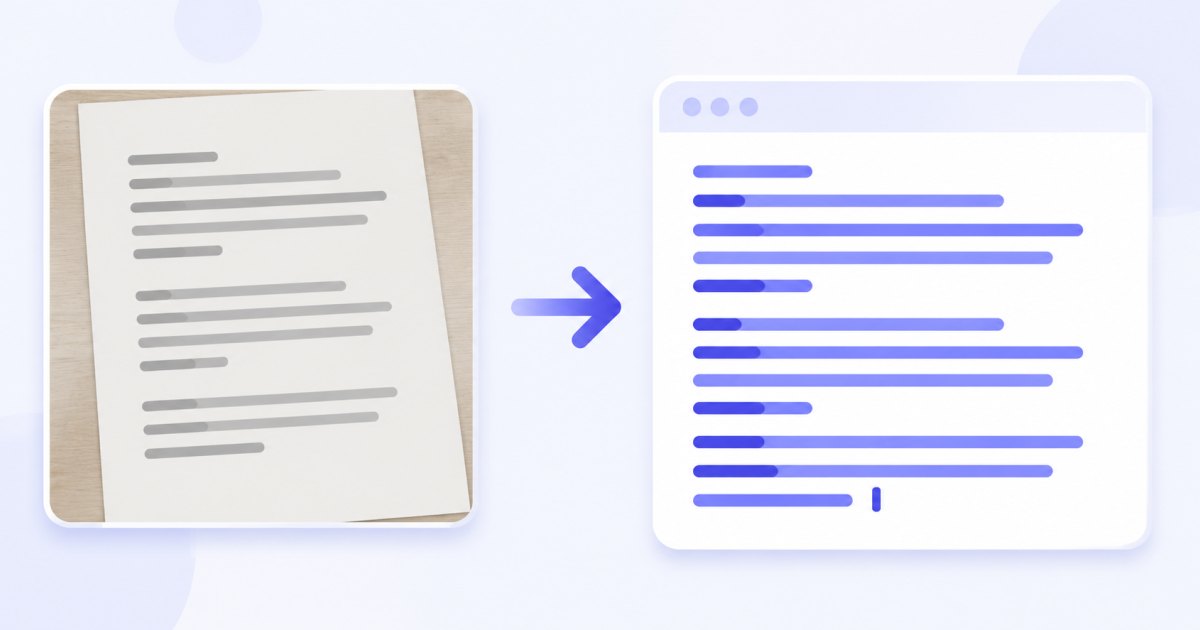
Copy the result with one click or download all recognised text as a single .txt file. Drop a whole batch and each image gets its own section in the results.
Free OCR vs AI OCR
Two engines, one menu — pick the right tool for the job:
| Free OCR | AI OCR | |
|---|---|---|
| Runs | 100% in your browser | Vision model via our server |
| Cost | Free, unlimited | 1 credit per image |
| Account | Not required | Free account (3 trial credits) |
| Best for | Printed text, screenshots, clean scans | Handwriting, photos at an angle, tables |
| Languages | English & Polish on our site | Practically any language |
| Privacy | Never uploaded | That one image is sent, never stored |
Free OCR (in your browser)
The free engine is a proven open-source OCR (Tesseract) compiled to WebAssembly, so recognition happens locally — unlimited, free and private by design. It handles printed documents, screenshots and clean scans, works offline once the page has loaded, and never sends your image anywhere.
AI OCR (for the hard cases)
When classic OCR struggles — messy handwriting, a skewed phone photo of a page, a dense table — switch to AI OCR in the same menu (1 credit per image). It uses a vision language model that reads difficult text and keeps table layout in plain text.
How to extract text from an image
- Add your image — drag and drop, browse, or paste with
Ctrl+V. JPG, PNG, WebP and iPhone HEIC are supported. - Open the ✨ AI menu on the thumbnail.
- Pick “Read text (OCR, free)” for printed text, or “AI OCR” for handwriting and tables.
- Copy or download — copy the text or save everything as a
.txtfile; process a whole batch and each image gets its own section.
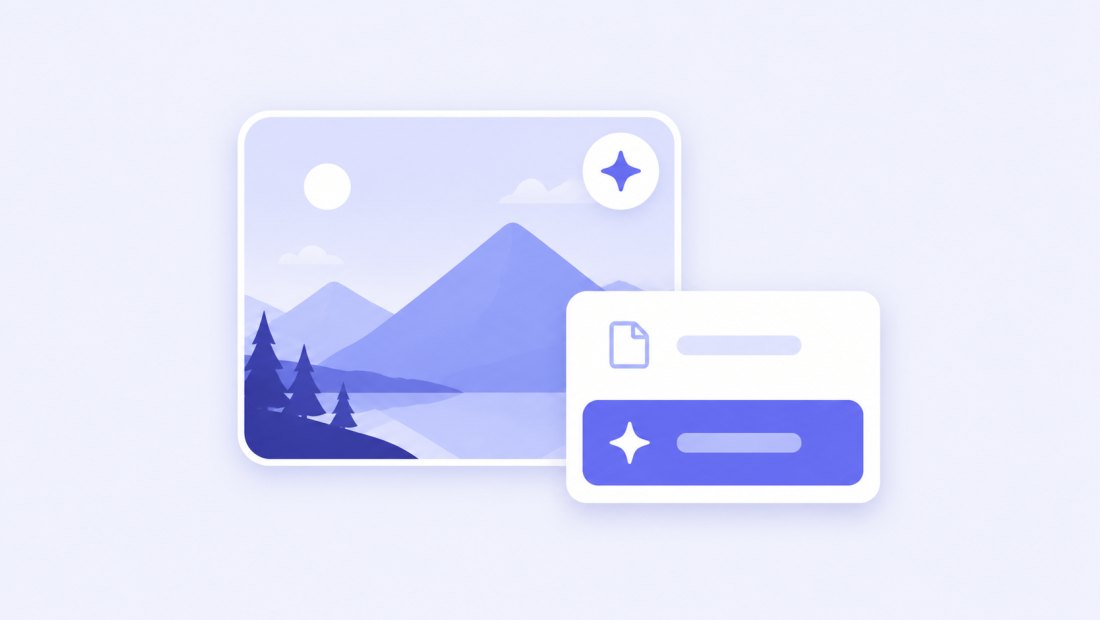
You only need a free account for the AI mode. See credits on the pricing page.
What you can turn into text
- Documents and PDFs pages exported as images — contracts, letters, forms.
- Screenshots — copy text from an image when it cannot be selected.
- Receipts and invoices — pull out numbers and line items.
- Photos of signs, labels and packaging.
- Old scans and book pages.
Read handwriting and tables with AI OCR
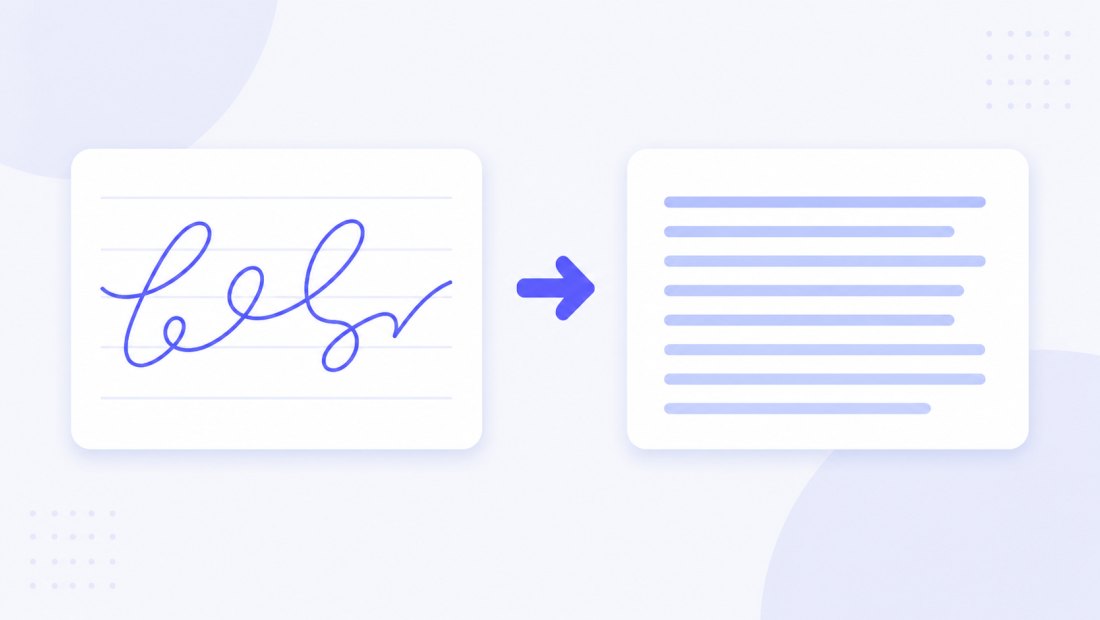
Classic OCR expects clean printed type. AI OCR is different: it understands context, so it can read handwritten notes, photos taken at an angle, low-contrast scans and tables, keeping rows and columns readable in the plain-text output.
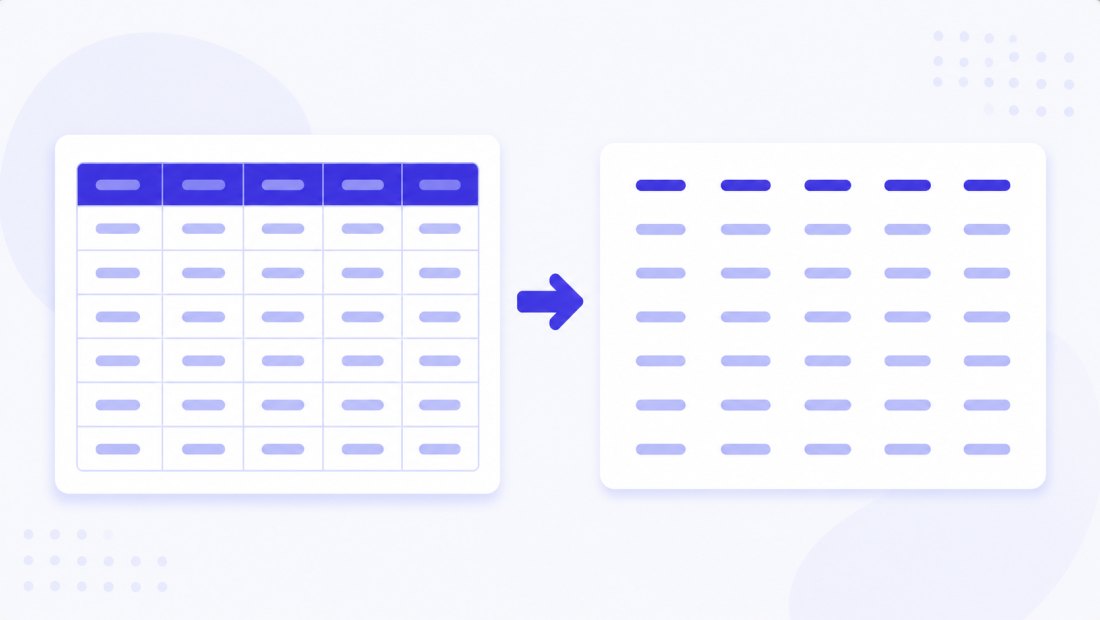
It also keeps the structure of a table — rows stay rows — so you can paste straight into a spreadsheet.
Copy, download and batch
Results land in a panel next to your images. Copy any block to the clipboard, or download everything as a .txt. Drop several images at once and the batch is processed together, each with its own section in the results — handy for digitising a stack of pages.
Pair OCR with the rest of the toolkit: resize or compress the same images, or remove a background before posting them.
Languages
The free in-browser OCR ships with English and Polish on our site. The AI OCR mode reads practically any language — including handwriting and mixed-language documents — and returns the text in its original language.
Privacy
- Free OCR: never uploaded. Recognition runs 100% in your browser, even offline — your scans and documents stay on your device.
- AI OCR: only that single image is sent for processing via our server, and it is never stored.
- EXIF is stripped from any image you export.
FAQ
Is it really free?
Yes. Basic OCR runs on an open-source engine in your browser — no limits, no account needed. The AI mode (for handwriting and tables) costs 1 credit per image, and new accounts get 3 trial credits.
Which languages are supported?
The free in-browser OCR ships with English and Polish on our site. The AI mode reads practically any language, including handwriting and mixed-language documents.
Is my scan uploaded anywhere?
Free OCR: never — it runs 100% locally, even offline. AI OCR: that single image is sent for processing via our server and is never stored.
Can it read handwriting?
Free OCR is built for printed text. For handwriting, skewed photos and tables, use AI OCR (1 credit per image), which uses a vision model that handles those cases.
What format is the output?
Plain text. Copy any block to the clipboard, or download all recognised text as a single .txt file. AI OCR keeps table rows aligned in the text.
Can I extract text from several images at once?
Yes. Drop a batch and each image is processed in turn, with its own section in the results — then copy or download everything together.