Convert WebP to PNG — lossless, editable, opens everywhere
WebP is brilliant for the web — small files, good quality — but plenty of older editors, viewers and desktop programs still refuse to open it. Converting WebP to PNG gives you a lossless, universally supported file you can drop into any image editor, paste into a document or hand to a tool that has never heard of WebP. ImageResizerly decodes the WebP and re-encodes it as PNG entirely in your browser — your images are never uploaded.
Drop one image or a whole folder, convert, and download a single PNG or the whole batch as a ZIP.
How to convert WebP to PNG
- Add your WebP files — drag and drop, click to browse, or paste with
Ctrl+V. Single images or a whole folder at once. - PNG is the target format — this tool decodes every WebP and re-encodes it as a standard, lossless PNG.
- Keep your transparency — alpha channels carry straight over, so logos and cutouts stay clean (more on this below).
- Convert and download — get one PNG or the whole batch as a ZIP. Resize in the same pass if you like.
No account is needed for up to 5 images at a time; a free account raises the batch to 20 and Premium to 100. See the pricing page.
WebP vs PNG: when to use which
Both are lossless-capable, but they fit different jobs:
| WebP | PNG | |
|---|---|---|
| Compression | Lossy or lossless | Lossless |
| File size | Smaller | Larger |
| Transparency | Yes | Yes |
| Editor support | Patchy on older software | Universal |
| Best for | Modern web delivery | Editing, archiving, compatibility |
If you are publishing to the modern web, WebP wins on size. If you need to edit the image, archive it, or open it in software that does not support WebP, PNG is the safe, editable choice. Be honest about the trade-off: the PNG will be larger than the WebP it came from — that is the cost of a lossless, universal file.
Transparency is preserved
This is the main reason to choose PNG over JPG when leaving WebP. If your WebP has an alpha channel — a transparent logo, an icon, a product cutout — the converter carries that transparency straight into the PNG. Nothing is flattened onto a background, so cutouts stay clean on any colour behind them. If you do not need transparency and want a smaller universal file instead, WebP to JPG is the lighter option.
It opens in every editor and program
A PNG opens in every image editor, viewer, office suite and operating system — old Photoshop versions, Paint, GIMP, slide decks, email clients and any website upload field. WebP support, by contrast, was bolted onto a lot of software late or not at all, so a .webp file can stop a workflow dead with a "format not supported" message. Converting WebP to PNG once removes that friction so you can keep editing without hunting for a plugin, updating an app or searching for a workaround.
Convert a whole batch of WebP files at once
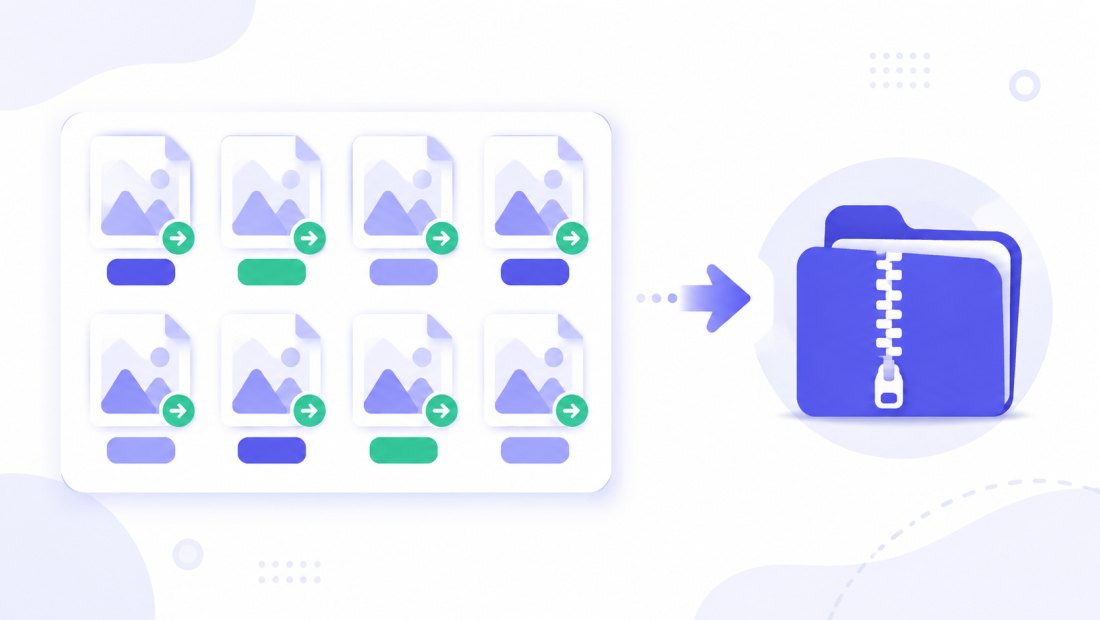
Have a folder of WebP downloads or exports to make editable? Drop them all and each is decoded and re-encoded to PNG independently, then downloaded together as a ZIP — no need to convert them one by one. Combine the conversion with resizing (cap everything at 1920 px) in the same pass so the whole set comes out consistent and ready to use, whether it is a batch of icons, screenshots or product cutouts.
When WebP to PNG is the right move
Reach for this conversion whenever the destination matters more than the file size:
- Editing in older software — an image editor, viewer or desktop app that simply will not open a
.webpfile. - Saved an image from the web — many sites now serve WebP, and you want a PNG you can actually work with.
- Pasting into documents or slides — office suites and presentation tools handle PNG everywhere, WebP only sometimes.
- Keeping a transparent logo or cutout — PNG preserves the alpha channel exactly, ready to layer over any background.
- Archiving a master copy — a lossless PNG is a safe, format-stable original you can re-export from later, with no generational quality loss.
For the opposite direction — squeezing files down for fast web pages — convert PNG to WebP instead.
Private — nothing is uploaded
Conversion runs entirely in your browser via the Canvas API:
- No upload, no wait — even a large batch starts instantly.
- Private by design — your images never reach a server.
- EXIF removed by default — location and camera data are stripped on export.
- Works offline — once the page has loaded you can disconnect.
Related converters
- WebP to JPG — a smaller universal file when you do not need transparency.
- PNG to WebP — go the other way to shrink files for the web.
- JPG to PNG — reach a lossless, editable PNG from JPG as well.
- Bulk resizer — resize the whole batch in the same pass.
FAQ
Why convert WebP to PNG?
Because PNG is lossless and opens everywhere. Many older editors, viewers and desktop programs still cannot read WebP, so converting to PNG gives you a universal, editable file you can use anywhere — while keeping every pixel and any transparency intact.
Does converting WebP to PNG lose quality?
No. PNG is a lossless format, so the converter reproduces the WebP exactly, pixel for pixel. The only thing that changes is the container — the image itself is identical.
Is the PNG bigger than the WebP?
Usually yes. WebP compresses harder than PNG, so a lossless PNG of the same image is typically larger. That is the trade-off for a universal, editable, lossless file. If size matters more than transparency, use WebP to JPG instead.
Is transparency kept?
Yes. If the WebP has an alpha channel, the transparency carries straight over to the PNG — nothing is flattened onto a background, so logos and cutouts stay clean.
Can I convert many WebP files at once?
Yes — 5 at a time for free, 20 with a free account and 100 with Premium. Each WebP is re-encoded to PNG and you download them all as one ZIP.
Are my images uploaded to a server?
No. The conversion uses your browser's Canvas API, so files never leave your device — you can even work offline after the page loads.
Is it free?
Yes, converting WebP to PNG is completely free with no watermark. Optional accounts only raise the batch size and unlock AI features.