Compress any image to 30 KB or less
Some uploads need a genuinely small file: a product thumbnail, an avatar, an inline email image, or a simple form that caps attachments at 30 KB. Drop your photo here and ImageResizerly finds the highest quality that still fits 30 KB for you — no guessing at slider values. Everything runs in your browser, so nothing is ever uploaded.
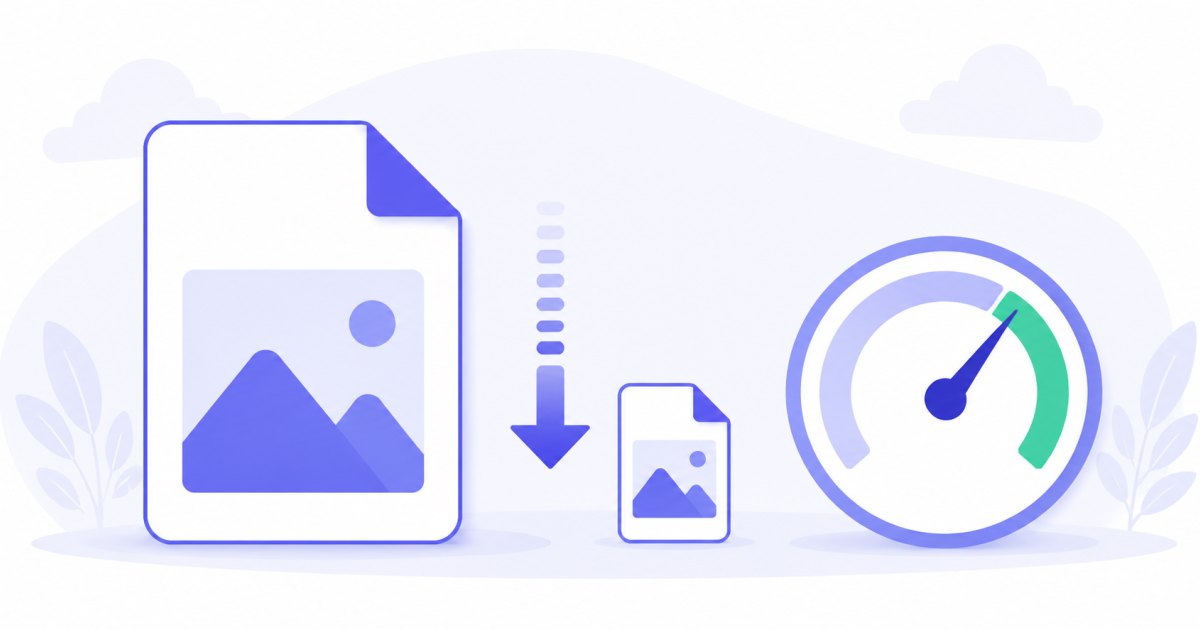
30 KB sits between the very tight 20 KB target and the more comfortable 50 KB target — small enough for lightweight thumbnails and icons, but with a little more room for detail than a hard 20 KB cap. You set the target once and every photo lands at or below it, with a per-photo report so you can see the result before downloading.
How to compress an image to 30 KB
- Add your photos — drag and drop, browse, or paste with
Ctrl+V. JPG, PNG, WebP and iPhone HEIC are all supported. - The target is set to 30 KB — that's this tool's preset; you can change it any time.
- Pick a format — JPG for the smallest, most compatible files; WebP if the destination accepts it.
- Compress and download — each photo is tuned to fit, then download a single file or the whole batch as a ZIP.
No account is needed for up to 5 photos at a time; a free account raises the batch to 20, and a paid plan goes to 100. See the pricing page.
How target-size compression hits 30 KB
Picking a quality percentage is guesswork — the same setting produces wildly different file sizes on different photos, and at a small target like 30 KB that guesswork is even harder. This tool works backwards from the file size you actually need:
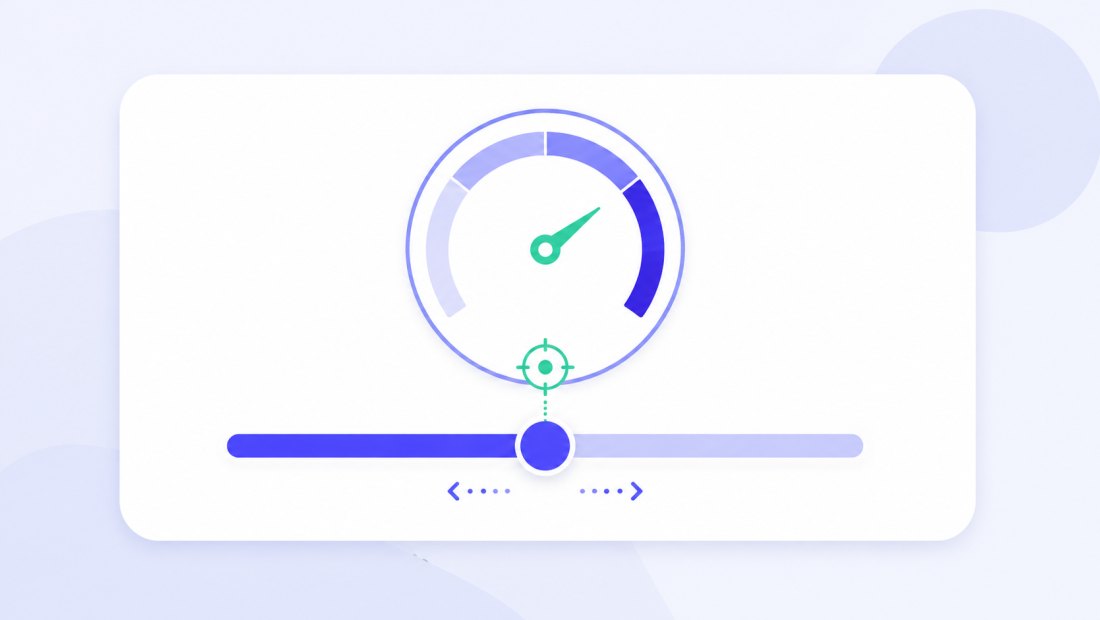
- It runs a fast binary search on JPEG/WebP quality (a handful of attempts) to find the highest quality that still fits 30 KB.
- If even the lowest quality can't reach 30 KB at the original dimensions, it gently reduces the dimensions and tries again.
Because 30 KB is a small target, dimension reduction kicks in more often than it would at 50 KB — especially with large camera photos. That's expected and usually fine: a thumbnail or email image rarely needs full resolution, and scaling down preserves far more visual quality than crushing quality alone.
Same photo, a tiny fraction of the size
Because the tool keeps as much quality as the limit allows, a compressed photo still looks clean at the small sizes a 30 KB file is meant for — a thumbnail, a list icon, or an inline image.

The table below gives a rough idea of what a 30 KB target suits best compared with neighbouring limits:
| Target | Typical use | Quality headroom | Dimension reduction |
|---|---|---|---|
| 20 KB | Tiny icons, low-res avatars | Minimal | Frequent |
| 30 KB | Thumbnails, email images, simple forms | Modest | Sometimes |
| 50 KB | ID photos, form portals | Comfortable | Rare |
| 100 KB | Web images, CMS uploads | Generous | Very rare |
Perfect for thumbnails, icons and simple forms
A 30 KB cap is common wherever a small, fast-loading image is all you need:
- Product thumbnails and list icons for a store or catalogue, where dozens load on one page.
- Email images that need to stay light so the message sends and renders quickly.
- Avatars and profile pictures on forums, intranets and small apps.
- Simple upload forms — clubs, schools or sign-up pages — that cap attachments at 30 KB.
Because compression happens locally in your browser, your images are never uploaded — safer than the typical online compressor that sends your file to a server.
Compress a whole batch to 30 KB
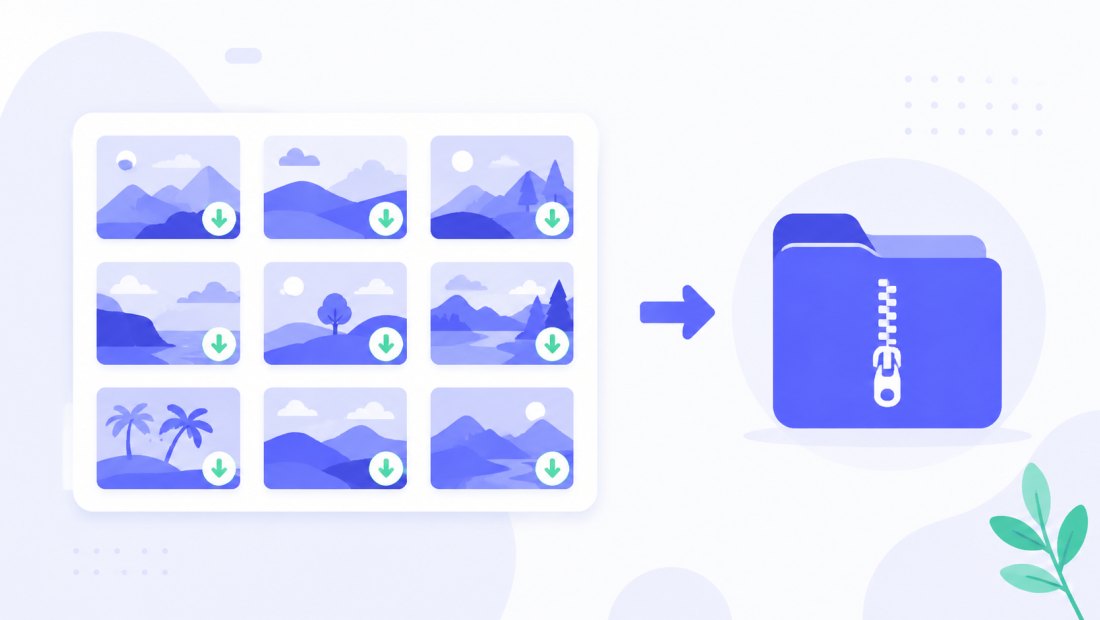
Got a folder of thumbnails or product shots to fit the same limit? Drop them all, and each one is tuned independently to land at or below 30 KB, then downloaded together as a ZIP. You can combine compression with resizing to a fixed thumbnail width in the same pass.
JPG or WebP for 30 KB
- JPG — universally accepted; the safe choice for forms, email and older systems. For a hard 30 KB cap, JPG is the most reliable.
- WebP — fits noticeably more quality into 30 KB, which matters a lot at such a small target. Great for thumbnails on your own website where modern browsers are guaranteed.
At 30 KB the quality difference between the two is more visible than at larger sizes, so if your destination supports WebP it's well worth choosing.
Private — nothing is uploaded
Compression runs entirely in your browser via the Canvas API:
- No upload, no wait — even a batch of thumbnails starts instantly.
- Private by design — your images stay on your device.
- EXIF removed by default — location and camera data are stripped on export, which also shaves a few precious kilobytes at this small target.
- Works offline — once the page has loaded you can disconnect.
Need a different target?
Pick the limit that matches your destination — the tool works the same way at any size:
- Compress to 20 KB — for the tiniest icons and avatars.
- Compress to 50 KB — for ID photos and strict form portals.
- Compress to 100 KB — the most common web and CMS limit.
FAQ
Will my photo really be under 30 KB?
Yes. The tool verifies the final file size and keeps adjusting quality — and, if needed, dimensions — until the result fits 30 KB. The per-photo report shows the exact size before you download.
Why does the image get smaller dimensions more often at 30 KB?
30 KB is a small target, so for large photos even minimum quality often can't reach it at full size. The tool then gently scales the image down and tries again. For thumbnails and email images this is rarely a problem, and it keeps far better quality than extreme compression alone.
Is 30 KB too small for a normal photo?
For full-screen viewing, yes — 30 KB suits small contexts like thumbnails, icons, avatars and email images. If you need a sharper full-size photo, 50 KB or 100 KB gives more room.
What's the best format for a 30 KB target?
JPG for compatibility, but WebP fits noticeably more quality into 30 KB — and at such a small target that difference is worth it whenever the destination accepts WebP.
Can I compress many photos to 30 KB at once?
Yes — up to 5 at once for free, 20 with a free account, and 100 on a paid plan. Each photo is tuned independently to land under 30 KB, then downloaded as a ZIP.
Does compressing remove my photo's metadata?
Yes, EXIF metadata (location, camera details) is removed by default — a privacy bonus, and at a 30 KB target it helps shave a few extra kilobytes that matter.