Convert HEIC to JPG, right in your browser
Your iPhone saved a photo as .HEIC and now Windows won't open it, the website won't accept it, and nobody you sent it to can see it? Drop those files here and ImageResizerly converts HEIC to JPG instantly — a format that opens on every computer, phone and website on earth. Everything runs locally in your browser, so your camera-roll photos never leave your device.
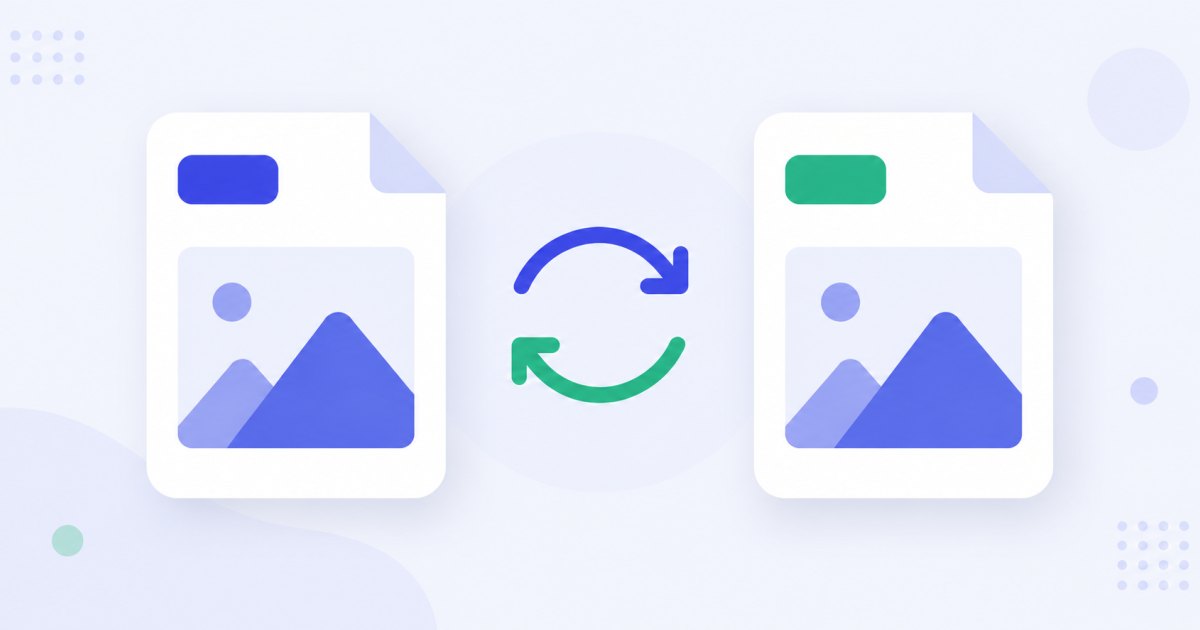
No app to install, no upload, no waiting for a server. Add your photos, click convert, and download a JPG you can email, print, upload or edit anywhere.
Why HEIC won't open and JPG always will
HEIC (High Efficiency Image Container) is Apple's default photo format on the iPhone. It's clever: it stores the same photo at roughly half the file size of JPG, which is why your iPhone uses it to save space. The catch is compatibility.
- Windows can't open HEIC out of the box — it nags you to buy paid HEVC/HEIF codecs from the Microsoft Store.
- Older Macs, Android phones and Linux often choke on it too.
- Most websites and upload forms — job portals, marketplaces, government sites, forums — silently reject
.heicfiles because they only accept JPG and PNG. - Email recipients open it and see nothing, or an error.
JPG, by contrast, is the most universally supported image format ever made. Convert once and the photo just works — on a 10-year-old laptop, an Android tablet, a printer kiosk, or any website that takes an image.

How to convert HEIC to JPG
- Add your iPhone photos — drag and drop the
.HEICfiles, browse, or paste withCtrl+V. You can add a whole folder at once. - JPG is already selected — this tool decodes HEIC and exports JPG; you don't have to configure anything.
- Convert — each photo is decoded at full resolution and re-saved as a high-quality JPG, right on your device.
- Download — grab a single JPG, or the whole batch as one ZIP file.
No account is needed for up to 5 photos at a time; a free account raises the batch to 20, and a paid plan handles up to 100. See the pricing page.
Full resolution, quality 95 by default
Converting a format should never quietly shrink or soften your photo. ImageResizerly decodes the HEIC image at its full original resolution and exports JPG at quality 95 by default — high enough that the result looks identical to the original at any normal viewing size, while keeping the file reasonably small.

If you want a smaller file you can lower the quality; if you want maximum fidelity you can push it higher. Either way, the dimensions stay exactly as your iPhone captured them unless you choose to resize.
Orientation and metadata, handled for you
iPhone photos carry an orientation flag in their metadata, which is why a photo that looks upright on your phone sometimes appears sideways on a PC. ImageResizerly reads that flag and bakes the correct rotation into the JPG, so your converted photos are always the right way up — no manual rotating.
It also handles privacy. By default the tool strips EXIF and GPS metadata during conversion, so the JPG you share doesn't carry the exact location, timestamp and device details your camera roll quietly records.
| What gets handled | HEIC from iPhone | Converted JPG |
|---|---|---|
| Opens on Windows / web | No (needs paid codec) | Yes, everywhere |
| File size | Smaller | Slightly larger, still modest |
| Resolution | Full | Full (unchanged) |
| Orientation | Stored as a flag | Corrected automatically |
| GPS / EXIF location | Embedded | Removed by default |
| Quality | Original | 95 by default |
Convert a whole camera roll at once
Exported a batch of HEIC photos from your iPhone and need them all as JPG? Drop the whole set in, and every photo is decoded and converted independently, then packed into a single ZIP so you download everything in one click.
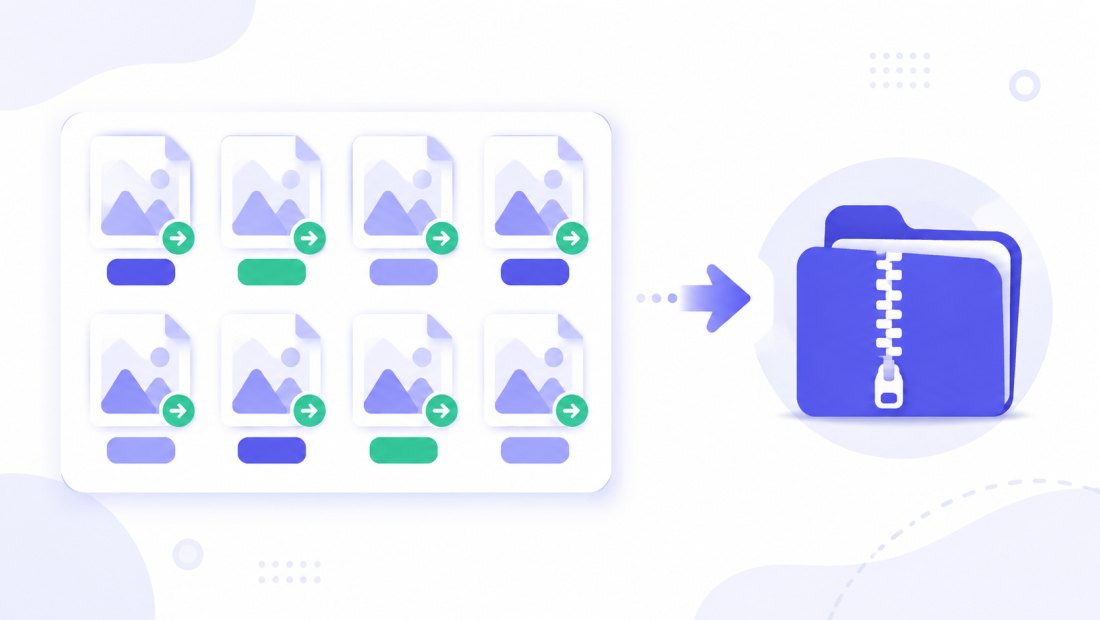
You can combine the conversion with a resize or a crop tool pass in the same run — handy if you also need the photos at a specific size for a website or profile picture.
HEIC is just one of many formats
The same in-browser engine converts between all the common image formats, not just HEIC and JPG. Need WebP for a fast-loading website, or PNG for a transparent logo? It's the same workflow.
- WebP to JPG — turn modern WebP downloads into universally accepted JPG.
- JPG to WebP — shrink JPGs for the web once compatibility isn't an issue.
- Compress to 100 KB — squeeze a converted JPG under a strict upload limit.
Private — nothing is uploaded
HEIC decoding and JPG export both run entirely in your browser:
- No upload, no wait — even a big batch starts converting instantly.
- Private by design — personal iPhone photos stay on your device, never on a server.
- GPS and EXIF removed by default — your shared JPGs don't leak where and when the photo was taken.
- Works offline — once the page has loaded you can disconnect and keep converting.
This is safer than the typical online HEIC converter, which uploads your private photos to a remote server you don't control. For personal photos of family, kids, or documents, that difference matters: the file you convert here is processed entirely on your own machine, and nothing about it is ever transmitted, logged or stored anywhere else.
FAQ
Why can't Windows open my HEIC files?
Windows doesn't include HEIC/HEVC support by default — it prompts you to buy paid codecs from the Microsoft Store. Converting to JPG sidesteps that entirely, because JPG opens natively on every version of Windows.
Will converting to JPG lower the quality?
Barely. The tool decodes at full resolution and exports JPG at quality 95 by default, so the result looks identical at normal viewing size. You can raise or lower the quality if you want a different size-versus-fidelity balance.
Are my photos uploaded anywhere?
No. HEIC decoding and JPG conversion happen locally in your browser. Your camera-roll photos never leave your device, which makes this much safer than online converters that send your files to a server.
Will my photos come out rotated the wrong way?
No. The tool reads the iPhone's orientation flag and bakes the correct rotation into the JPG, so converted photos are always upright — no manual fixing needed.
Does converting remove my photo's location data?
Yes. EXIF and GPS metadata are stripped by default during conversion, so the JPG you share doesn't carry the exact location, time and device your camera recorded. It's a privacy bonus and trims the file slightly.
Can I convert many HEIC photos at once?
Yes — up to 5 at a time for free, 20 with a free account, and up to 100 on a paid plan. Each photo is converted independently and downloaded together as a single ZIP.
What size are the JPG files compared to HEIC?
A JPG is usually somewhat larger than the same HEIC, since HEIC compresses more efficiently — but it stays modest at quality 95. If you need a hard limit, run the result through compress to 100 KB.