Convert PNG to JPG — smaller files, opens everywhere
PNG is a lossless format, which makes it great for graphics and screenshots but heavy for photos — a single PNG photo can be several times larger than the same picture as a JPG. Converting PNG to JPG shrinks the file dramatically while keeping it visually identical, and produces a file that every app, form and printing service accepts. ImageResizerly does it entirely in your browser — your images are never uploaded.
Drop one image or a whole folder, set the quality, and download a single JPG or the whole batch as a ZIP.
How to convert PNG to JPG
- Add your PNG files — drag and drop, click to browse, or paste with
Ctrl+V. Single images or a whole folder at once. - JPG is the target format — this tool re-encodes every PNG as a standard JPG.
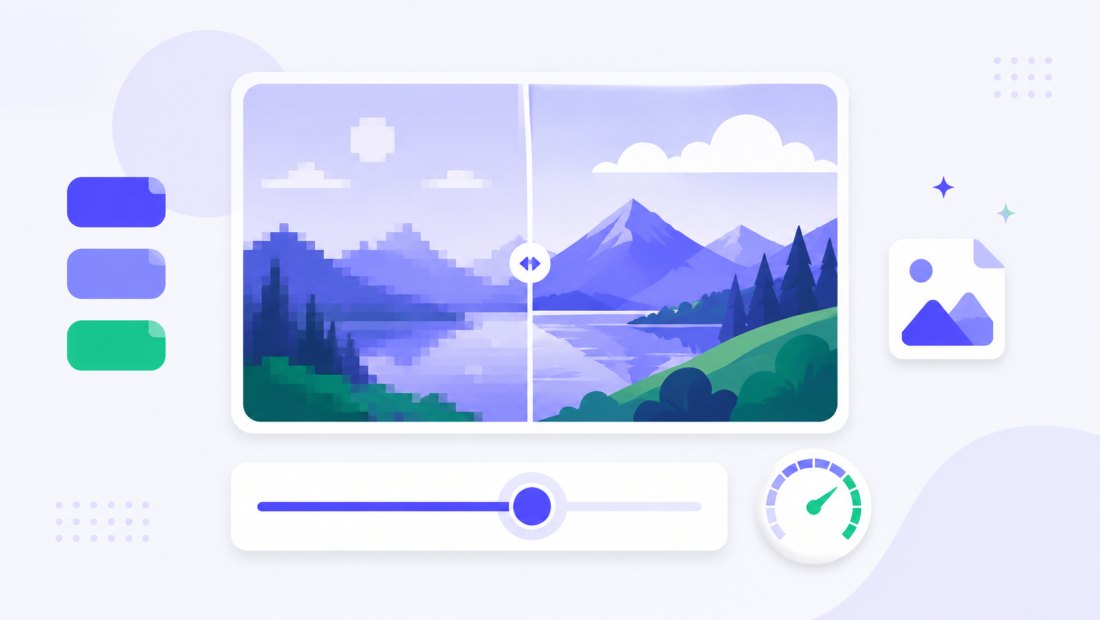
- Set the quality — the slider (85–95% is ideal) lets you balance file size against fidelity, with a live size estimate.
- Convert and download — get one JPG or the whole batch as a ZIP. Resize or compress in the same pass if you like.
No account is needed for up to 5 images at a time; a free account raises the batch to 20 and Premium to 100. See the pricing page.
PNG vs JPG: when to use which
Both are everywhere, but they are built for different jobs:
| PNG | JPG | |
|---|---|---|
| Compression | Lossless | Lossy |
| Best for | Logos, icons, screenshots, flat graphics | Photographs, complex images |
| Transparency | Yes | No (flattened) |
| File size for photos | Large | Small |
| Universal support | Yes | Yes |
If your PNG is a photo (or a screenshot of one), JPG will be far smaller with no visible difference. If it is a logo or graphic with sharp edges or transparency, keep PNG — or consider PNG to WebP for the best of both.
Transparency becomes a solid background
JPG cannot store transparency. When a PNG has transparent areas, this converter flattens them onto a solid white background (the standard, safe choice) so the result looks clean instead of black. If you need to keep transparency, stay with PNG or use PNG to WebP, which supports it.
It opens everywhere
A JPG opens on every device, operating system and app — old Windows laptops, email clients, office software, printing labs and any website upload field. Converting once removes the friction of a format that something in the chain might not accept.
Convert a whole batch of PNGs at once
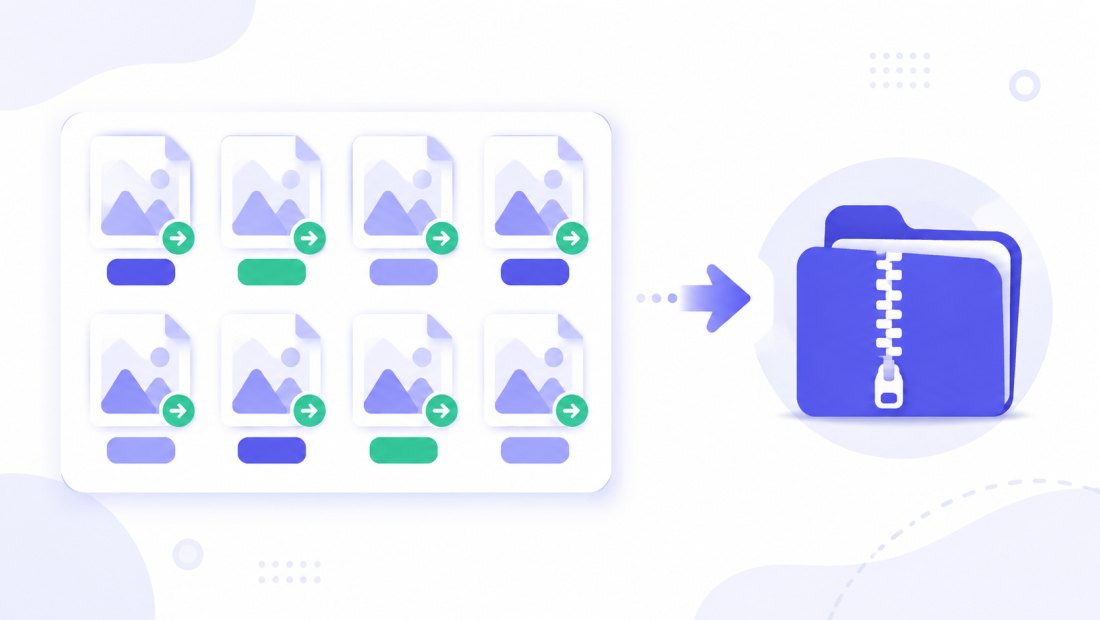
Have a folder of PNG screenshots or exports to slim down? Drop them all and each is re-encoded to JPG independently, then downloaded together as a ZIP. Combine the conversion with resizing (cap everything at 1920 px) or compression to 100 KB in the same pass.
Private — nothing is uploaded
Conversion runs entirely in your browser via the Canvas API:
- No upload, no wait — even a large batch starts instantly.
- Private by design — your images never reach a server.
- EXIF removed by default — location and camera data are stripped on export.
- Works offline — once the page has loaded you can disconnect.
Related converters
- JPG to PNG — go the other way when you need transparency or lossless quality.
- PNG to WebP — even smaller files that keep transparency.
- WebP to JPG and HEIC to JPG — other ways to reach universal JPG.
FAQ
Why convert PNG to JPG?
PNG is lossless and heavy for photos. Converting a photographic PNG to JPG can cut the file size by 70–90% with no visible difference, and JPG is accepted by every app, form and printer.
Will converting PNG to JPG lose quality?
JPG is lossy, so keep the quality slider at 85–95% for a result that looks identical to the PNG. For logos and sharp-edged graphics, PNG or WebP may preserve crisp edges better.
What happens to transparency?
JPG does not support transparency, so transparent areas are flattened onto a solid white background. If you must keep transparency, stay with PNG or convert to WebP instead.
Can I convert many PNG files at once?
Yes — 5 at a time for free, 20 with a free account and 100 with Premium. Each PNG is re-encoded to JPG and you download them all as one ZIP.
Are my images uploaded to a server?
No. The conversion uses your browser's Canvas API, so files never leave your device — you can even work offline after the page loads.
Is it free?
Yes, converting PNG to JPG is completely free with no watermark. Optional accounts only raise the batch size and unlock AI features.