Convert JPG to AVIF — the smallest files at great quality
AVIF is a next-generation image format built for the modern web. At the same visible quality it produces dramatically smaller files than JPG — and usually smaller than WebP too — which makes it the format of choice for ultra-fast pages and lighter galleries. Converting JPG to AVIF keeps photos looking crisp while shrinking the bytes your visitors have to download. ImageResizerly does it entirely in your browser — your images are never uploaded.
Drop one photo or a whole folder, set the quality, and download a single AVIF or the whole batch as a ZIP.
How to convert JPG to AVIF
- Add your JPG files — drag and drop, click to browse, or paste with
Ctrl+V. Single photos or a whole folder at once. - Pick AVIF as the target — the tool shows the AVIF option only when your browser can encode it (see the note below); otherwise choose WebP or JPG.
- Set the quality — the slider lets you balance file size against fidelity, with a live size estimate. AVIF stays clean at lower quality values than JPG.
- Convert and download — get one AVIF or the whole batch as a ZIP. Resize or compress in the same pass if you like.
No account is needed for up to 5 images at a time; a free account raises the batch to 20 and Premium to 100. See the pricing page.
A note on browser support — be honest about AVIF
AVIF encoding happens inside your browser, and not every browser can encode it yet. ImageResizerly uses feature detection: it only shows the AVIF option when your browser actually supports encoding to AVIF. If you don't see it, your browser can't produce AVIF locally — switch to a recent Chrome, Edge or Firefox, or pick a universally safe target instead.
For maximum compatibility (email attachments, older devices, print services), keep your files as JPG or WebP. AVIF is ideal for the web you control — your own site, galleries and apps — where you know modern browsers will display it.
JPG vs AVIF: how they compare
Both store photos, but they sit a generation apart:
| JPG | AVIF | |
|---|---|---|
| Generation | Legacy (1992) | Next-gen (AV1-based) |
| File size at equal quality | Larger | Smallest |
| Quality per byte | Good | Excellent |
| Transparency | No | Yes |
| Browser support | Universal | Modern browsers only |
| Best for | Universal sharing | Fast websites you control |
If you publish photos on a modern site, AVIF cuts the most weight. If the file has to open anywhere, JPG is still the safe bet — or use JPG to WebP for a strong middle ground.
Control quality with the slider
AVIF keeps photos looking clean at quality settings where JPG would already show blocky artifacts, so you can push the slider lower and save even more. The live size estimate updates as you drag, so you can find the sweet spot between weight and detail before you export.
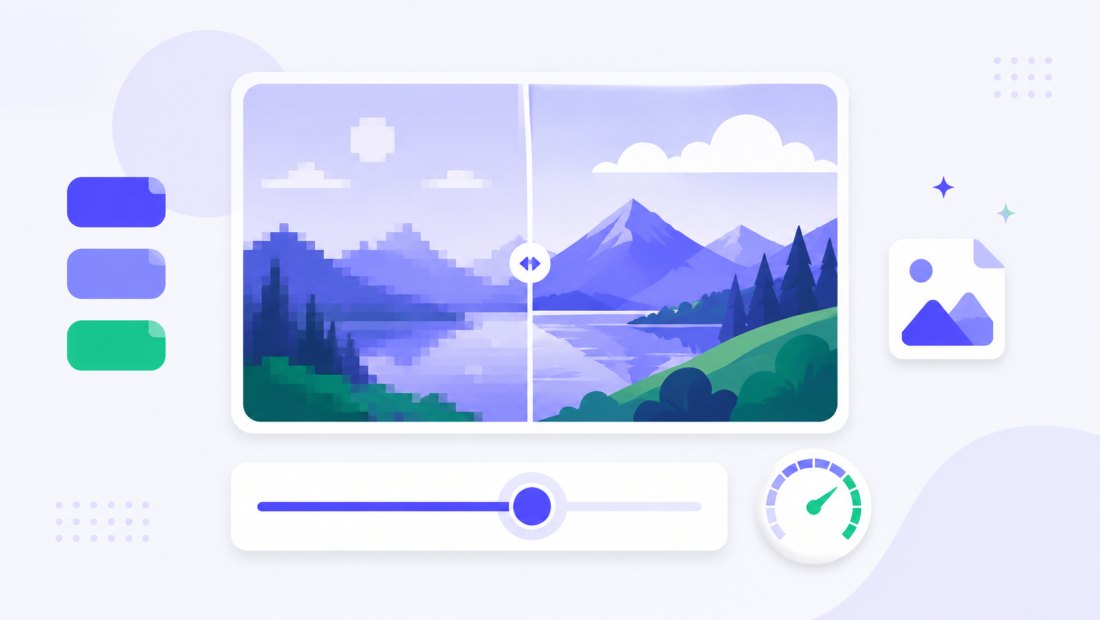
Built for ultra-fast pages
Smaller images mean faster loads, better Core Web Vitals and less bandwidth — especially on mobile. Serving AVIF (with a JPG or WebP fallback for older browsers) is one of the most effective ways to speed up an image-heavy site.

Convert a whole batch of JPGs at once
Have a folder of photos to modernize? Drop them all and each is re-encoded to AVIF independently, then downloaded together as a ZIP. Combine the conversion with resizing (cap everything at 1920 px) so your gallery is small in both dimensions and bytes.
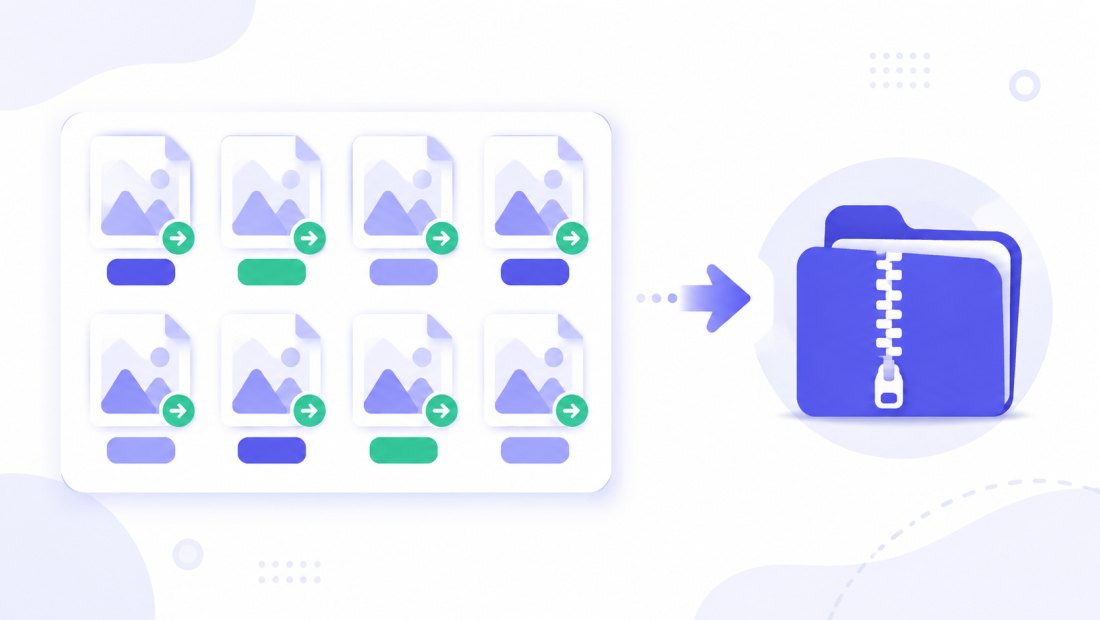
Keep AVIF for the web, fall back to JPG everywhere else
AVIF shines when you control the destination. On your own website you can serve AVIF to modern browsers and let older ones fall back to a JPG or WebP copy, so visitors get the smallest file their browser understands without ever seeing a broken image. For anything you hand off — an email attachment, a file someone opens in an older photo viewer, a print order — convert back with AVIF to JPG so it opens without surprises. Think of AVIF as the delivery format for the modern web and JPG as the universal format for sharing.
Private — nothing is uploaded
Conversion runs entirely in your browser via the Canvas API:
- No upload, no wait — even a large batch starts instantly.
- Private by design — your images never reach a server.
- EXIF removed by default — location and camera data are stripped on export.
- Works offline — once the page has loaded you can disconnect.
Related converters
- AVIF to JPG — go the other way when you need a universal file.
- JPG to WebP — smaller files with much broader browser support than AVIF.
- PNG to WebP — shrink graphics and screenshots while keeping transparency.
FAQ
Why convert JPG to AVIF?
AVIF is a next-generation format that produces the smallest files at a given quality — usually smaller than both JPG and WebP. Converting photos to AVIF speeds up modern websites and saves bandwidth without a visible drop in quality.
Is AVIF better than JPG and WebP?
For file size at equal quality, yes — AVIF typically beats both, and it also supports transparency. The trade-off is compatibility: AVIF only works in modern browsers, while JPG opens everywhere.
Why is the AVIF option sometimes missing?
AVIF is encoded inside your browser, and not every browser can do it. The tool uses feature detection and shows the AVIF option only when your browser supports it. If it's missing, update to a recent Chrome, Edge or Firefox, or choose WebP or JPG.
Can I convert many JPG files at once?
Yes — 5 at a time for free, 20 with a free account and 100 with Premium. Each JPG is re-encoded to AVIF and you download them all as one ZIP.
Are my images uploaded to a server?
No. The conversion uses your browser's Canvas API, so files never leave your device — you can even work offline after the page loads. EXIF data is stripped on export.
Does AVIF support transparency like PNG?
Yes — unlike JPG, AVIF can store an alpha channel, so transparency is preserved when present. Since you're starting from a JPG (which has none), this mainly matters if you later convert transparent PNGs; for those, PNG to WebP is also a great option.
How much smaller will my AVIF files be?
It depends on the photo and the quality you pick, but AVIF often lands well below the original JPG at the same visible quality — frequently smaller than an equivalent WebP too. Use the live size estimate while dragging the slider to see the saving for each image before you export.
Is it free?
Yes, converting JPG to AVIF is completely free with no watermark. Optional accounts only raise the batch size and unlock AI features.