Resize an image to 3840×2160 — 4K UHD detail
3840×2160 is 4K UHD: a 16:9 frame with four times the pixels of Full HD. That extra resolution is what fills a 4K monitor or TV edge-to-edge, keeps a wallpaper razor-sharp on a high-DPI retina display, gives a large-format print enough data to stay clean at poster size, and provides high-resolution source material for a 4K video edit. It is also the future-proof choice — a 4K master can always be scaled down later, but a 1080p one can never gain detail back. ImageResizerly resizes to it entirely in your browser — your images are never uploaded, even at this size.
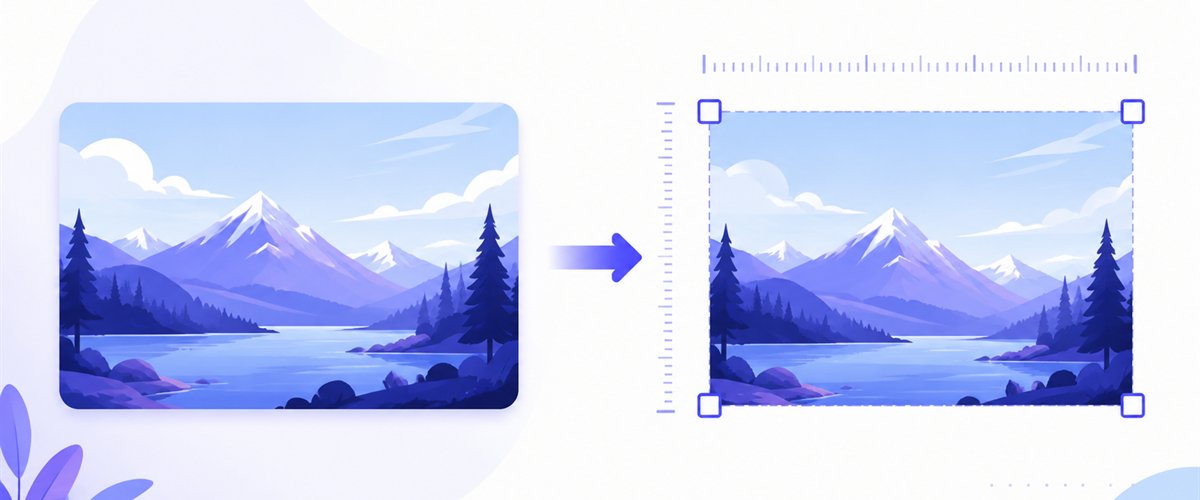
Drop one image or a whole folder, lock the size to 3840×2160, choose how it fits the frame, and download.
How to resize an image to 3840×2160
- Add your files — drag and drop, click to browse, or paste with
Ctrl+V. One image or a whole folder, including high-resolution iPhone HEIC photos. - Set width 3840 and height 2160 — type the exact pixels, or pick the 16:9 preset so the box is filled for you.
- Choose a mode — Fit to keep the whole image inside the frame, Crop to fill the full 3840×2160 with no bars, or Stretch if you accept distortion.
- Download — export a single image or the whole batch as a ZIP, with the quality you set.
Up to 5 images at a time need no account; a free account raises the batch to 20 and Premium to 100. See the pricing page.
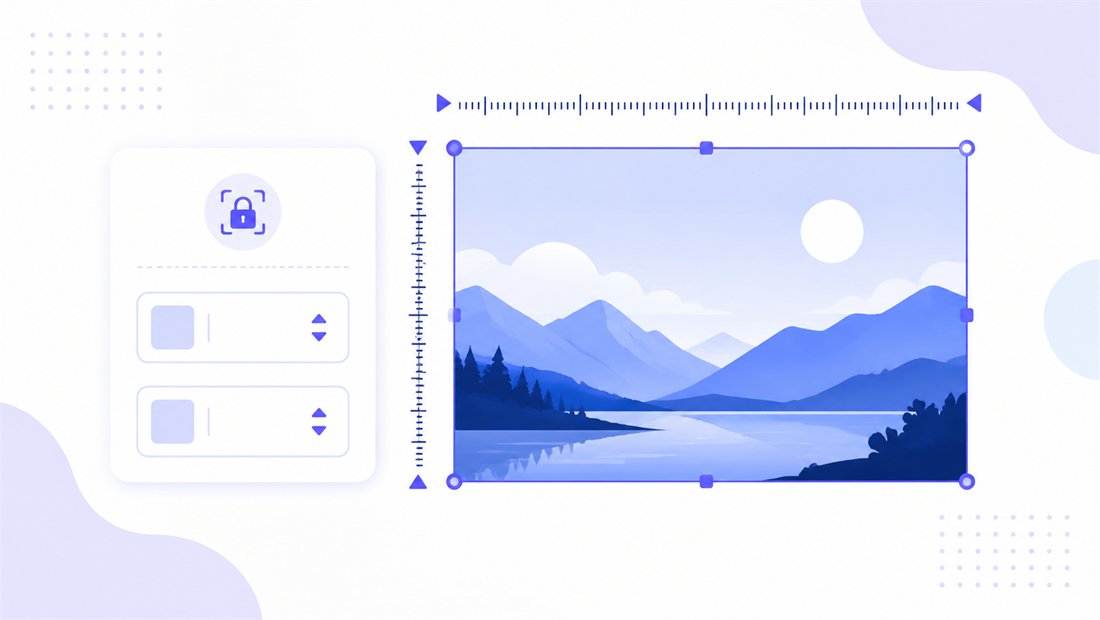
16:9 at 4K: why a big source matters
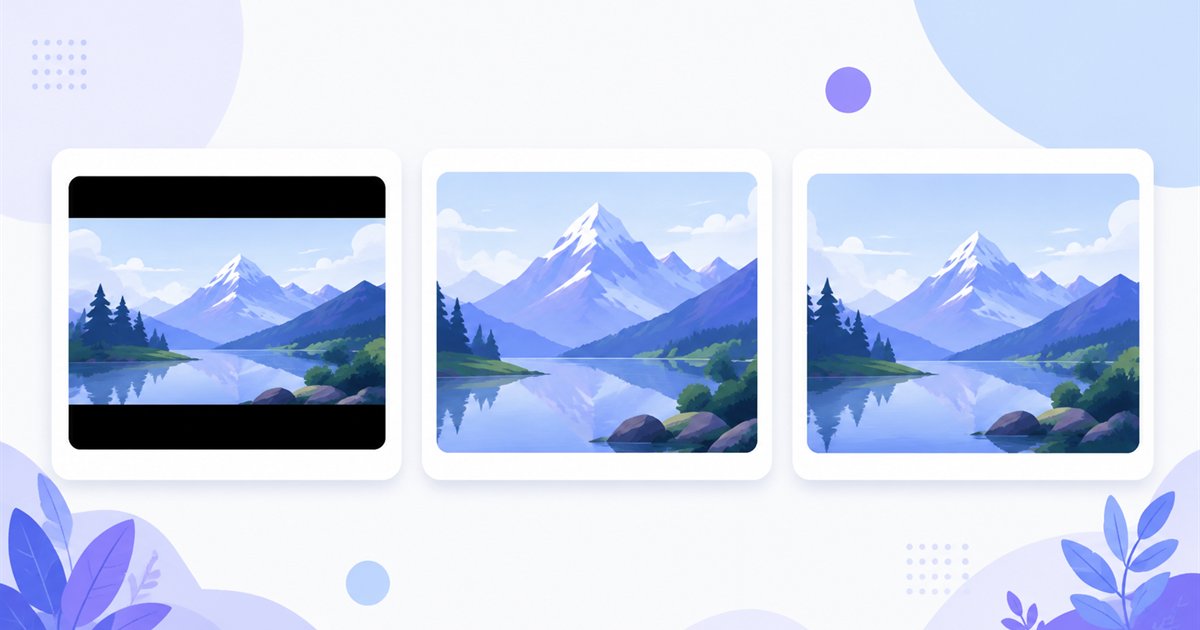
3840×2160 is 16:9, the same shape as 1080p but with four times the detail — so it only pays off when the source actually has that resolution to give. The mode decides how a non-16:9 source fills the frame, and "don't enlarge" protects you from faking detail that isn't there:
| Mode | What it does | Best for 3840×2160 |
|---|---|---|
| Fit | Scales the whole image inside the frame, adding bars if ratios differ | 4K edit source where every pixel of the original must survive |
| Crop | Fills the entire 3840×2160 and trims the overflow with a draggable area | 4K wallpapers and TV screens that must be edge-to-edge |
| Stretch | Forces the image to 3840×2160 exactly | Only when minor distortion is acceptable |
Because 4K is unforgiving, leave don't enlarge on for anything precious: blowing a 1920-wide photo up to 3840 wide just doubles the pixels without adding real sharpness. For a wallpaper, Crop covers the whole panel with the subject dragged to centre.
High-quality scaling that holds up on a 4K screen
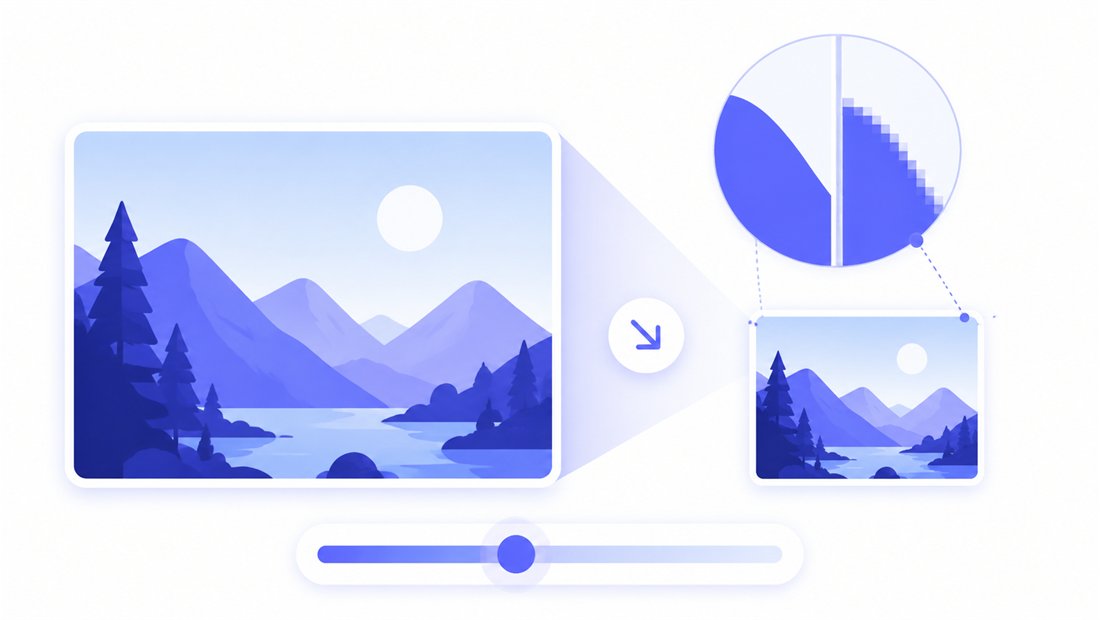
At 4K every flaw is visible, so resampling quality is critical. ImageResizerly uses Pica / Lanczos scaling so a downscaled high-res photo stays genuinely sharp with no stair-stepping or ringing. The quality slider with a live size estimate lets you keep a wallpaper near-lossless or trim a 4K JPG down to a sensible download size. Export as JPG, PNG, WebP or AVIF — AVIF or WebP keep a 4K wallpaper surprisingly light, while PNG preserves a print master losslessly. For large-format printing you can also work in mm/cm/inches with a DPI value instead of raw pixels.
Batch a 4K library to 3840×2160
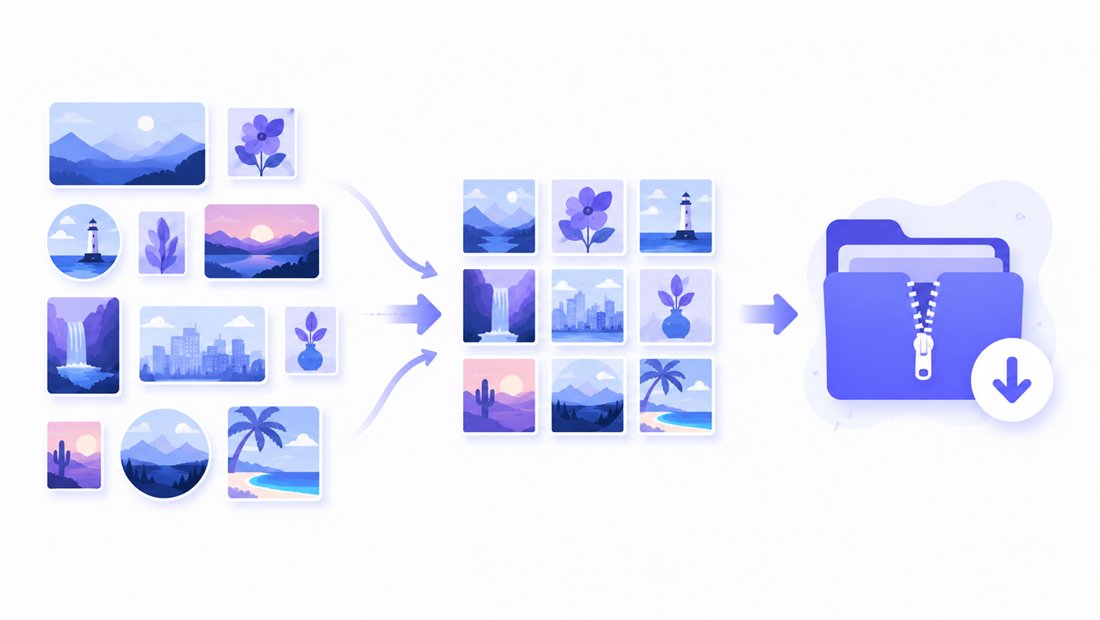
Building a wallpaper pack, prepping a set of 4K signage frames, or standardising footage stills for an edit? Drop them all and each is resized to the same 3840×2160 frame independently, then downloaded together as a ZIP — and it all still runs locally, so even large 4K files never upload. Name patterns (prefix, suffix or counter) keep the set ordered — wall-4k-01.jpg, -02, and so on. For mixed sizes or finer control open the bulk resizer, and use the crop tool when a single 4K frame needs recomposing.
Private — nothing is uploaded
Resizing runs entirely in your browser via the Canvas API — even multi-megapixel 4K files:
- No upload, no wait — large 4K images stay on your machine and start instantly.
- Private by design — your images never reach a server.
- EXIF removed by default — location and camera data are stripped on export.
- Works offline — once the page has loaded you can disconnect.
Related tools
- Resize to 2560×1440 — QHD, the 16:9 step just below 4K for lighter high-res screens.
- Resize to 1920×1080 — full 1080p when 4K is more detail than you need.
- Resize to 1280×720 — lightweight 720p for thumbnails and the web.
- Bulk resizer — normalise a whole 4K library in one pass.
FAQ
What is 3840×2160 used for?
It is 4K UHD, 16:9: wallpapers for 4K monitors and TVs, sharp images for high-DPI retina screens, large-format prints with room to spare, source material for 4K video editing, and a future-proof master you can always scale down.
Is 3840×2160 the same as "4K"?
For consumer screens, yes — 3840×2160 is the UHD form of 4K used by monitors, TVs and YouTube. The cinema 4K standard is slightly wider (4096×2160), but UHD is what almost every 4K display expects.
Will resizing to 3840×2160 lose quality?
Downscaling a high-resolution photo to 3840×2160 with Lanczos looks excellent. Upscaling a smaller image to 4K only adds pixels, not real detail, and looks soft on a 4K screen — keep "don't enlarge" on unless you truly need the dimensions.
Can I resize many images to 3840×2160 at once?
Yes — 5 at a time for free, 20 with a free account and 100 with Premium. Each image is resized to the same 4K frame and downloaded as one ZIP, all in your browser.
Are my large 4K images uploaded to a server?
No. Even multi-megapixel 4K files are processed with your browser's Canvas API, so they never leave your device — you can work offline once the page has loaded.
Is it free?
Yes, resizing to 3840×2160 is completely free with no watermark. Accounts only raise the batch size and unlock extra AI features.