Resize an image to 2560×1440 for QHD displays
2560×1440 — known as QHD, WQHD or 1440p — sits right between Full HD and 4K and has become the favourite resolution for 27-inch monitors and gaming rigs. At 16:9 it fills a high-resolution desktop edge to edge, giving you a sharper wallpaper than 1080p without the heavy file weight of a 4K image. Whether you are setting a pin-sharp desktop background, preparing a gaming overlay or matching a 1440p screen exactly, ImageResizerly scales your picture to 2560×1440 entirely in your browser — your files are never uploaded.
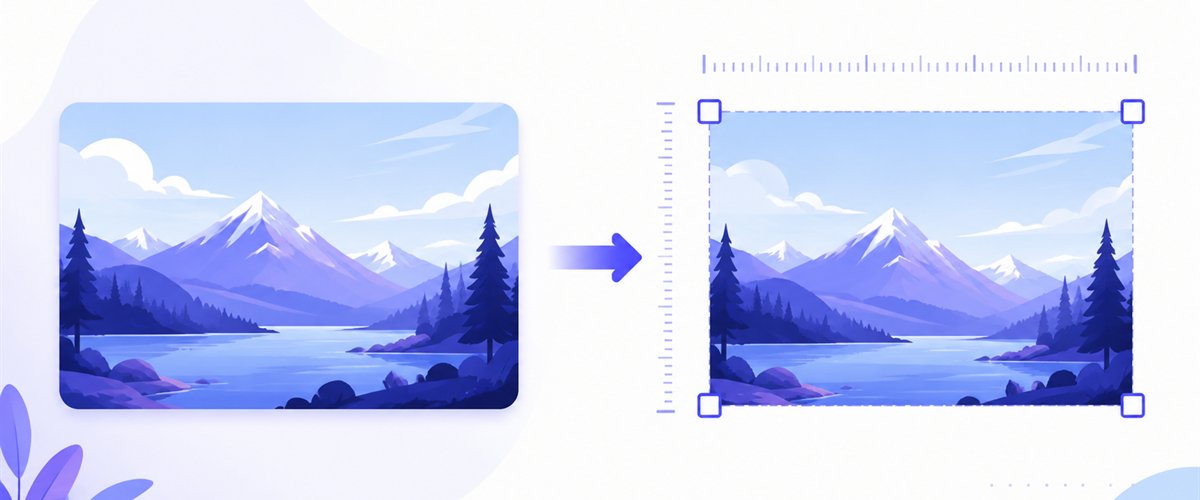
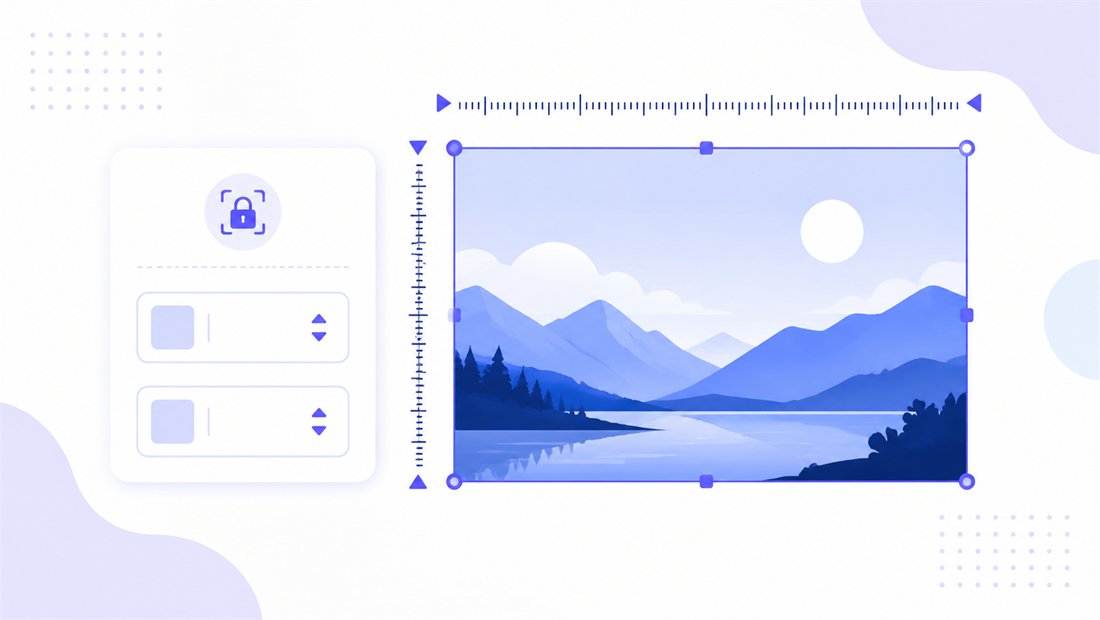
Drop one photo or a folder, lock the dimensions to 2560×1440, pick how it should fill the frame, and download.
How to resize an image to 2560×1440
- Add your images — drag and drop, click to browse, or paste with
Ctrl+V. Single photos or a whole folder at once; HEIC files straight from an iPhone work too. - Set width 2560 and height 1440 — type the exact pixel values, or pick the 1440p preset.
- Choose a mode — Fit to keep the whole image inside the frame, Crop to fill the 16:9 desktop completely, or Stretch if you really need an exact match. Enable don't enlarge if your source is smaller.
- Download — get one 2560×1440 image or the whole batch as a ZIP.
No account is needed for up to 5 images at a time; a free account raises the batch to 20 and Premium to 100. See the pricing page.
16:9 proportions and how the fill modes work
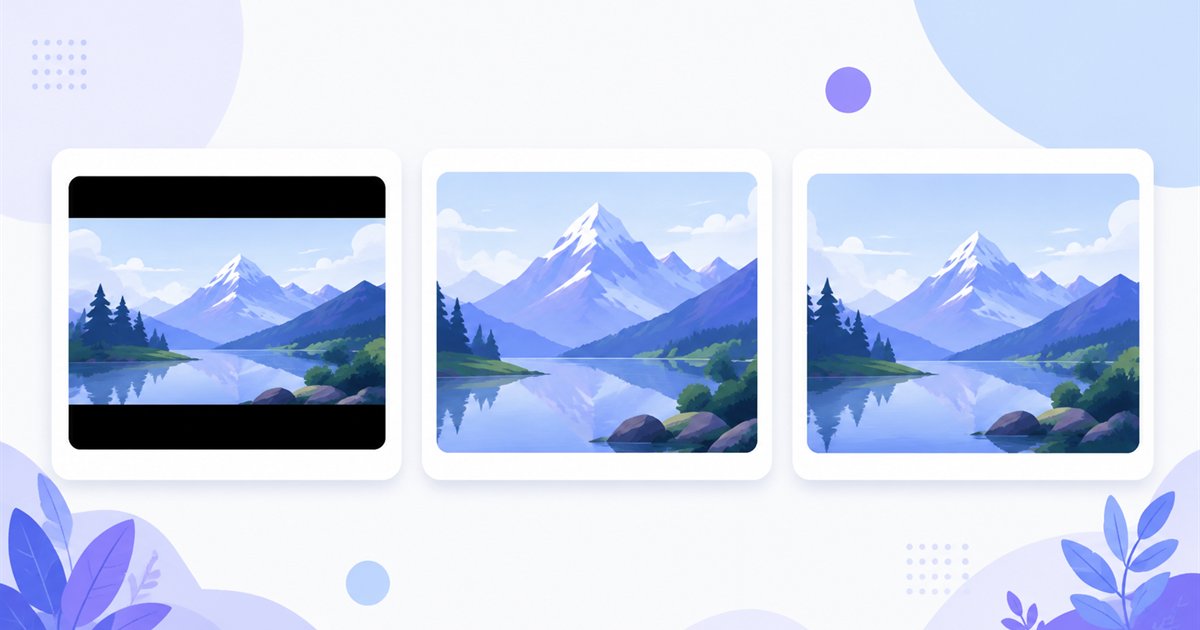
2560×1440 is a true 16:9 ratio, the same shape as 1080p and 4K — so a wallpaper cropped for one fits the others without distortion. The mode you pick decides how a photo that isn't already 16:9 meets that frame:
| Mode | What it does | Best for |
|---|---|---|
| Fit | Scales the whole image inside 2560×1440, adding letterbox bars | Keeping every detail, art with edges that matter |
| Crop | Fills the entire desktop, trimming the overflow (drag the crop box on each thumbnail) | Wallpapers and gaming backgrounds that must cover the screen |
| Stretch | Forces the image to 2560×1440 exactly, may distort | Matching a screen when slight distortion is acceptable |
For a clean QHD wallpaper, Crop is almost always right — it covers all 3.7 million pixels with no bars. Turn on don't enlarge so a smaller source is never blown up into a soft, blocky result.
High-quality scaling for a razor-sharp 1440p desktop
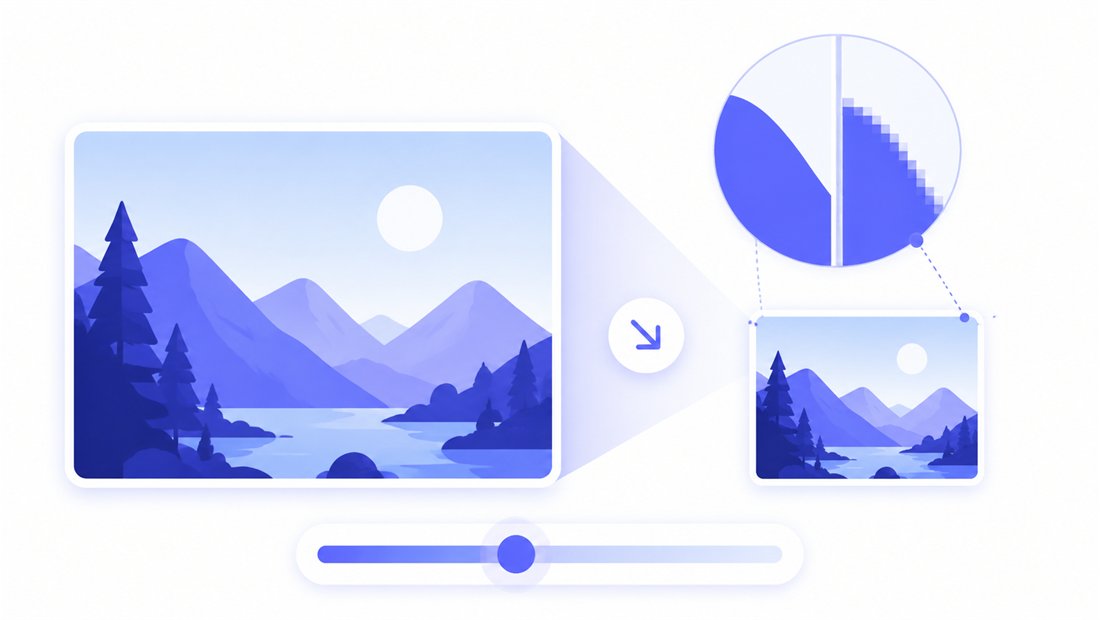
A wallpaper is only as good as the scaling behind it. ImageResizerly uses Lanczos resampling (via Pica) instead of the browser's default, so downscaling a 4K or phone photo to 2560×1440 stays clean — no jagged staircase edges, no mushy detail on text or skylines. The quality slider shows a live size estimate as you move it, and you can export as JPG, PNG, WebP or AVIF (AVIF and WebP give the smallest files for the same sharpness, ideal if you sync wallpapers across devices). For photographic wallpapers, JPG at 90% is a sweet spot; for screenshots or UI mock-ups at 1440p, PNG keeps text crisp.
Resize a whole batch to 2560×1440 at once
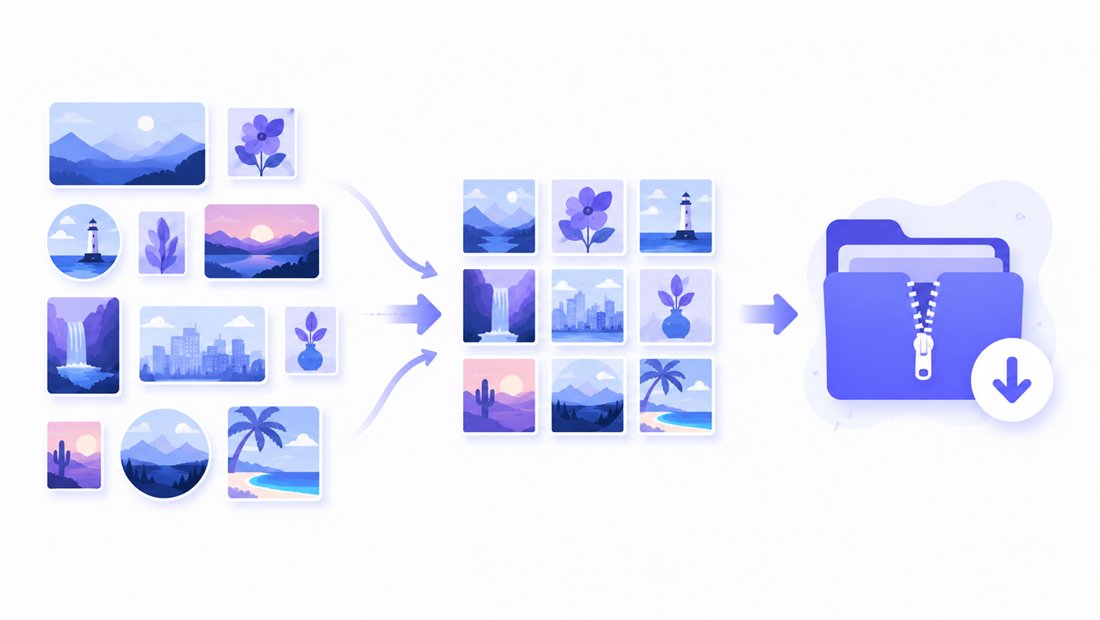
Building a rotating wallpaper collection or normalising a set of gaming screenshots? Drop the whole folder and every image is scaled to 2560×1440 independently, then handed back as a single ZIP. Use the naming patterns (prefix, suffix or a counter) so files come out as wallpaper-qhd-01, wallpaper-qhd-02 and so on. Need to feed several monitors at once? Pair this with the bulk resizer to also output 4K and Full HD versions, or crop a tall photo to 16:9 first.
Private — nothing is uploaded
Resizing runs entirely in your browser via the Canvas API:
- No upload, no wait — even a folder of large 4K photos starts instantly.
- Private by design — your images never reach a server.
- EXIF removed by default — location and camera data are stripped on export.
- Works offline — once the page has loaded you can disconnect.
Related tools
- Resize to 1920×1080 — the Full HD version of the same 16:9 wallpaper.
- Resize to 3840×2160 — step up to 4K for the sharpest large displays.
- Bulk resizer — output several monitor sizes from one folder.
- Crop — trim a photo to 16:9 before scaling to 1440p.
FAQ
What is 2560×1440 used for?
2560×1440 is QHD (1440p), the native resolution of most 27-inch monitors and a popular choice for gaming displays. It is the standard size for a sharp desktop wallpaper that sits between Full HD and 4K in detail and file weight.
Will resizing to 2560×1440 lose quality?
Downscaling a larger photo to 1440p with Lanczos resampling looks crisp with no visible loss. Avoid enlarging a small image to 2560×1440 — turn on "don't enlarge" so a low-resolution source isn't stretched into a soft result.
Fit, Crop or Stretch for a wallpaper?
Use Crop for a wallpaper so the image covers the whole 16:9 desktop with no bars; drag the crop box to choose what stays. Fit keeps the entire picture visible with letterbox bars, and Stretch forces the exact size but can distort.
Can I resize many images to 2560×1440 at once?
Yes — 5 at a time for free, 20 with a free account and 100 with Premium. Each image is scaled to 2560×1440 and you download them all as one ZIP, with optional name patterns.
Are my images uploaded to a server?
No. Everything runs in your browser via the Canvas API, so files never leave your device — you can even work offline after the page loads.
Is it free?
Yes, resizing to 2560×1440 is completely free with no watermark. Optional accounts only raise the batch size and unlock AI features.