Resize an image to 1080×1920 — vertical Full HD that fills a phone
1080×1920 is portrait Full HD: 1080 pixels wide, 1920 tall, in a 9:16 aspect ratio. It is the native shape of a modern phone screen, which makes it the right size for a wallpaper or lock-screen image that fills the display edge to edge, and for full-screen vertical content — 9:16 video, vertical digital signage and tall mobile backgrounds. Rotate the popular 1920×1080 desktop size on its side and you get exactly this. ImageResizerly produces that tall frame entirely in your browser — your photos are never uploaded.
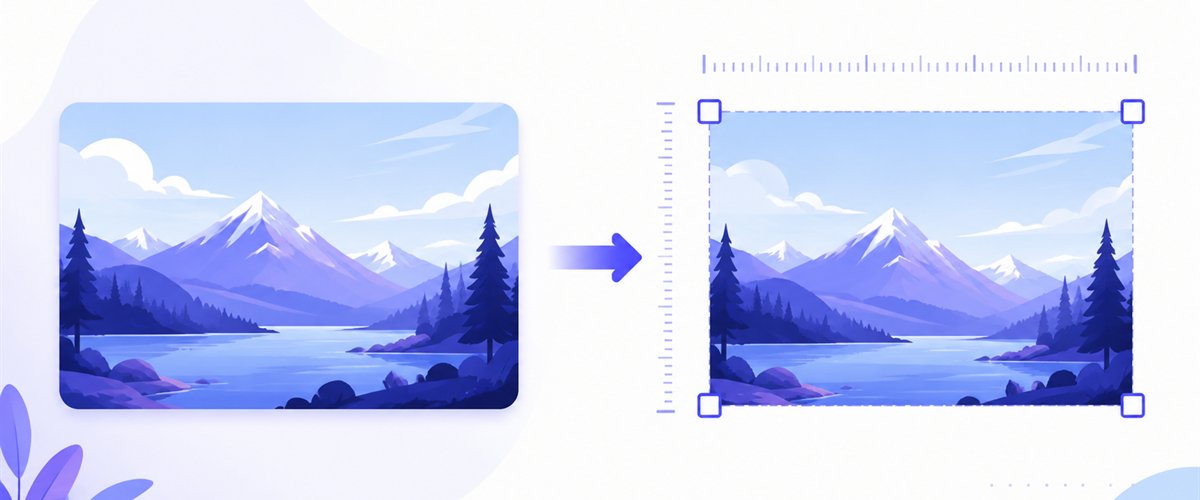
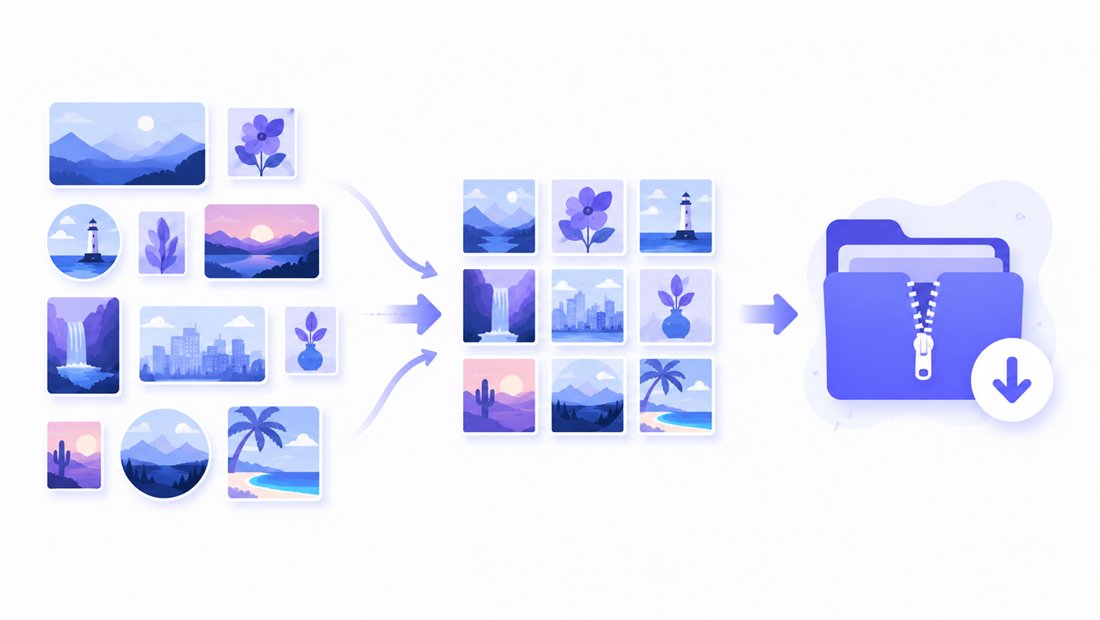
Drop one photo or a whole folder, decide how it fills the tall frame, and download a single image or the whole set as a ZIP.
How to resize an image to 1080×1920
- Add your images — drag and drop, click to browse, or paste with
Ctrl+V. One picture or a whole folder; HEIC photos from an iPhone are read too. - Set width and height to 1080 × 1920 — type the numbers once and every image targets the same vertical frame.
- Choose a mode — Fit keeps the whole picture inside the tall frame, Crop fills it top to bottom (drag the crop area on each thumbnail), Stretch forces the exact box.
- Download — save one image or the whole batch as a ZIP.
No account is needed for up to 5 images at a time; a free account raises the batch to 20 and Premium to 100. See the pricing page.
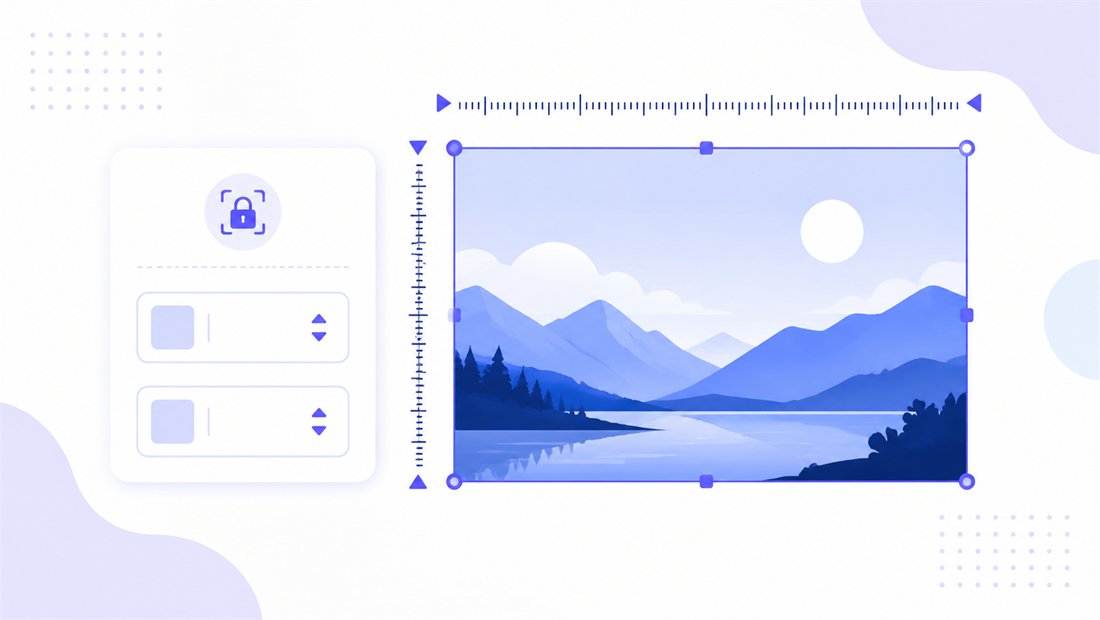
9:16 portrait: the modes that make a tall image fit
1080×1920 is a 9:16 frame — much taller than it is wide. Most cameras shoot landscape or 4:3, so fitting that content into a tall portrait is the real task, and the mode decides the result:
| Use case | Resolution | Mode that usually fits |
|---|---|---|
| Phone wallpaper / lock screen | 1080×1920 | Crop — fill the whole screen, no bars |
| Vertical 9:16 video frame | 1080×1920 | Crop or Stretch from a 9:16 source |
| Full-screen mobile background | 1080×1920 | Crop with the subject re-centred |
| Vertical digital signage | 1080×1920 | Fit to show artwork whole, Crop for photos |
For a wallpaper you almost always want Crop: it fills the entire 9:16 screen top to bottom with no letterbox bars, and the draggable crop box lets you slide the important part (a face, a horizon, a logo) into view. Choose Fit when nothing can be clipped — a poster or artwork that must be seen whole, accepting padding. Keep "don't enlarge" on so a small source is never blown up to fill the tall frame and softened. For 9:16 social posts and Stories, the Instagram tool adds ready-made vertical presets.
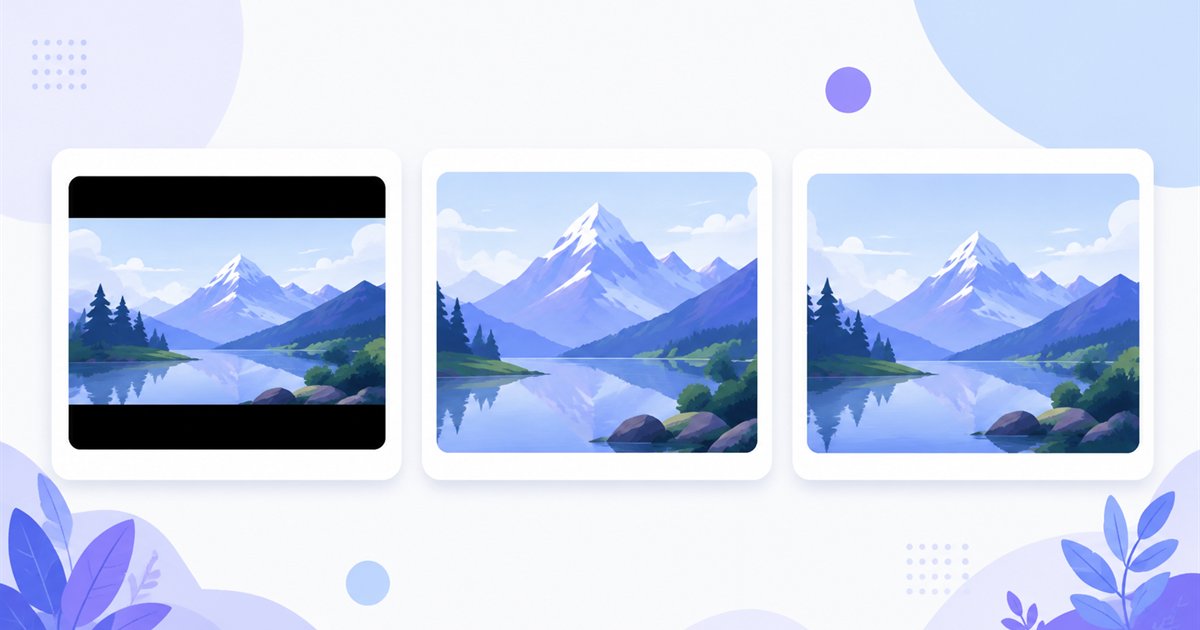
Sharp on a Full HD phone screen
A wallpaper is viewed up close on a bright OLED panel, so scaling quality is obvious. ImageResizerly uses high-quality Lanczos/Pica resampling, so the result is clean and free of stair-stepping even when you crop in tight. The quality slider with a live size estimate keeps the file lean enough to set instantly, and you can export as JPG, PNG, WebP or AVIF — JPG or WebP for photographic wallpapers, PNG when you need crisp edges for a graphic or text overlay on a lock screen.
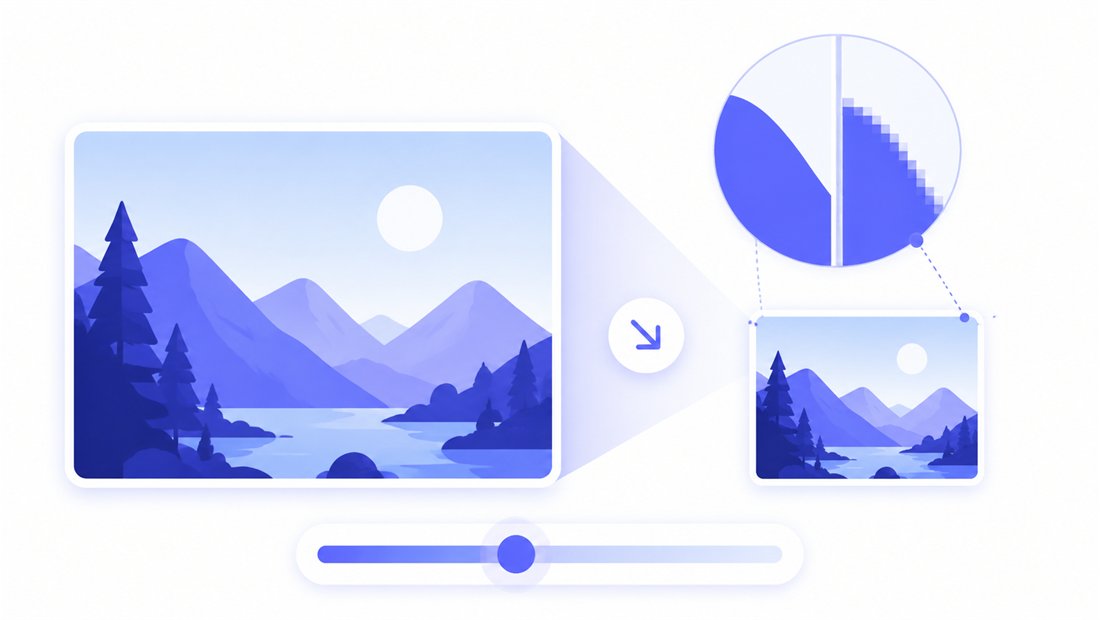
Batch a whole wallpaper pack to 1080×1920
Making a wallpaper pack, a set of lock-screen variants, or a reel of vertical frames for signage? Drop every photo and each is cropped and scaled to the same 1080×1920 frame independently, then downloaded together as a ZIP. A name pattern (prefix, suffix or a counter like wallpaper-001) keeps the pack organised. Mixing portrait and other targets? The bulk resizer lets you run different sizes in one session.
Private — nothing is uploaded
Resizing runs entirely in your browser via the Canvas API:
- No upload, no wait — even a large batch starts instantly.
- Private by design — your images never reach a server.
- EXIF removed by default — location and camera data are stripped on export.
- Works offline — once the page has loaded you can disconnect.
Related tools
- Instagram resizer — ready-made vertical presets for Stories, Reels and 9:16 posts.
- Crop image — set the exact tall framing before exporting at 1080×1920.
- Bulk resizer — push a whole wallpaper pack to one size at once.
- Resize to 1920×1080 — the same Full HD frame turned landscape for desktops.
FAQ
What is a 1080×1920 image used for?
1080×1920 is vertical Full HD (9:16). It is ideal for phone wallpapers and lock screens, full-screen mobile backgrounds, vertical 9:16 video frames and portrait digital signage — anything meant to fill a tall screen.
Will my wallpaper look right on every phone?
1080×1920 is the classic Full HD phone shape and fills most 9:16 displays edge to edge. Phones with taller screens may crop the top and bottom slightly; use Crop and centre the subject so the important part always stays visible.
Fit or Crop for a phone wallpaper?
Crop. It fills the whole 9:16 screen with no black bars, and the draggable crop box lets you position the key part of the photo. Use Fit only when the image must be shown whole, accepting padding around it.
Can I resize many images to 1080×1920 at once?
Yes — 5 at a time for free, 20 with a free account and 100 with Premium. Each image is fitted to the tall frame independently and you download them all as one ZIP.
Are my images uploaded to a server?
No. Resizing uses your browser's Canvas API, so files never leave your device — you can even work offline after the page loads.
Is it free?
Yes, resizing to 1080×1920 is completely free with no watermark. Optional accounts only raise the batch size and unlock AI features.