Compress any image to 50 KB or less
Need a photo under 50 KB for a form that keeps rejecting it? Drop it here and ImageResizerly finds the highest quality that still fits 50 KB automatically — no guessing at slider values. Everything runs in your browser, so even sensitive ID and document photos never leave your device.
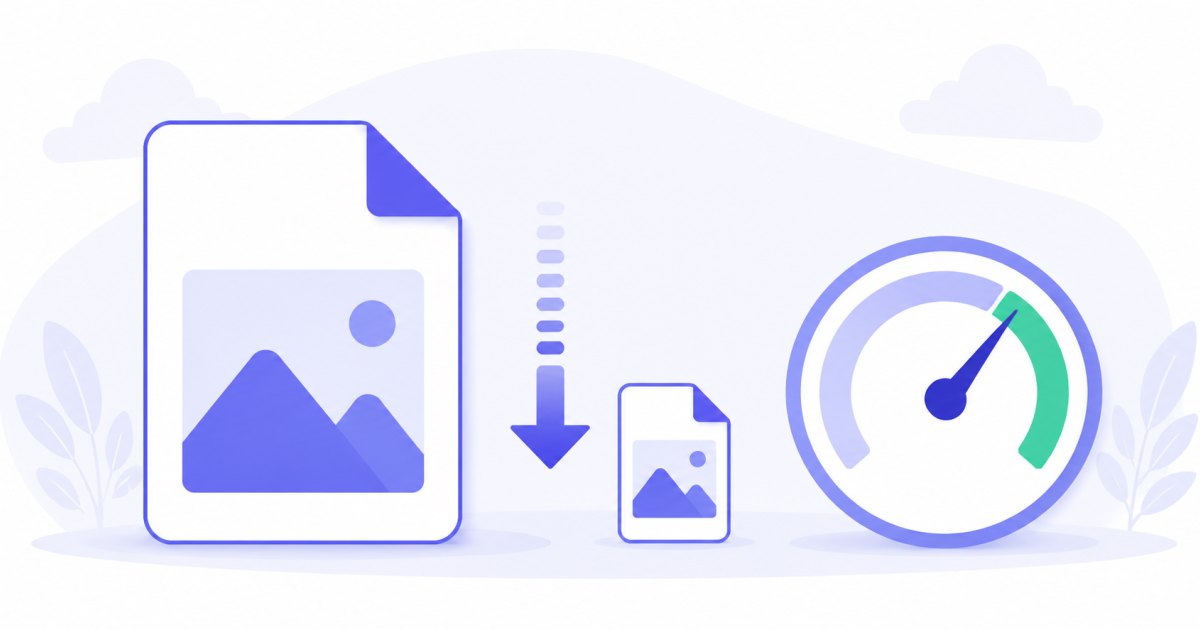
Instead of exporting, checking the size, and trying again, you set the target once and every photo lands at or below it — with a per-photo report so you can see the result before downloading.
How to compress an image to 50 KB
- Add your photos — drag and drop, browse, or paste with
Ctrl+V. JPG, PNG, WebP and iPhone HEIC are supported. - The target is set to 50 KB — that's this tool's preset; you can change it any time.
- Pick a format — JPG for the smallest, most compatible files; WebP if the destination accepts it.
- Compress and download — each photo is tuned to fit, then download a single file or the whole batch as a ZIP.
No account is needed for up to 5 photos at a time; a free account raises the batch to 20. See the pricing page.
How target-size compression works
Picking a quality percentage is guesswork — the same setting produces wildly different file sizes on different photos. This tool works backwards from the file size you actually need:
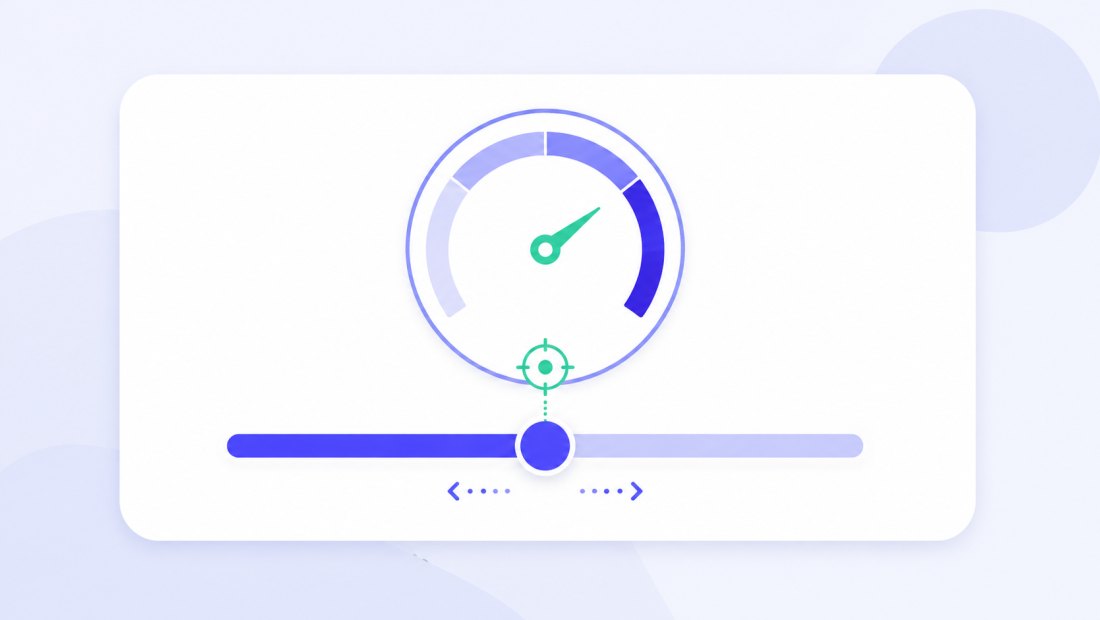
- It runs a fast binary search on JPEG/WebP quality (a handful of attempts) to find the highest quality that still fits 50 KB.
- If even the lowest quality can't reach 50 KB at the original dimensions — common with big photos — it gently reduces the dimensions and tries again.
That order matters: it preserves far more visual quality than crushing quality alone.
Same photo, a fraction of the size
Because the tool keeps as much quality as the limit allows, a compressed photo looks virtually identical at normal viewing size — it just weighs a tiny fraction of the original.

Perfect for forms with a strict size limit
Many government, university and job application portals reject photos above 50 KB. This is exactly the case target-size compression was built for:
- ID and passport photos for online applications.
- Document scans uploaded to a portal with a tight cap.
- Exam and recruitment forms that refuse anything larger.
Because compression happens locally in your browser, these sensitive images are never uploaded — which is safer than the typical online compressor that sends your file to a server.
Compress a whole batch to 50 KB
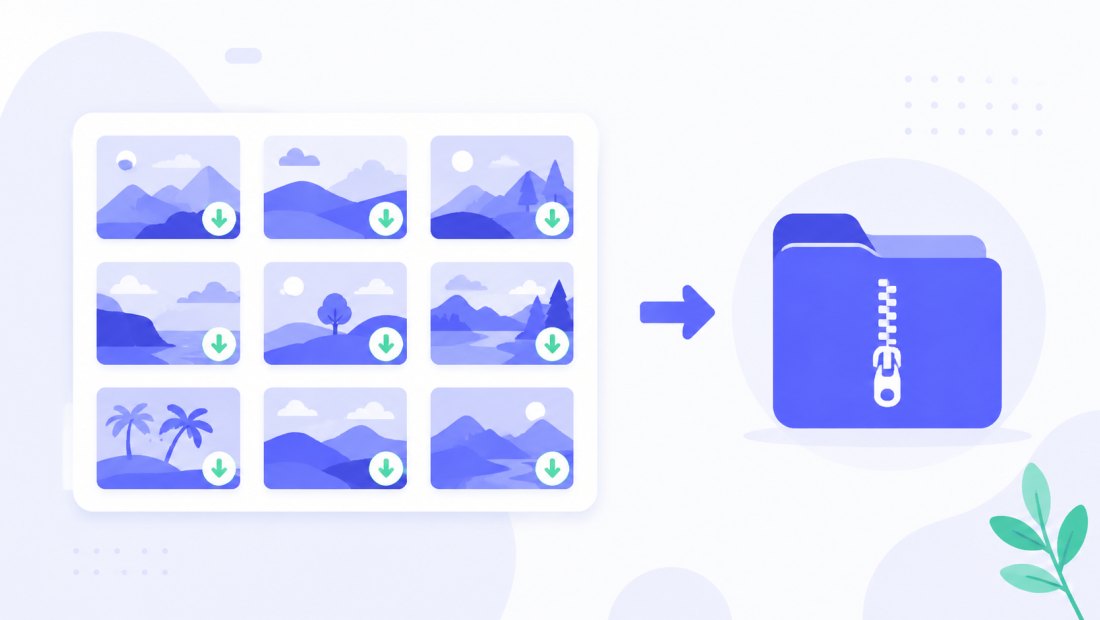
Got a folder of photos to fit the same limit? Drop them all, and each one is tuned independently to land at or below 50 KB, then downloaded together as a ZIP. You can combine compression with resizing or a watermark in the same pass.
JPG or WebP for 50 KB
- JPG — universally accepted; the safe choice for forms and portals. For a hard 50 KB cap, JPG is the most reliable.
- WebP — fits noticeably more quality into 50 KB, great for your own website. Convert with JPG to WebP if the destination supports it.
Private — nothing is uploaded
Compression runs entirely in your browser via the Canvas API:
- No upload, no wait — even a batch starts instantly.
- Private by design — ID and document photos stay on your device.
- EXIF removed by default — location and camera data are stripped on export.
- Works offline — once the page has loaded you can disconnect.
Need a different target?
Pick the limit that matches your destination — the tool works the same way at any size:
- Compress to 100 KB — the most common web and CMS limit.
- Compress to 200 KB — comfortable quality for websites and marketplaces.
FAQ
Will my photo really be under 50 KB?
Yes. The tool verifies the final file size and keeps adjusting quality — and, if needed, dimensions — until the result fits. The per-photo report shows the exact size before you download.
Why does the image get smaller dimensions sometimes?
If even minimum quality can't reach 50 KB at the original dimensions — common with large photos — the tool gently scales the image down and tries again. This preserves much better visual quality than extreme compression alone.
Is it safe for ID and document photos?
Yes — compression happens locally in your browser. Nothing is uploaded to any server, which makes this safer than typical online compressors.
What's the best format for a 50 KB target?
JPG, for compatibility and reliability at small sizes. WebP fits more quality into 50 KB but is only worth it if the destination accepts WebP.
Can I compress many photos to 50 KB at once?
Yes — up to 5 at once for free, 20 with a free account. Each photo is tuned independently to land under the target, then downloaded as a ZIP.
Does compressing remove my photo's metadata?
Yes, EXIF metadata (location, camera details) is removed by default — a privacy bonus, and it helps shave a few more kilobytes.